Calculation Wizard
P/N 7010-0628
3-101
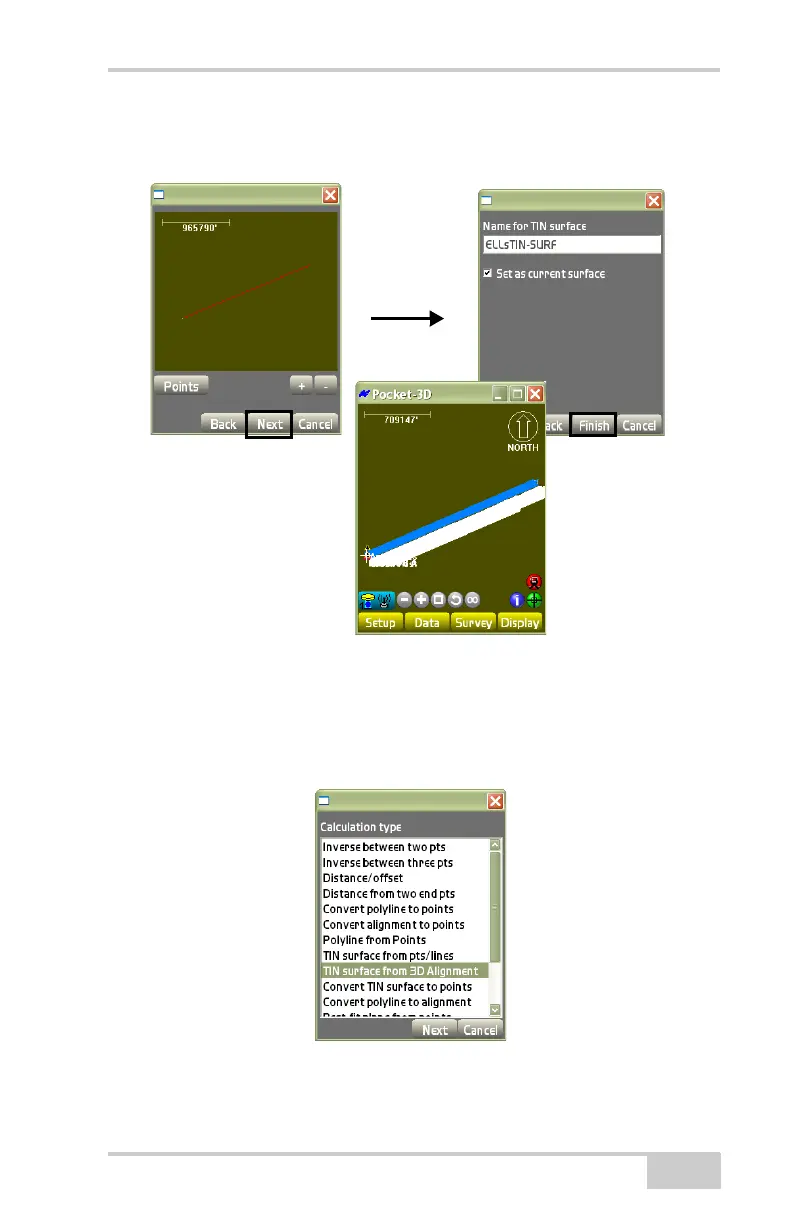
• Set as current surface – enable to set the surface as the current
surface.
Figure 3-152. View Screen for TIN Surface
TIN Surface From 3D Alignment
On the Calculation type dialog box (Figure 3-153), select TIN Sur-
face From 3D Alignment, then press Next.
Figure 3-153. TIN Surface From 3D Alignment



 To Next Page