Data Menu
Pocket-3D Reference Guide
3-102
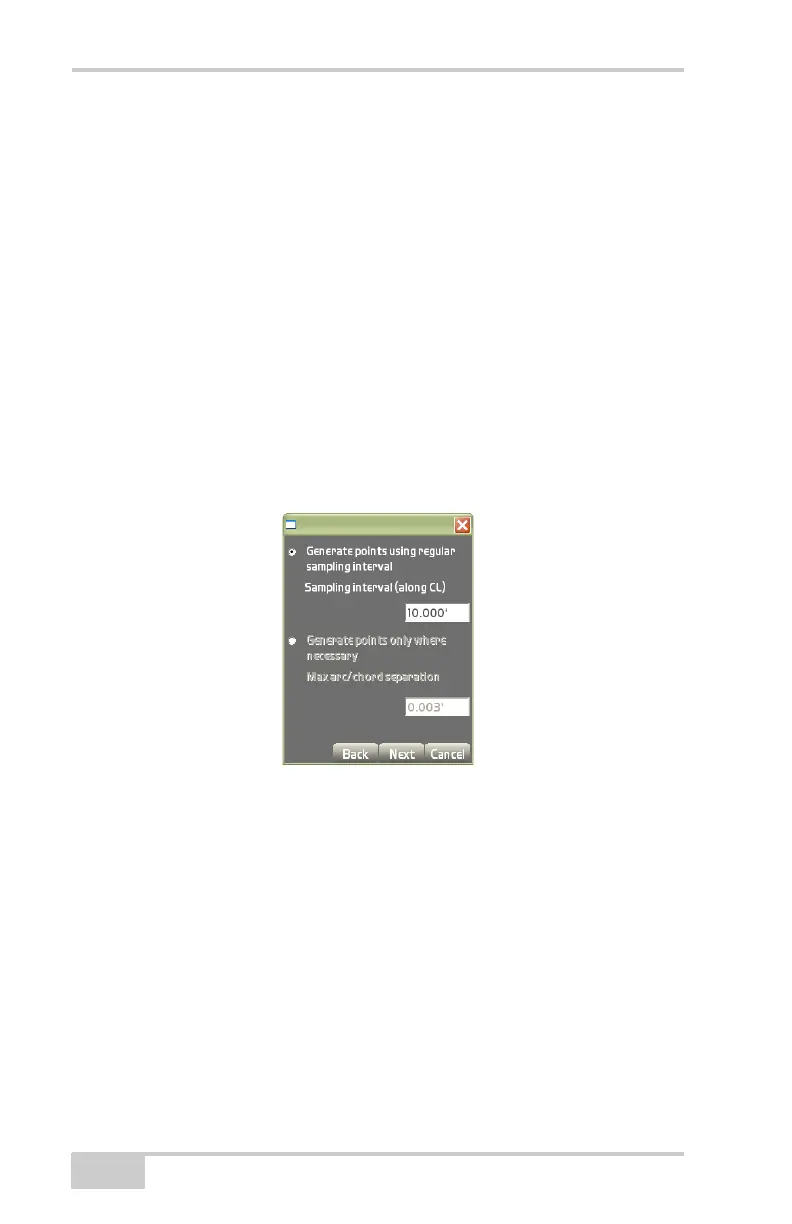
On the 3D alignment points generation dialog box (Figure 3-154),
select from one of the following and press Next:
• Generate points using regular sampling interval – enable this
option to create points along the Centerline at a distance of every
x number of feet, where “x” is the interval.
– Sampling interval (along CL): enter a value for the interval at
which to create the points along the centerline.
• Generate points using only where necessary – enable this option
to create points on locations where the centerline changes it
directions.
– Max arch/chord separation: for curves/arcs, you can choose a
max/chords separation. This is the maximum distance of the
curve from the line (connection of two neighboring points).
Figure 3-154. Create Points Dialog Box
The view screen displays (Figure 3-155 on page 3-103) the TIN sur-
face created from the 3D alignment. Press the +/- buttons to zoom in
or out on the image or press down on the screen to drag the image
around. Press Next to continue.



 To Next Page