Survey Menu
Pocket-3D Reference Guide
4-42
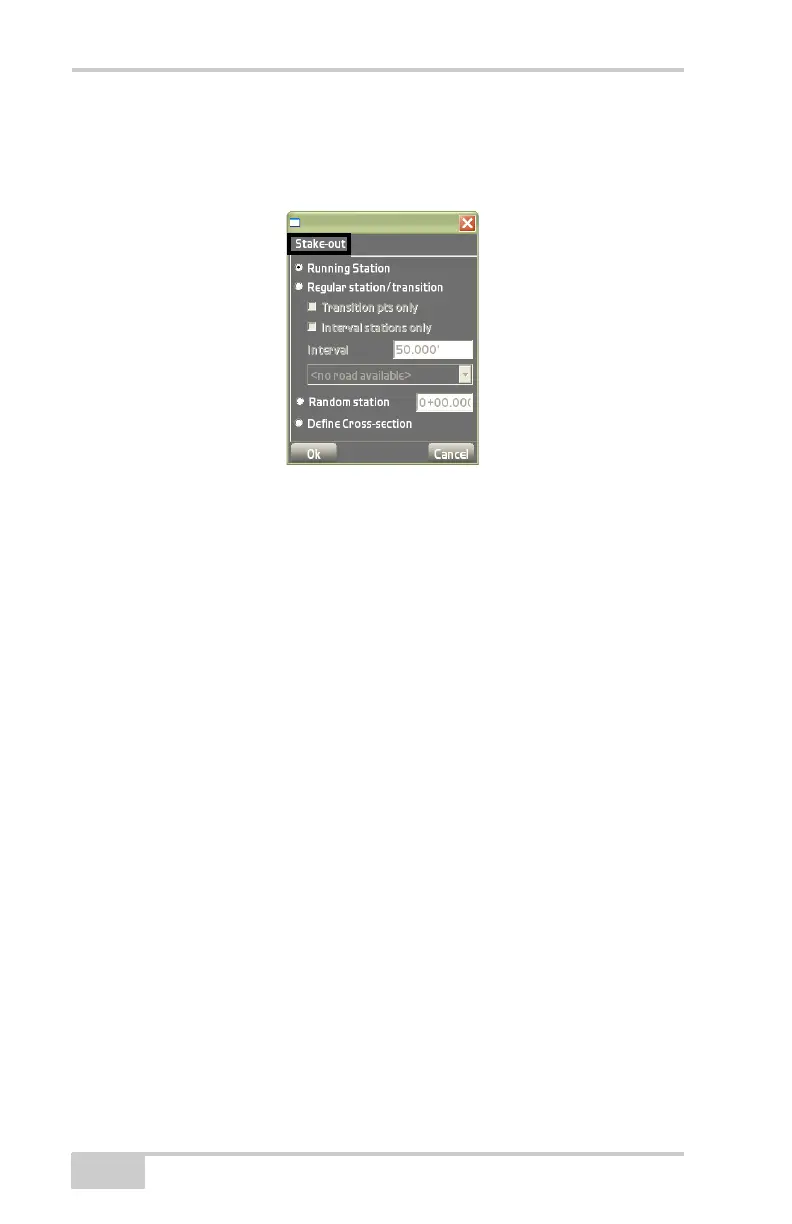
• Define Cross-section – enable to define cross section slope
measurements (
Figure 4-66 on page 4-43). The Crosssection and
Image tabs activate (Figure 4-66 on page 4-43).
Figure 4-65. Stake-out Dialog Box
On the Crosssection tab, enter the following parameters for the
cross-section slope (Figure 4-66 on page 4-43).
• Centerline (CL) point – the coordinates of the point at the start
of the centerline of the cross-section.
– North: enter the northing parameter.
– East: enter the easting parameter.
• 1.Dir. of Xsection – enter the direction of the cross section.
• 2.Slope value – enter the percentage of the cross section slope.
• 3.Toe of slope – the point at the beginning of the cross section
slope.
• Elev: enter elevation at the toe of the slope.
• Dist. from CL: enter the horizontal distance of the Toe of slope
point from the Centerline point specified above.
• Measure – press to measure the point.



 To Next Page