Survey Menu
Pocket-3D Reference Guide
4-40
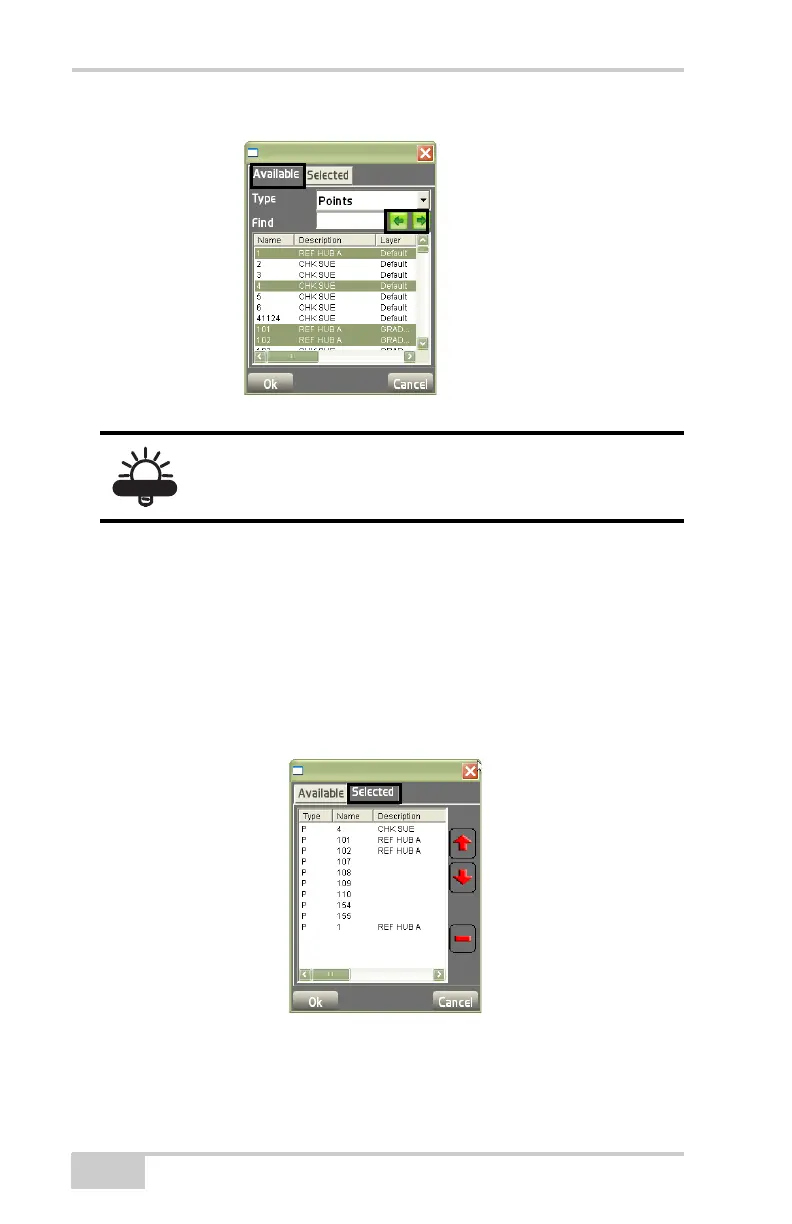
Figure 4-62. Custom Point List – Available
On the Selected tab, view the custom points/control points list
created using points selected on the Available tab (
Figure 4-63).
• Up arrow button – tap to move the highlighted point up the list.
• Down arrow button – tap to move the highlighted point down the
list.
• Delete (minus) button – tap to remove the highlighted point from
the custom point list.
Figure 4-63. Custom Point List – Selected
When done, press Ok to begin staking out the custom point list.
The ALT key on the FC-200 can be used to make
multiple selections.



 To Next Page