Measure Points
P/N 7010-0628
4-7
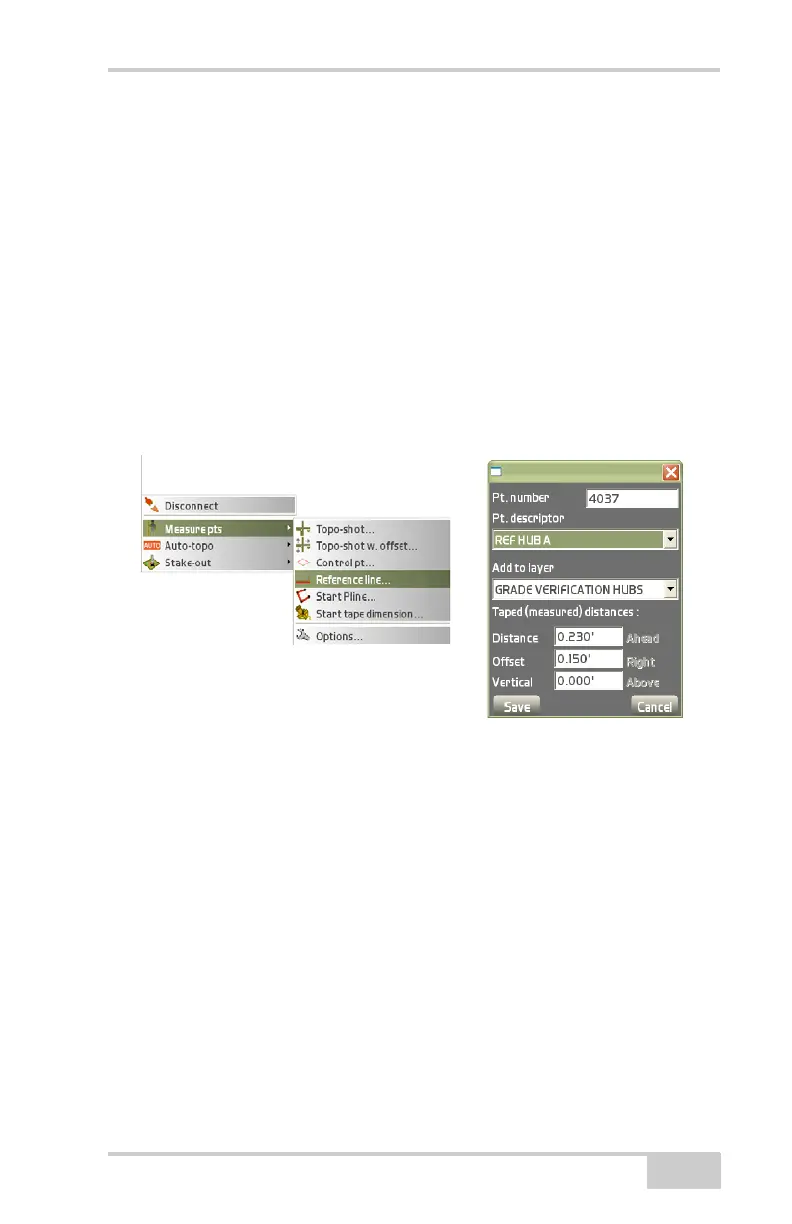
• Add to layer – stores measured points to the selected layer.
• New layer – opens the New layer dialog box in which to create a
new layer to save the points to.
• Taped (measured) distances – measure a taped distance using the
following parameters:
– Distance: enter the distance by which to log points on the
pop-up keyboard.
– Offset: enter an offset value from the reference line on the
pop-up keyboard.
– Vertical: enter a vertical distance from the reference line on
the pop-up keyboard.
Figure 4-11. Measure Reference Line



 To Next Page