Points
P/N 7010-0628
3-83
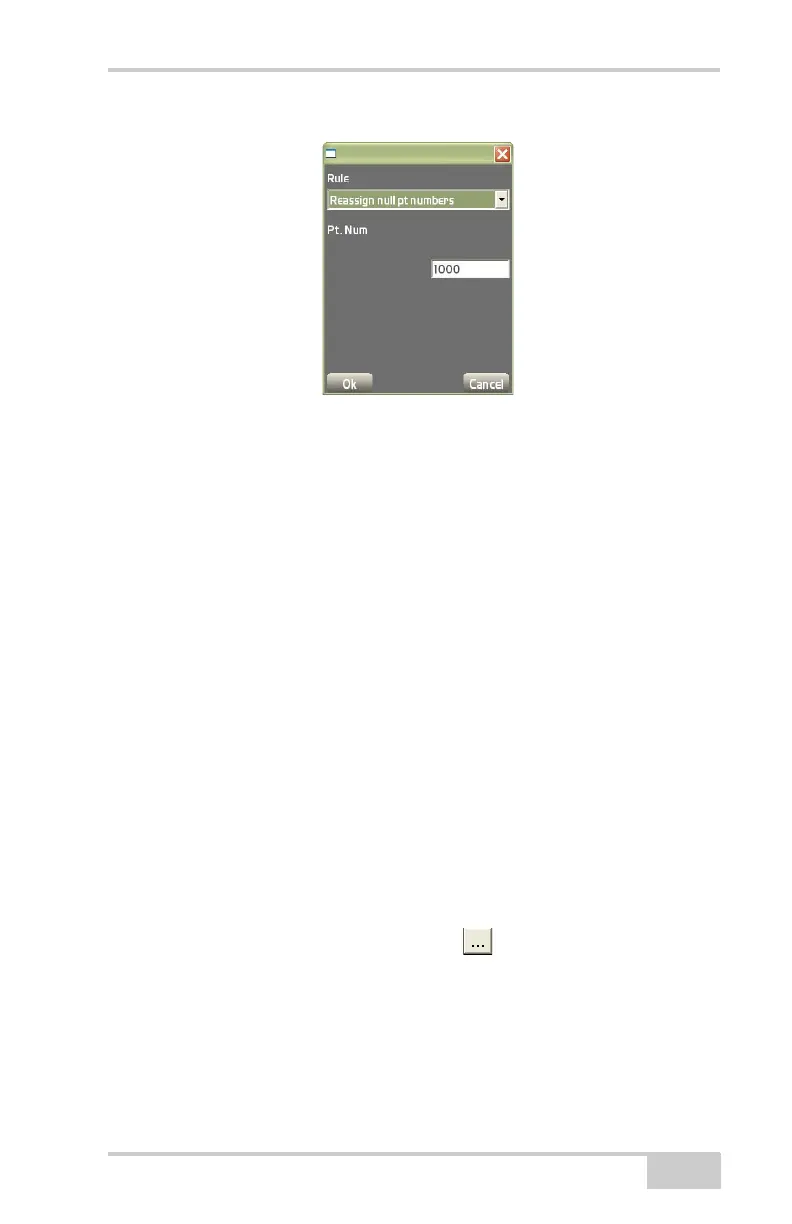
Figure 3-123. Add Export Rule
• Edit – on the Export rules tab, press Edit to edit the selected
export rule. See the “Add” bullet and
Figure 3-122 on page 3-82
for details.
• Delete – on the Export rules tab, press Delete to remove the
selected export rule.
To PT3 file To export Topcon Points (PT3) to a point file, tap
Data
PointsImport/ExportTo PT3 file. The export to text file
dialog box displays (
Figure 3-124 on page 3-84). Unless otherwise
selected, the default folder for exported point files will be the “My
Documents” folder on the controller.
• All points – enable to export all of the points within the Points
file.
• Selected points only – with the desired points selected, enable to
export only those points to a text file.
• By layer – enable to export all of the points within a selected
layer.
• Target text file – press the browse ( ) button to name the file
and select the location of the exported file. Then enter the name
of the text file using the keyboard at the bottom of the screen.
• Append to target file – enable to add points onto an existing file.



 To Next Page