Installing Pocket-3D
Pocket-3D Reference Guide
1-4
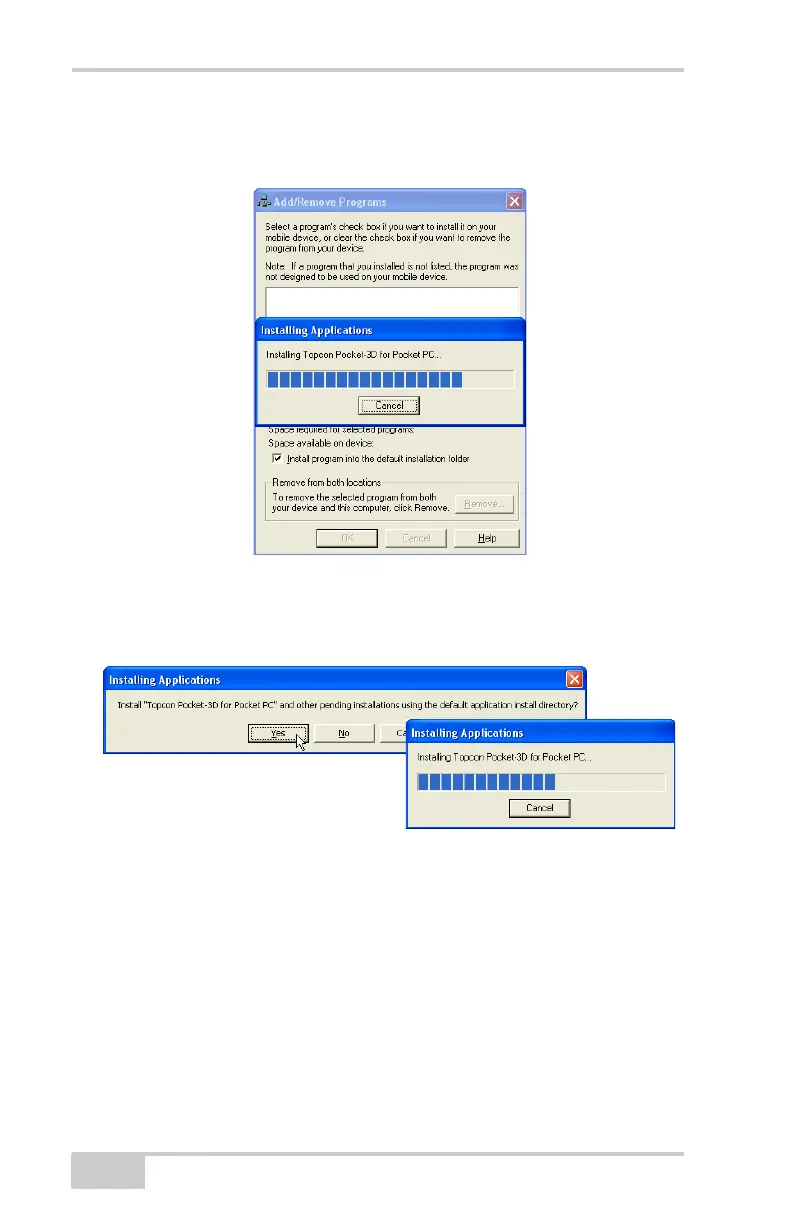
7. ActiveSync will begin the Pocket-3D install process for the hand-
held controller (
Figure 1-5).
Figure 1-5. Install Pocket-3D on Controller
8. Click Yes to install Pocket-3D to the default directory on the
controller (
Figure 1-6).
Figure 1-6. Installing into Default Directory
When the controller install completes, ActiveSync displays a
notice to check the controller for any further installation
procedures. However, Pocket-3D has no further installation steps.
Click OK to continue.
9. Click Finish to exit the install program (Figure 1-7 on page 1-5).



 To Next Page