Guide to Installing Pocket-3D
P/N 7010-0628
1-3
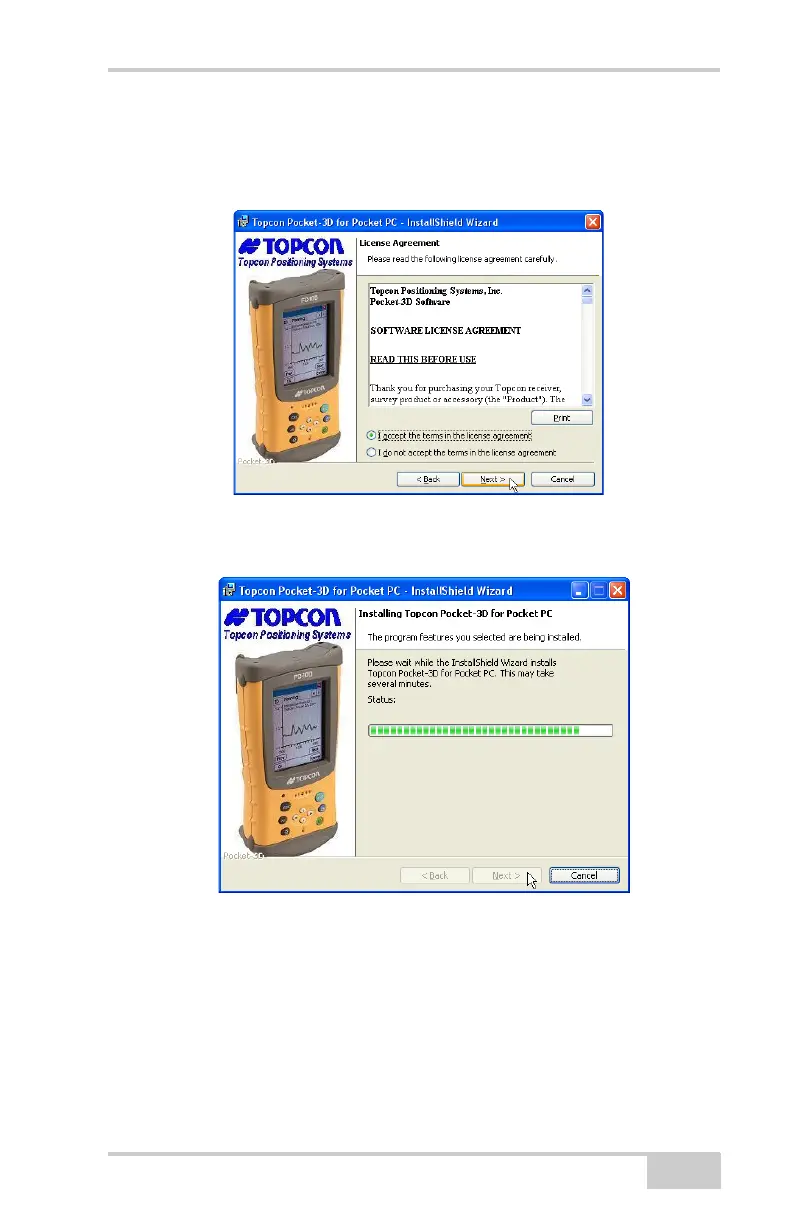
4. Review the License Agreement. If you accept the terms, click the
“I accept...” radio button, then click Next (
Figure 1-3).
Click “I do not accept...” to terminate the installation.
Figure 1-3. Review and Accept License Agreement
5. Click Install to load Pocket-3D on the computer (Figure 1-4).
Figure 1-4. Install Pocket-3D on Computer
6. With the computer and controller connected, ActiveSync will
start up and retrieve the controller’s programs.
If Pocket-3D is already installed, ActiveSync ask to uninstall it
from the controller. When ActiveSync completes the uninstall
process, double-click the Pocket-3D setup icon to have
ActiveSync install the software on the controller.



 To Next Page