Calculation Wizard
P/N 7010-0628
3-109
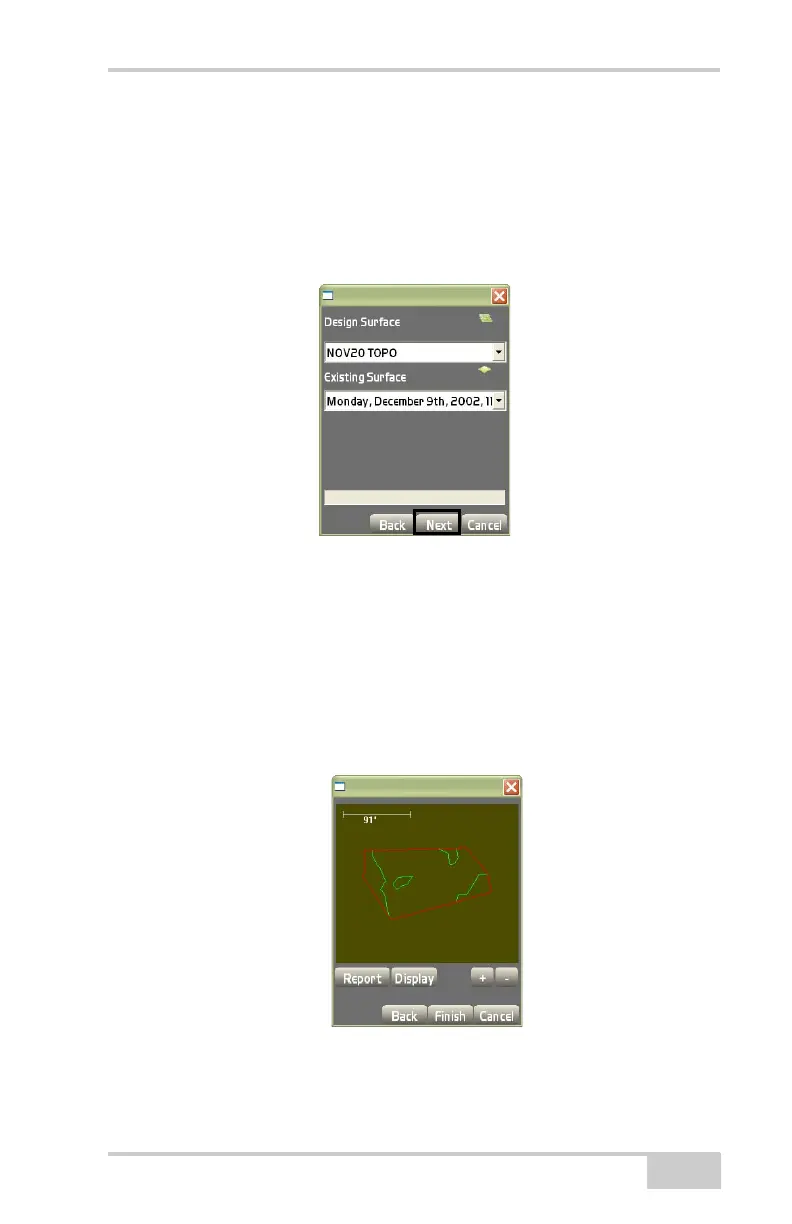
On the compare surfaces dialog box (Figure 3-167), select the sur-
faces to be compared, then press Next.
• Design Surface – choose a surface from the drop-down list.
• Existing Surface – choose a surface from the drop-down list.
Remember to choose two over-lapping surfaces.
Figure 3-167. Compare Surface Parameters
The view screen displays the surface created from the comparison of
the two selected surfaces (
Figure 3-168).
1. Press report to display the report dialog box
(Figure 3-169 on page 3-110).
2. Press the +/- buttons to zoom in or out on the image, or press
down on the screen and drag the image around.
Figure 3-168. View Screen for Comparing Two Surfaces



 To Next Page