Survey Menu
Pocket-3D Reference Guide
4-36
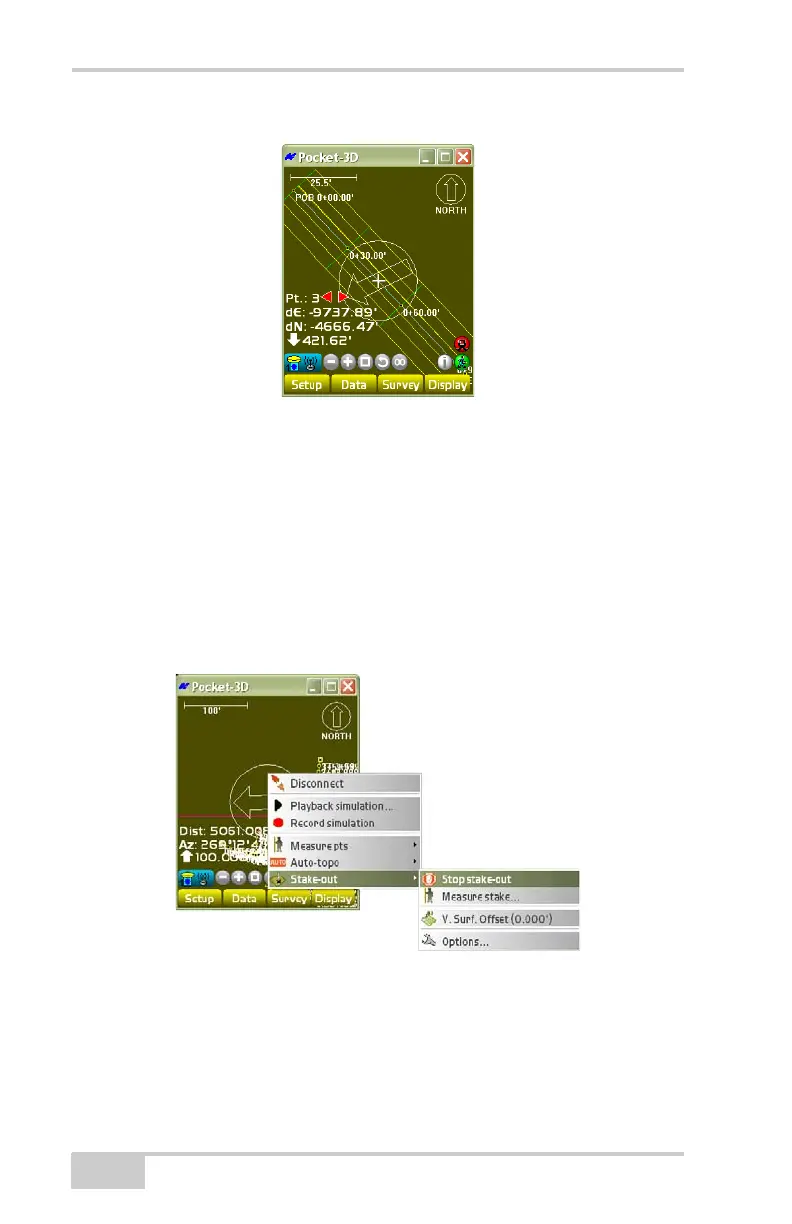
Figure 4-55. Main Screen Arrow
See the following sections for details on the other menu selections
during a stake-out:
• “Measure Stake” on page 4-44
• “V. Surface Offset” on page 4-54
• “Options” on page 4-55
To stop staking out the coordinate, tap SurveyStake-outStop
stake-out (
Figure 4-56).
Figure 4-56. Survey– Stop stake-out



 To Next Page