Control
P/N 7010-0628
3-23
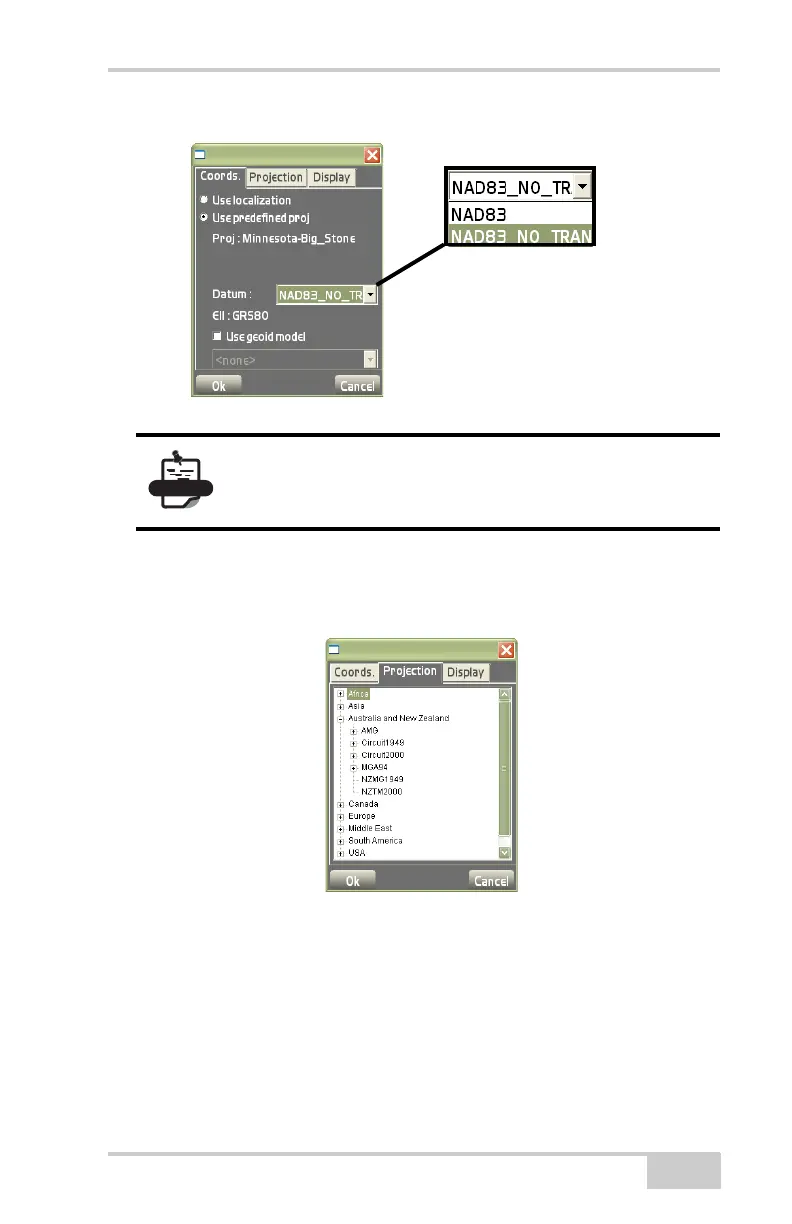
Figure 3-34. Support for non-Topcon Base Station
The Projection tab on the control options dialog box (Figure 3-35)
displays a list of pre-defined projections to use for control. Select the
projection for the area in which the jobsite is located.
Figure 3-35. Control Options – Projection
The Display tab on the control options dialog box displays or hides
control points, control point names, and control point descriptions
(
Figure 3-36 on page 3-24).
1. To use this option, click DataControlOptions.
2. On the control options dialog box (Figure 3-36), press the
Display tab and do the following and press Ok:
To achieve accuracy when using the
NAD83_NO_Trans, the correct *.gff format geoid
file must be used.



 To Next Page