Data Menu
Pocket-3D Reference Guide
3-54
• Delete – on the Template definitions dialog box, press Delete to
remove the selected template.
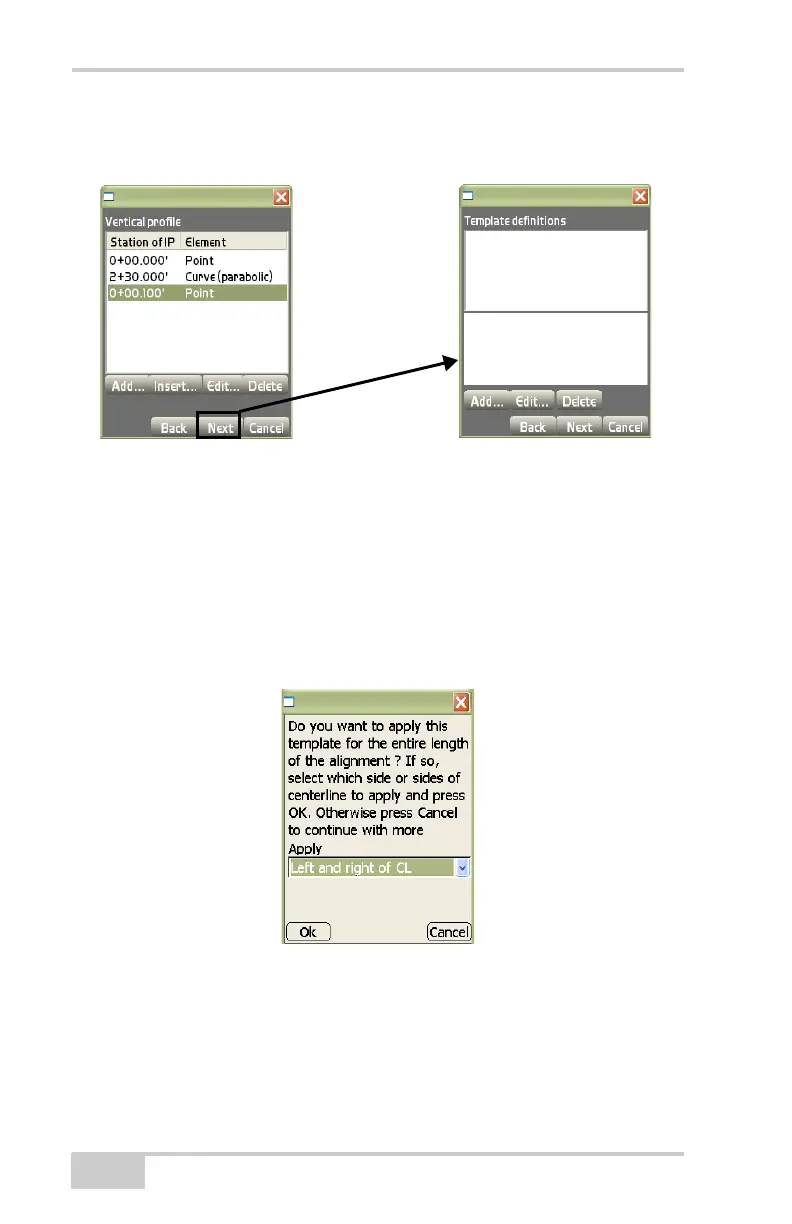
Figure 3-76. Template Definitions Dialog Box
If only one template has been added, to apply the template to the
entire length of the alignment, choose the side(s) of the centerline to
which to apply the template, then press Ok. Otherwise, press Cancel
to continue with other operations (
Figure 3-77).
Use the Apply drop-down list to select the application for the align-
ment; either Left of centerline, Right of centerline, or Left and right of
CL.
Figure 3-77. Apply Template to Alignment
The Template applications dialog box creates, edits, or deletes tem-
plate applications. After creating template applications press Next to
continue (
Figure 3-78 on page 3-55).



 To Next Page