Data Menu
Pocket-3D Reference Guide
3-38
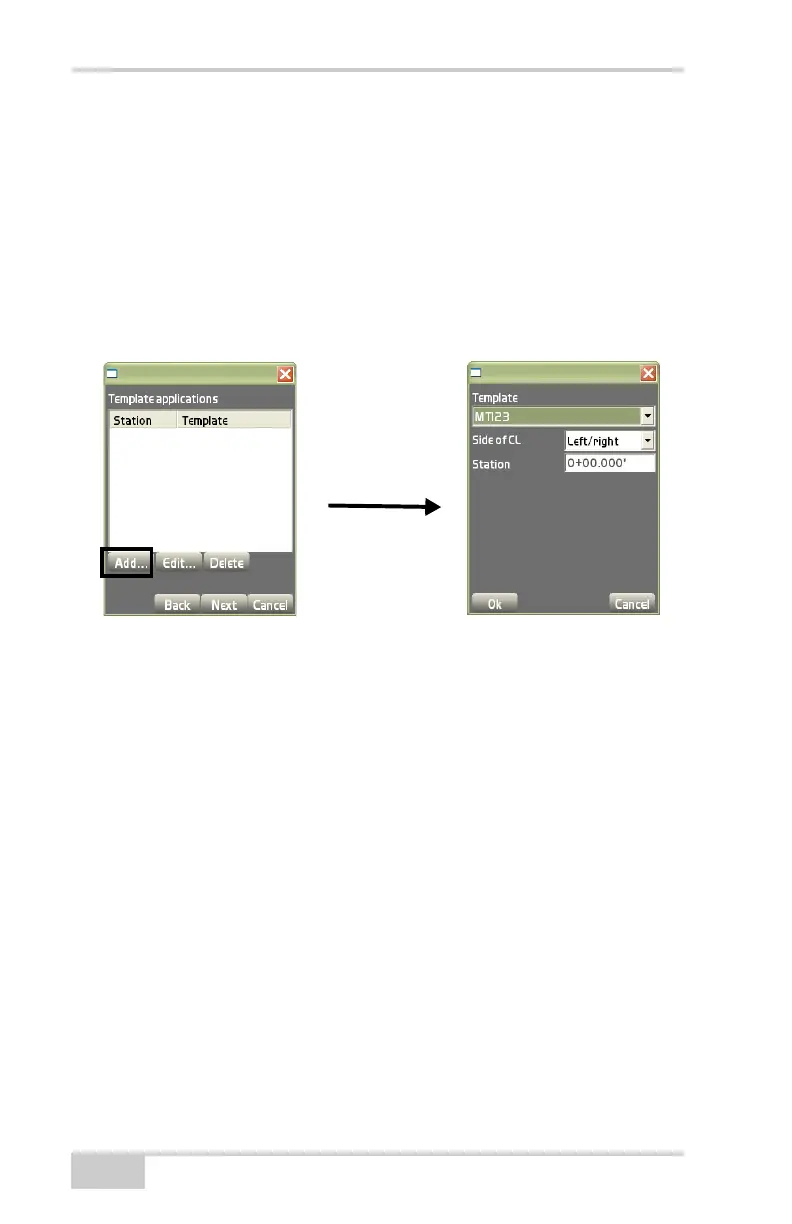
• Add – on the Template applications dialog box(Figure 3-54),
press Add to enter a template application and it’s respective
information, then press Ok to save the information (
Figure 3-54
on page 3-38).
– Template: select the template to apply to the alignment.
– Side of CL: select the position of the template with respect to
the centerline; either Left, Right, or Left/Right.
– Station: enter the beginning station for this template.
Figure 3-54. Template Applications Dialog Box
• Edit – on the Template applications dialog box(Figure 3-54),
press Edit to edit the selected template application. See the
“Add” bullet for details on editing the application.
• Delete – on the Template applications dialog box, press Delete to
remove the selected template application.
On the alignment completion dialog box, press Finish to save the
information (
Figure 3-55 on page 3-39).



 To Next Page