Data Menu
Pocket-3D Reference Guide
3-12
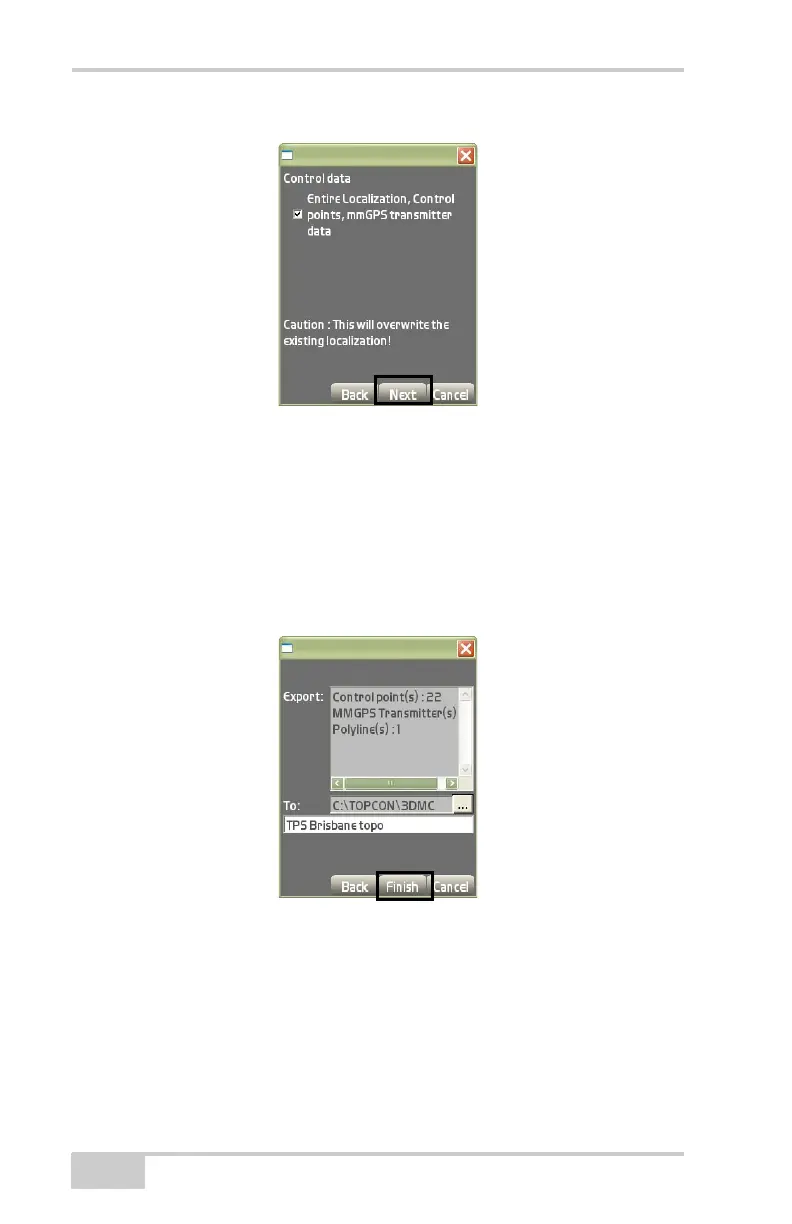
Figure 3-19. Control Data for the Design Surface
5. On the Export/To dialog box (Figure 3-20 on page 3-12), do the
following:
• Select the (To...) option to determine the export destination
(
Figure 3-20).
• Enter a name for the exported file.
• Press Finish to save.
Figure 3-20. Export/To Project File Dialog Box



 To Next Page