Setup Menu
Pocket-3D Reference Guide
2-20
• To calibrate the transmitter – see “TX Calibration” on
page 2-21.
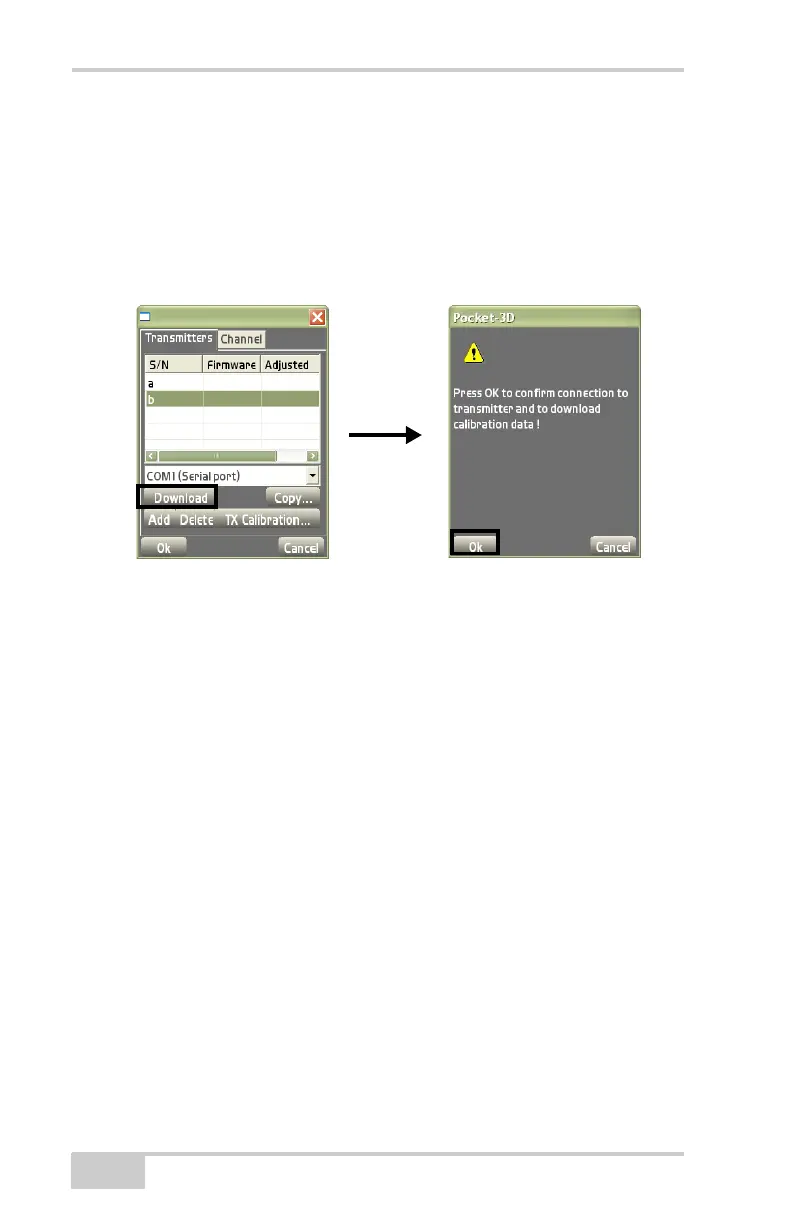
• To load transmitter data for the first time – tap Download to
retrieve calibration data from the connected transmitter.
The download is complete when the firmware version displays in
the Firmware column.
Figure 2-28. View Transmitters Loaded into Pocket-3D
The Channel tab displays the following transmitter information
(
Figure 2-29 on page 2-21):
• Channel – the channel the transmitter is using.
• Transmitter – the ID of the transmitter.
• ControlPt. – the control point over which the transmitter is set up.
• Height – the height of the transmitter.
• Edit Channel – see “Edit Channel” on page 2-23.



 To Next Page