Setup Menu
Pocket-3D Reference Guide
2-22
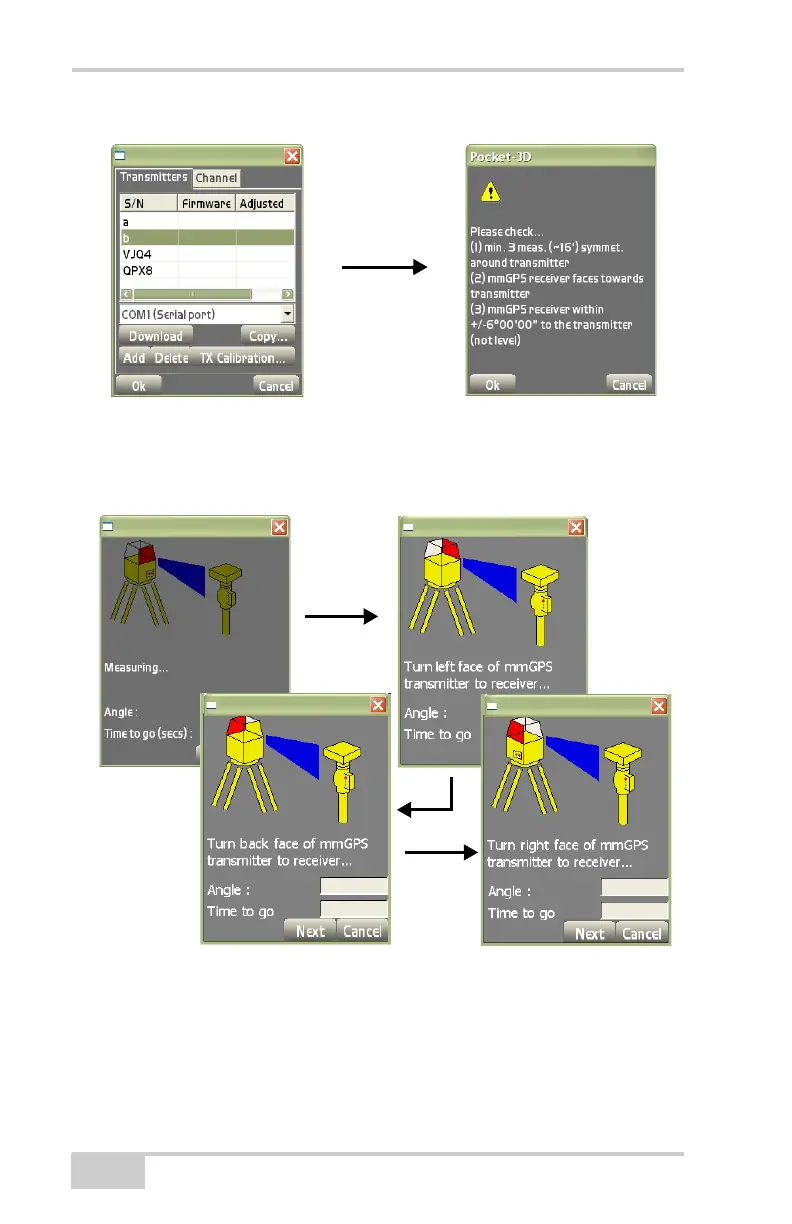
Figure 2-30. Begin TX Calibration Adjustment
On the transmitter adjustment process dialog boxes (Figure 2-31),
follow the instructions on each screen. Press Next to continue.
Figure 2-31. Transmitter Adjustment Process
When the adjustment completes, the Adjustment dialog box displays
the offsets (
Figure 2-32 on page 2-23).
• If both Axis measurements are less than 10'', no adjustment is
needed at the transmitter.



 To Next Page