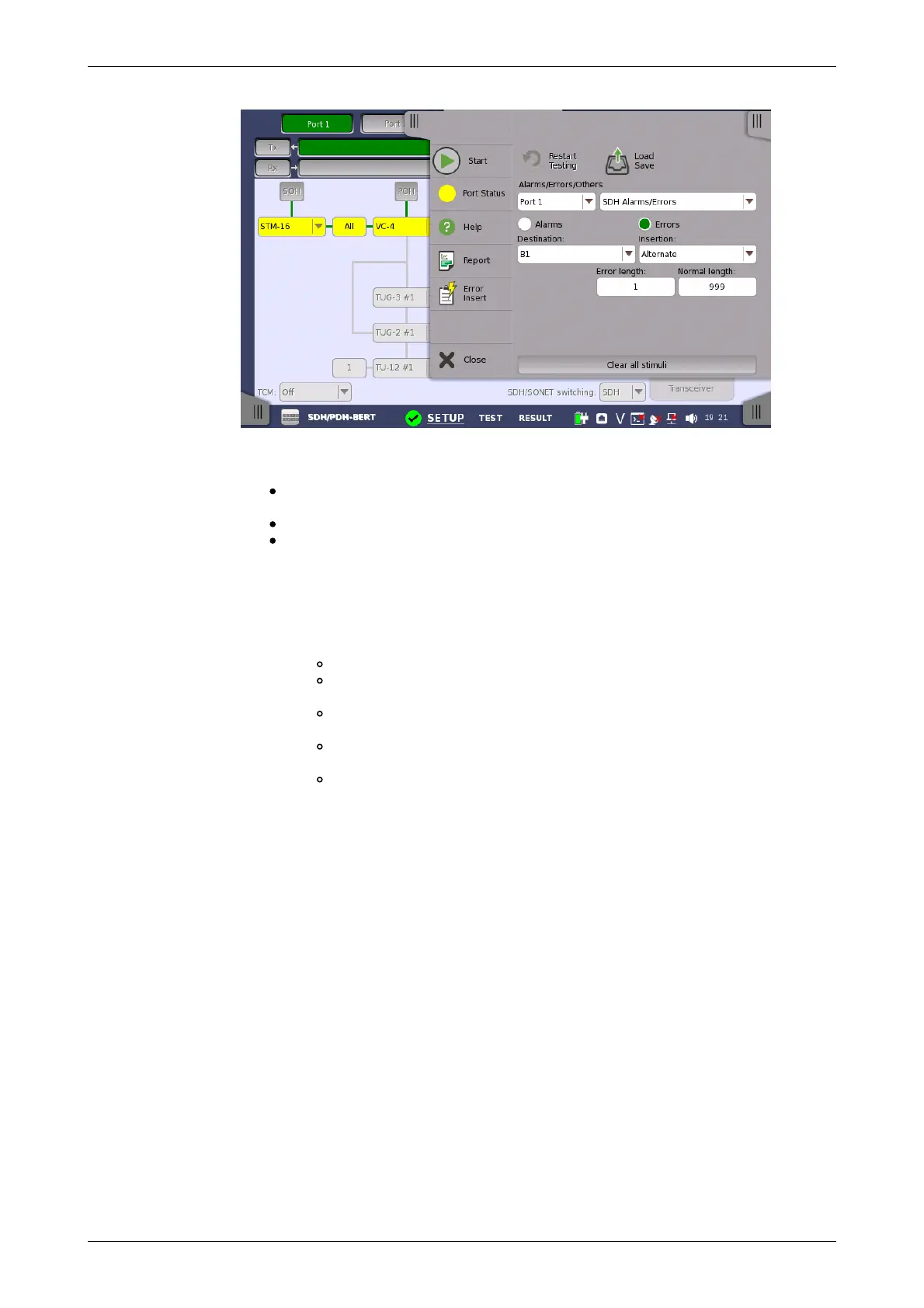
Alarms/Errors/
Others
Select the port to insert errors, and the stimuli type. The settings items vary
depending on the selected stimulus type.
SDH Alarm/Errors: Inserts errors or alarms related the SDH overhead
or the pattern error.
SDH frequency: Adds the frequency offset to the SDH bit rate.
SDH pointer: Inserts specified pointer continuously.
5.1.4.1 SDH Alarms/Errors
1. Select Alarms or Errors using the radio button.
2. Select the Destination.
3. Select the Insertion.
Off: Turns off inserting Alarms or Errors.
Manual: Inserts errors or alarms in the specified counts if you
touch the Error Insert icon.
Permanent: Inserts errors or alarms in all SDH frame. The Error
Insert icon shows only status.
Alternate: Repeats error/alarm insertion per specified number of
frames. The Error Insert icon shows only status.
1E-03 to 1E-10: Inserts errors in the specified rate continuously.
For example, 1E-03 means 10
-3
. In this case, the error will be
inserted in one frame per one thousand frames. The Error Insert
icon shows only status.














 To Next Page