During a One-Way test, status for the GPS time synchronization is displayed
at the top of the screen with colored Lamps - one Lamp for the local side
and one for the remote side.
Green
GPS synchronization is OK.
Yellow
GPS synchronization has been lost for too long a time. FTD and FDV
results could be compromised.
6.11.3.1 Summary
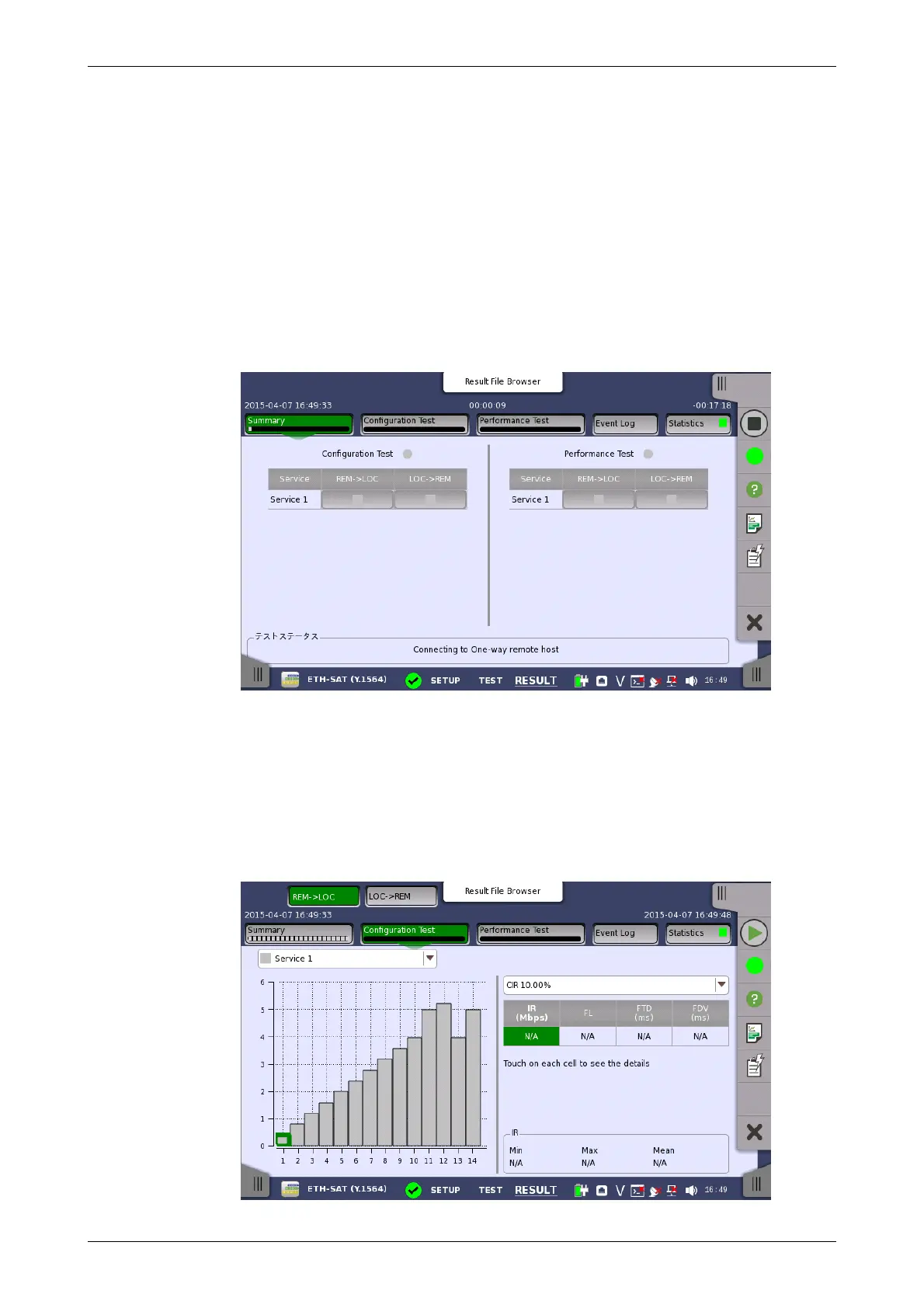
When you go to the test results of the Service Activation Test, the following
screen is displayed.
This screen presents a summary of the results of the Service Activation
Test. Touching the result button for a specific service in either the
Configuration Test or Performance Test result panel will display the
relevant screen with detailed results information.
6.11.3.2 Configuration Test
Touching the Configuration Test button in the navigation area will display
the screen shown below.














 To Next Page