Input sensitivity
Follows
using the input mode Monitor, is recommended instead.
Monitor
Used when connecting to protected monitoring points. The input
impedance is nominal.
Set the sensitivity of the input. The available options are:
Full sensitivity
Signal levels down to the maximum sensitivity on the instrument are
accepted.
-20 dB
Input signal attenuated by -20 dB or more relative to the nominal level
will be considered Loss Of Signal.
-33 dB
Input signal attenuated by -33 dB or more relative to the nominal level
will be considered Loss Of Signal.
5.3.2.2 E1 Signal Setup
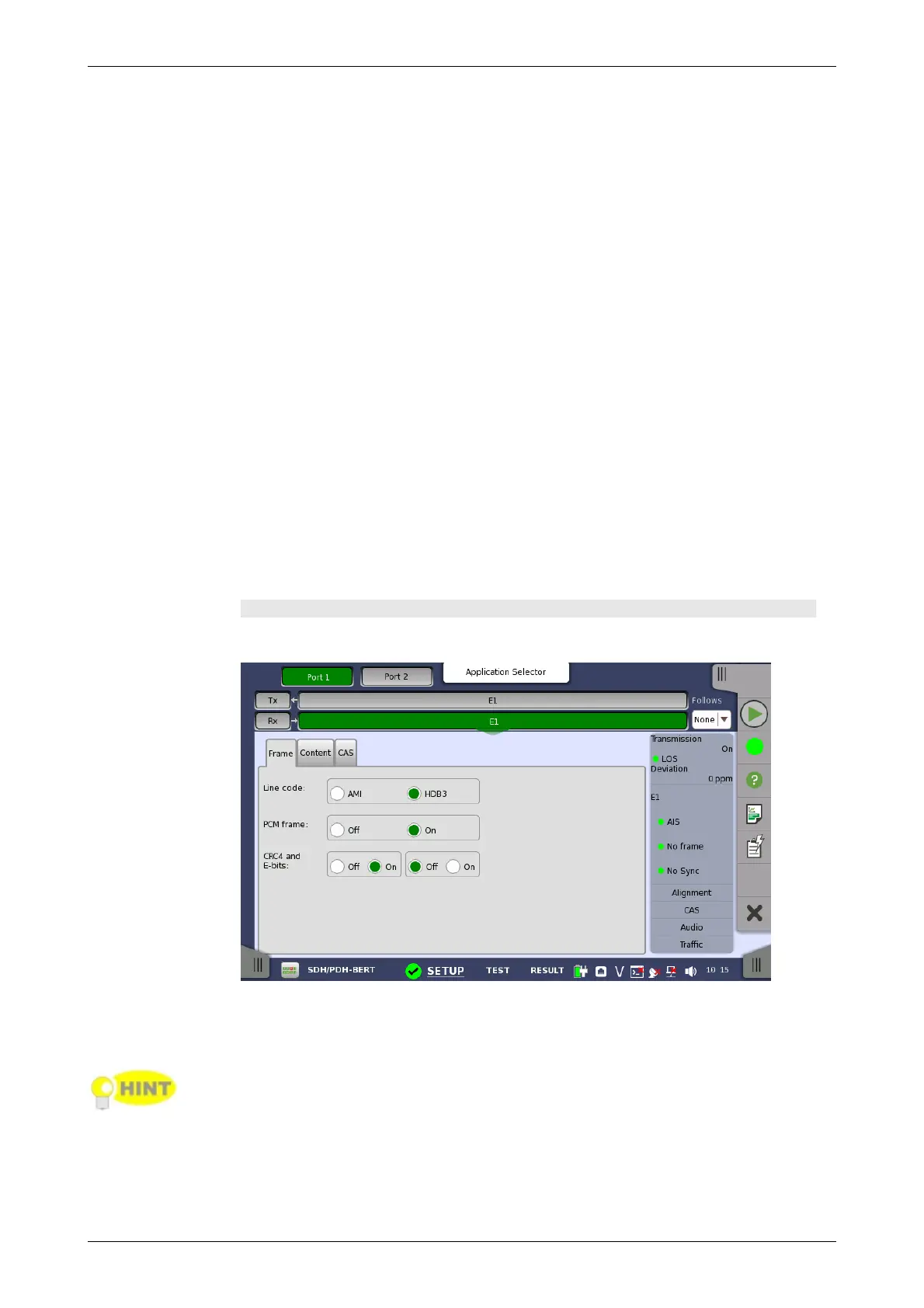
Touching the navigation area button which represents the receiver's E1
layer will display the screen.
To make the currently selected receiver follow either the transmitter or Port
1 receiver (i.e. copy its settings), touch the drop-down menu in the
navigation area and select the relevant value. The receiver settings continue
to follow the change of either the transmitter or Port 1 receiver. The default
setting is None. Note that the Port 1 receiver cannot follow the Port 2
receiver.
Frame tab page
The Frame tab page contains the following parameters:
Line code
Use the Line code radio buttons to select transmission line code HDB3 or
AMI.
For normal 2 Mbps systems choose HDB3. AMI is for special applications only.
PCM frame
Use the PCM frame radio buttons to enable (On) or disable (Off) the status
of the PCM frame.
CRC4 and E-bits














 To Next Page