Physical Status
Alarm/Error
Status
Use the Audio drop-down menu and select the features for the receiver
decoding. Select On to enable the audio decoding or Off to disable.
Audio Time Slot
Touch the Audio Time Slot graphics and use the launched dialog box to
select the timeslot.
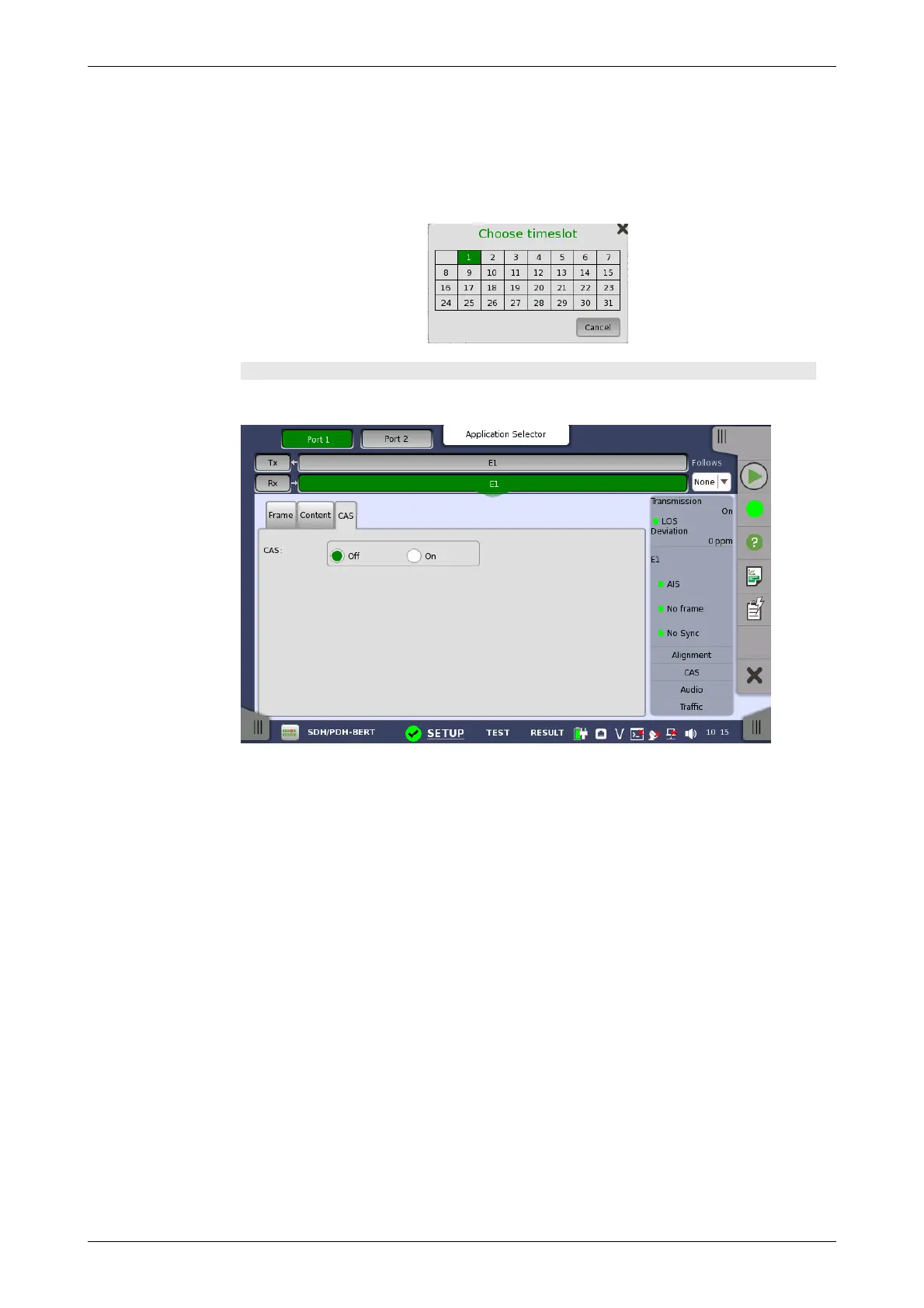
CAS tab page
The CAS tab page contains the following parameters:
CAS
Use the CAS radio buttons to enable (On) or disable (Off) the reception of a
CAS (Channel Associated Signaling) signaling multiframe in time slot 16 of
the received signal.
5.3.3 Status Information
This section describes the status information available for the E1 layer in the
status area of the Ports Setup screen.
5.3.3.1 Status Summary
The status summary displayed for the E1 layer consists of the following
information:
The topmost part of the status area gives you access to information about
the current physical status of the selected interface. A summary consisting
of the most relevant status indicators is displayed constantly. By touching
the summary, you can launch a display that contains the detailed status
information.
The middle part of the status area gives you access to alarm and error
information for the selected interface. The current status is indicated by the
lamp color.














 To Next Page