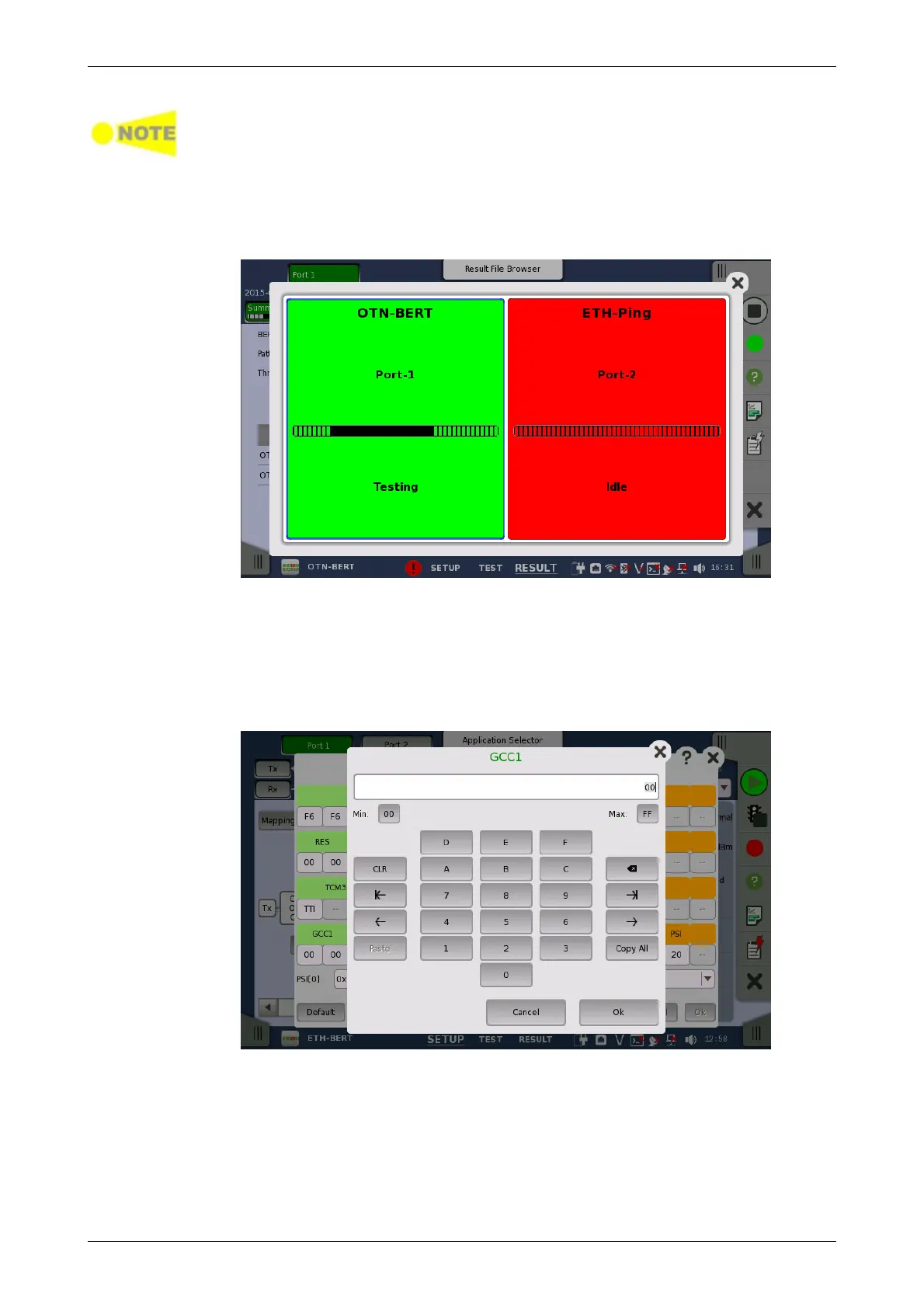
Test Status for an application is only updated during testing. When testing is
stopped it will retain its status until testing is restarted or the application is
closed.
Touching the summarized Test Status icon will open a dialog showing the
individual Test Status for every running applications. Touching an application
on the summary dialog box will dismiss the dialog and subsequently switch
the GUI to the selected application.
4.1.5 Keypads for Entering Text in Fields
Alphanumerical or purely numerical keypads are used to enter text in fields.
By touching the field you launch the related keypad. The layout (i.e. type) of
a specific keypad will depend on which type of text is required/valid for the
field.
In general, a keypad consists of the character/number keys, a display field
showing the current text/number entry, various editing-related keys. For
number entries, the minimum and maximum values allowed are also shown.
When you launch a keypad from a field, the current field value is shown in
the keypad's display field.
Touch Ok to accept the new entry and close the keypad.
To close the keypad without accepting the change, touch Cancel or touch
the "X" symbol in the upper right-hand corner of the keypad.














 To Next Page