Timing
Transceiver
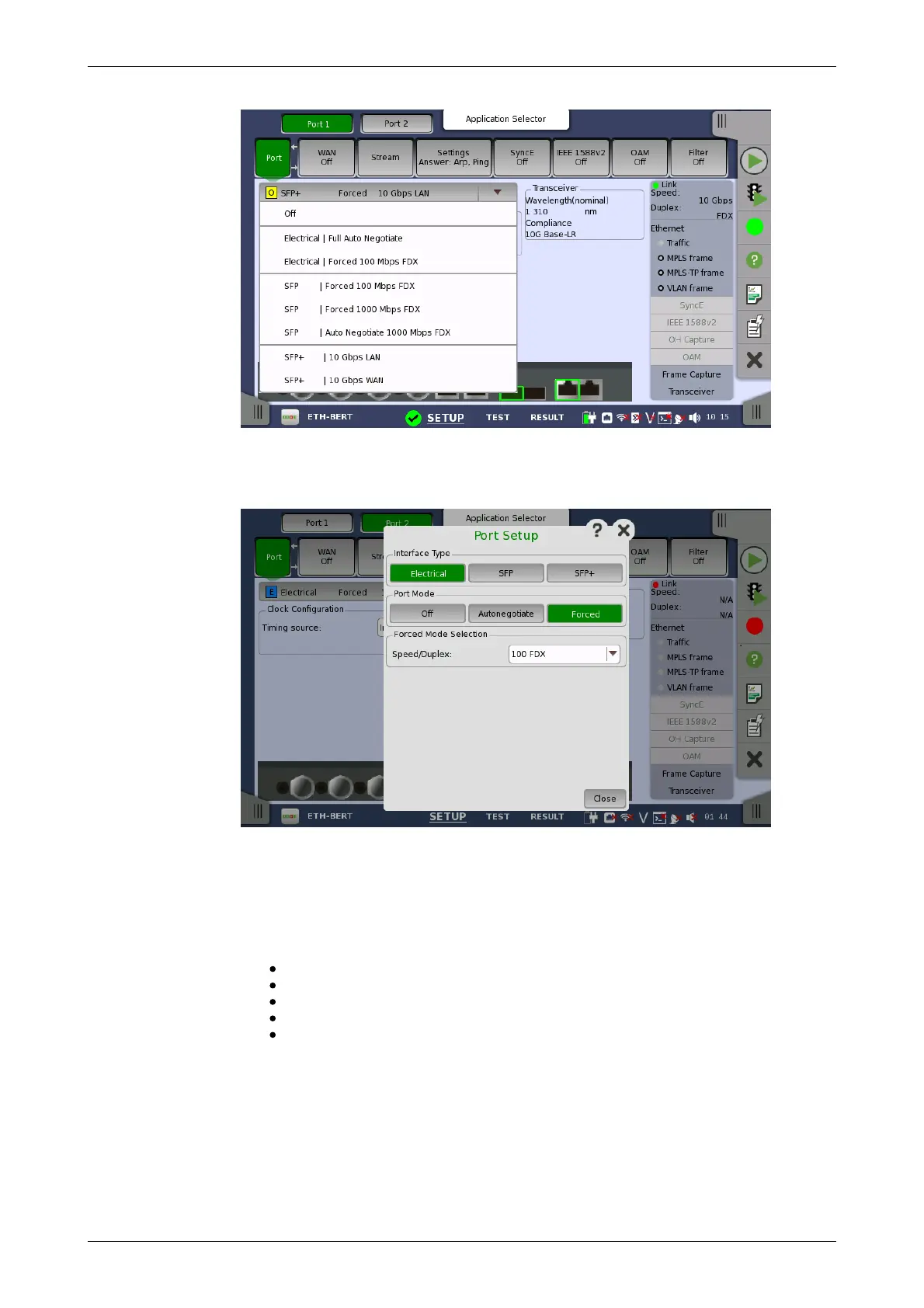
The quick setup menu contains a number of predefined port configurations
(e.g. Electrical | Forced 100 Mbps FDX). The detailed mode dialog allows
you to specify the configuration yourself.
The detailed mode (Port Setup) dialog box is described in a separate
section below.
Timing source
Select a source to synchronize all Ethernet transmitters to.
The possible sources are:
Internal
External
GPS
Received
IEEE 1588v2
Received appears when the interface type is set to SFP or SFP+.
Displays the Transceiver information.
6.1.1.2 Port Setup (detailed mode)
The contents of the dialog box (i.e. which parameters are displayed)
depends on your combined choice of interface type and port mode.














 To Next Page