Touching the 'ITU standard' button will apply ITU-T O.150 recommended
Pattern type for N x 64 kbps data rates (PRBS 11).
User pattern
User pattern field is enabled if Pattern type is set to User [32] bit or User
[2084] bit. Touch the User pattern field and use the launched Pattern
Editor dialog box to define the user pattern. Depending on the selected
pattern type, different user pattern setup options will be available.
The length can be any length from 1 bit to 32 bits or from 1 bit to 2048 bits.
Pattern time slots
Touch the Pattern time slots graphics and use the launched dialog box to
select the timeslot which will receive the Channel Content signal. Set and
clear timeslots as relevant.
Audio
Use the Audio drop-down menu and select the features for the receiver
decoding. Select On to enable the audio decoding or Off to disable.
Audio Time Slot
Touch the Audio Time Slot button and use the launched dialog box to
select the monitored audio timeslot.
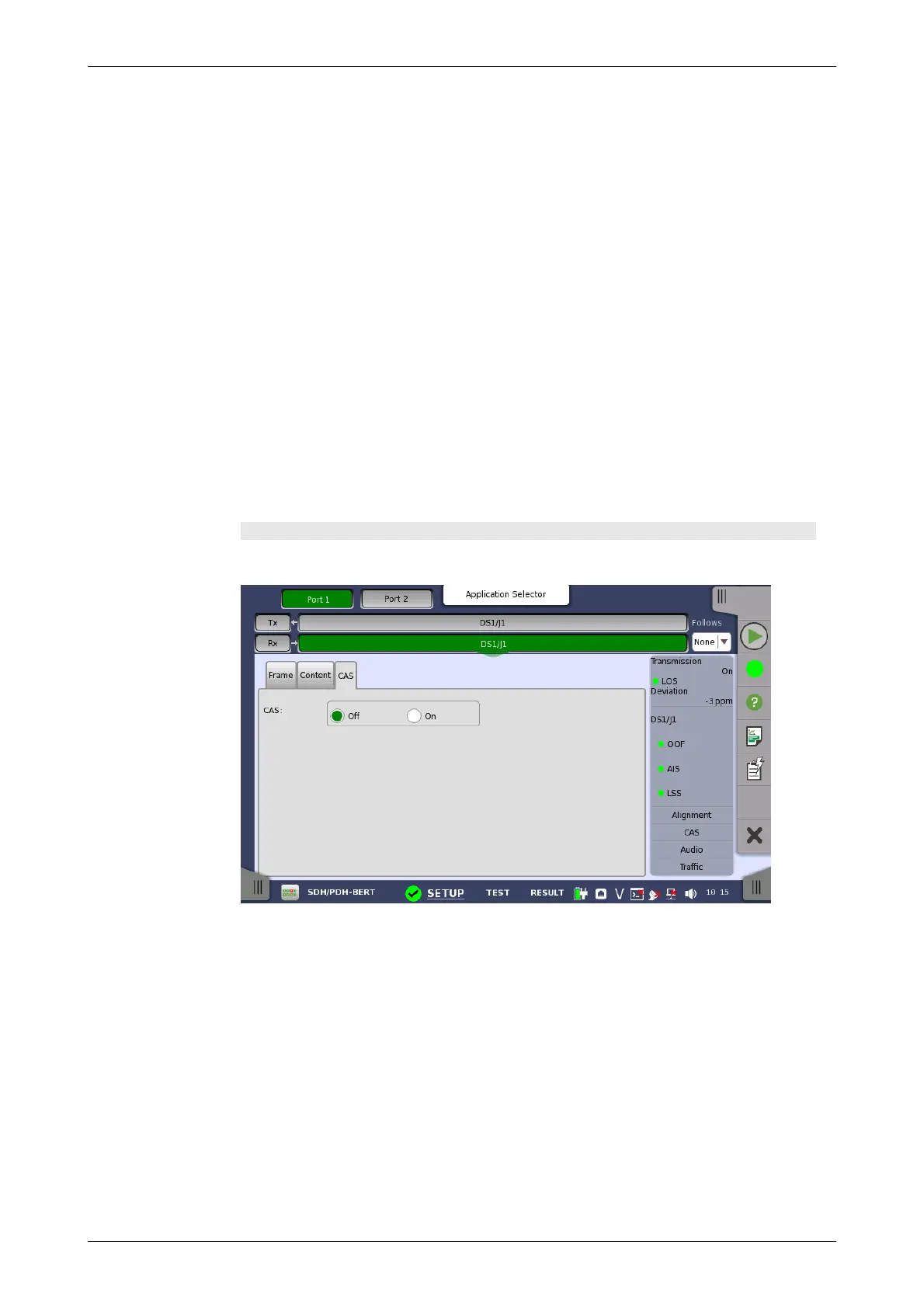
CAS tab page
The CAS tab page contains the following parameters:
CAS
Use the CAS radio buttons to enable (On) or disable (Off) the reception of a
CAS (Channel Associated Signaling).
5.4.3 Status Information
This section describes the status information available for the DS1/J1 layer in
the status area of the Ports Setup screen.
5.4.3.1 Status Summary
The status summary displayed for the DS1/J1 layer consists of the following
information:














 To Next Page