Test results
Test results
This screen presents the detailed Configuration Test results for a specific
service. Use the drop-down menu at the top of the screen to select which
service to view.
The results are presented in a table and are related to a specific CIR% (CIR
25.00%, CIR 50.00%, CIR 75.00%, and CIR 100%). Select the relevant CIR%
either by selecting the corresponding bar in the bar graph or by using the
CIR drop-down menu.
Touching a cell in table displays Minimum, Maximum, Mean value and the
Threshold, at bottom of screen.
Select a cell in the results table to see the details. The following information is
presented:
IR / ULR
Shows the minimum, mean and maximum bit rate in Mbps. Depending on
the test setup, the bit rate is either Information Rate (IR) or Utilized Line Rate
(ULR).
FL
Shows the number of lost frames and the frame loss ratio. The frame loss
ratio is frames lost divided by frames transmitted.
FTD / RT FTD
Shows the minimum, mean, maximum and current Frame Transfer Delay in
milliseconds. Depending on the test setup, the result is either one-way delay
or round-trip delay.
FDV / RT FDV
Shows the minimum, mean, maximum and current Frame Delay Variation in
milliseconds. Depending on the test setup, the result is either one-way or
round-trip.
6.11.3.3 Performance Test
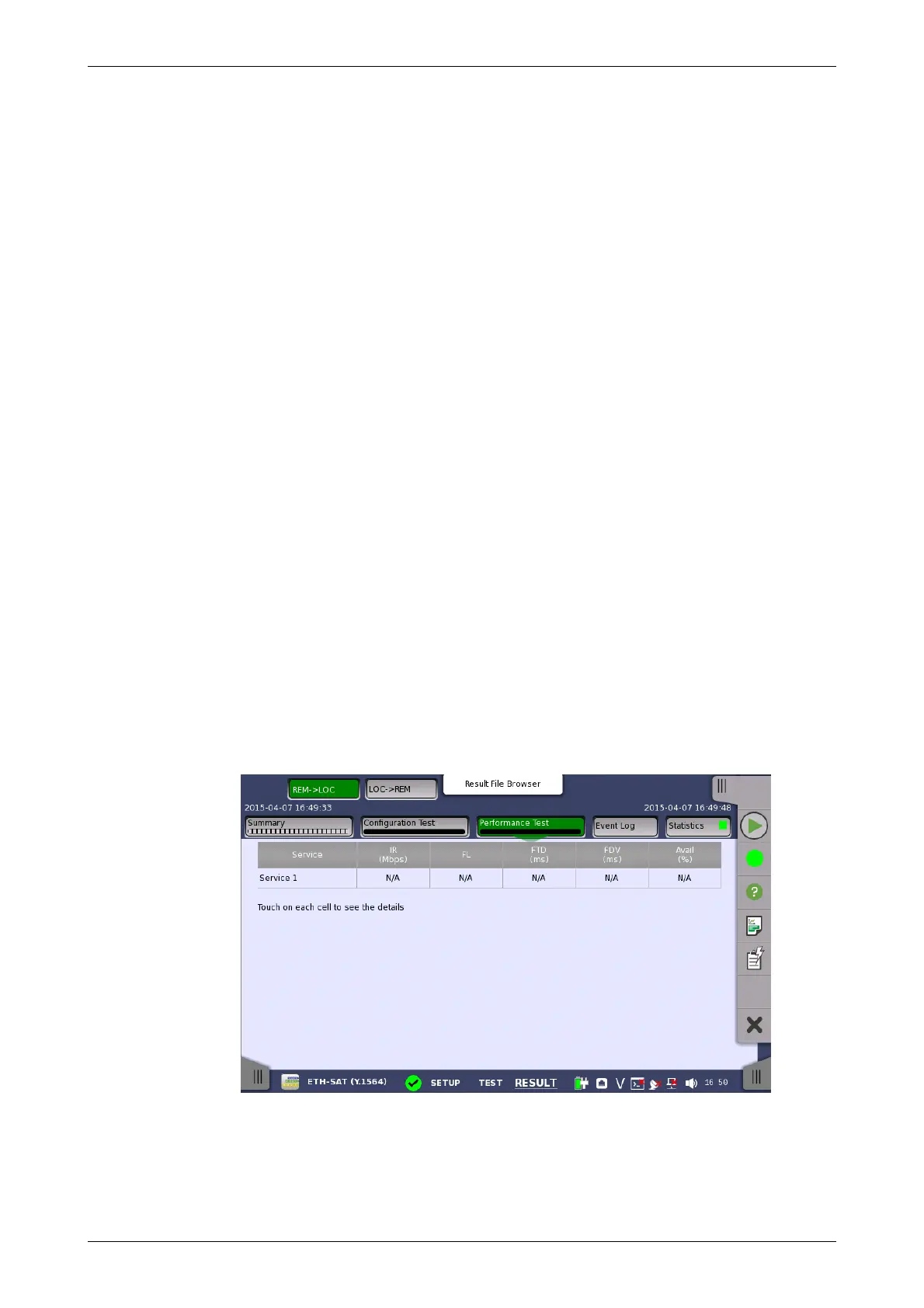
Selecting the Performance Test button in the navigation area will display
the screen shown below.
This screen presents the detailed Performance Test results.
Select a cell in the results table to see the details. The following information is
presented:
IR














 To Next Page