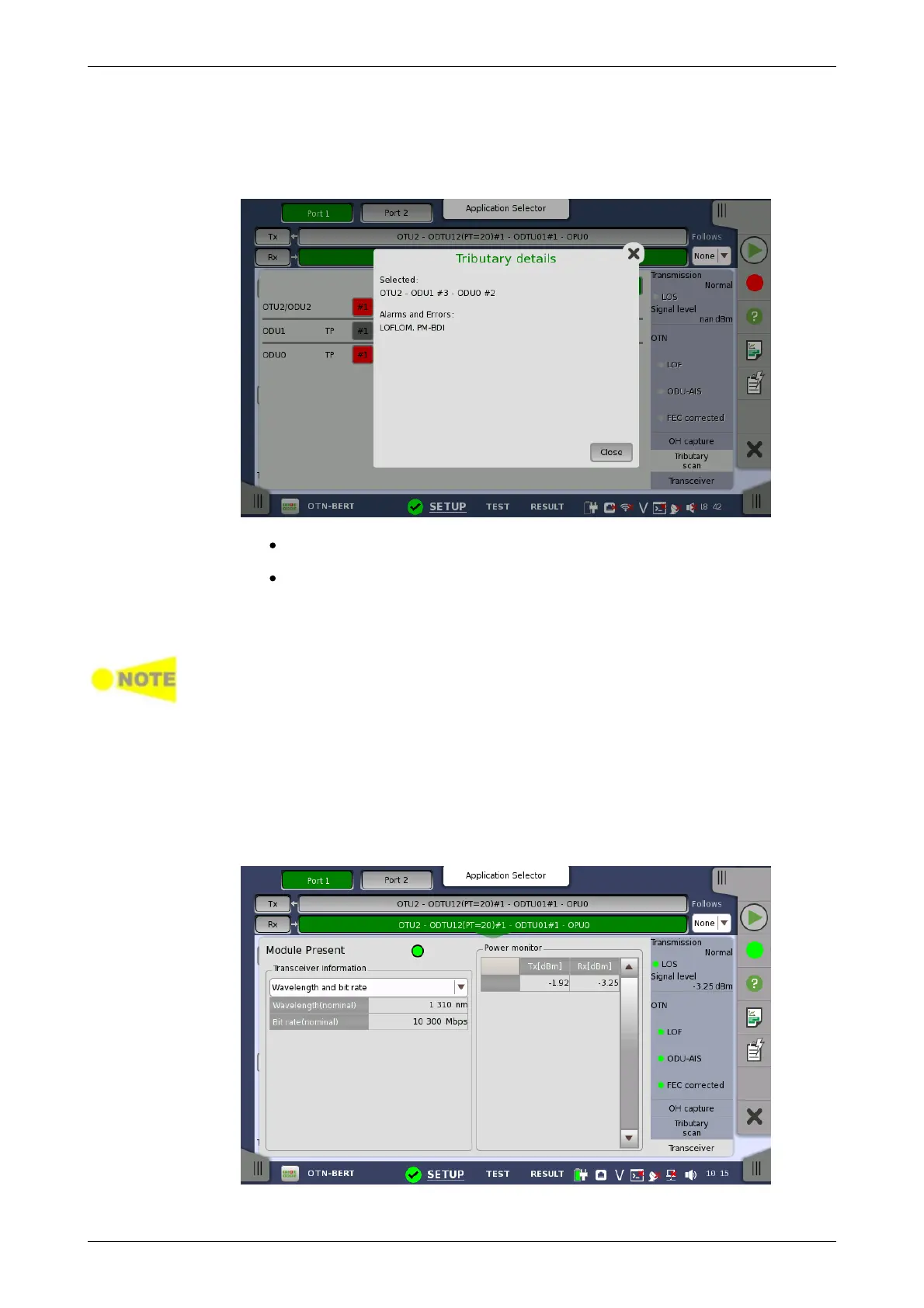
Touching the Detail button enables showing details for a specific ODUk.
With the Detail button active, you can see the detail information by touching
the button in red. The Tributary details dialog box contains the following
information:
Path to the selected form (for example, "ODU2-ODTU12(PT=21)-ODU1
#2")
Errors and alarms detected at the selected channel.
Touching the button in green does not launch the dialog box.
To change TP to scan, touch the Scan button.
Tributary Scan Results are cleared, when close the dialog box, move other
status area or move other screens.
Stop scanning
Touching the Scan Stop button stops the scanning session.
7.1.3.6 Transceiver
Touching the Transceiver button in the status area of the Ports Setup
screen displays the status shown below.
This screen presents status information about the optical transceiver.














 To Next Page