Transport
Pattern
Pattern Error
insertion
Displays the results of Transport test. This result appears if 'Transport' check
box is selected in the Test Setup screen.
Select the pattern.
This provides the same Error insertion as Stimuli setup options in
Application Toolbar.
Insertion
If selecting Manual, error(s) are inserted when you touch the Alarm/Error
Insert icon ( ) button.
Set Off to stop the error insertion.
Burst length
If 'Insertion' is set to Manual, touch the button and set the number of errors
to insert.
6.2.3.2 IEEE1588v2 Log
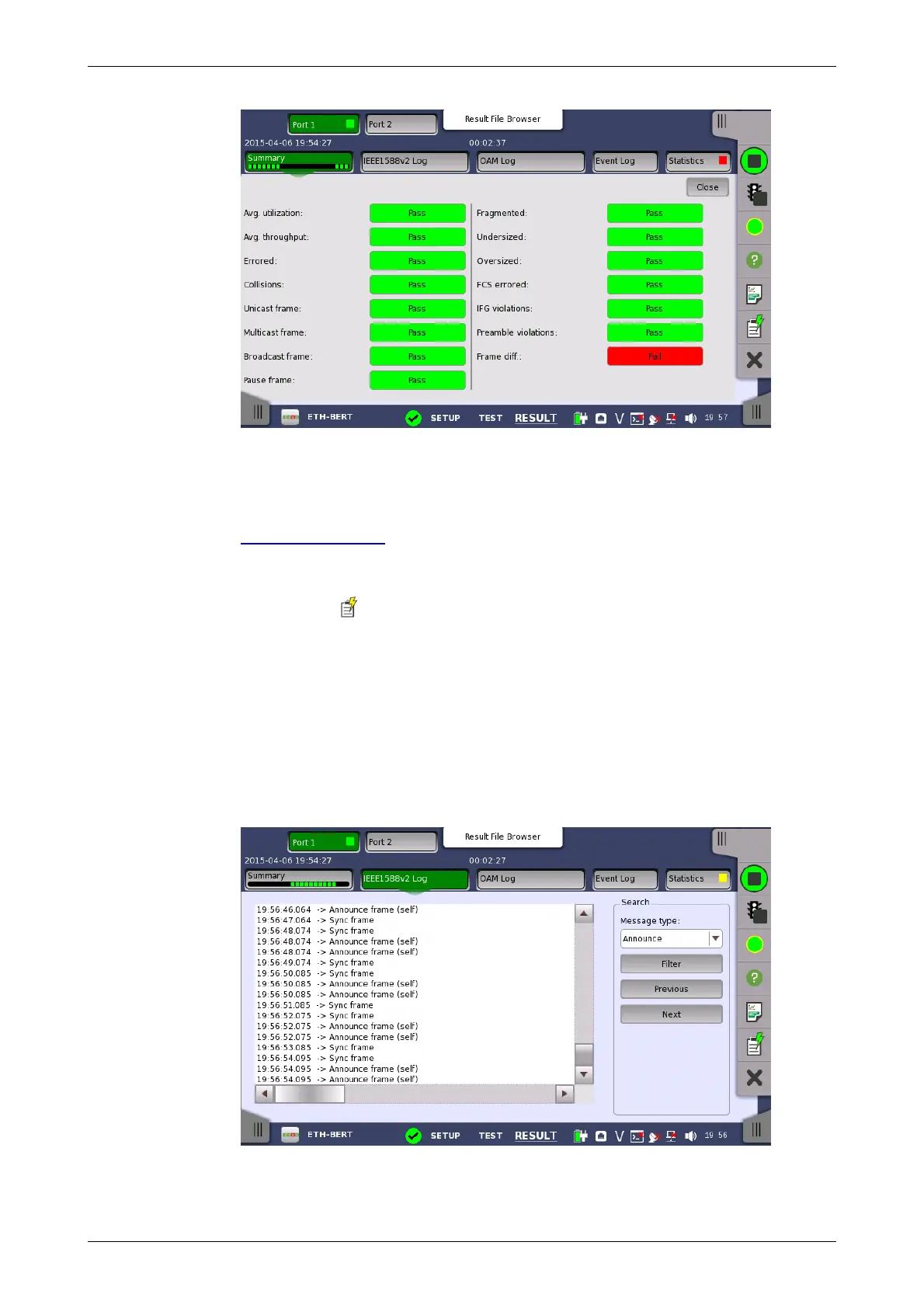
Touching the IEEE1588v2 Log button in the navigation area will display the
screen shown below.
This screen presents an IEEE1588v2 Log of the test results. You can search
the messages by specifying the type.














 To Next Page