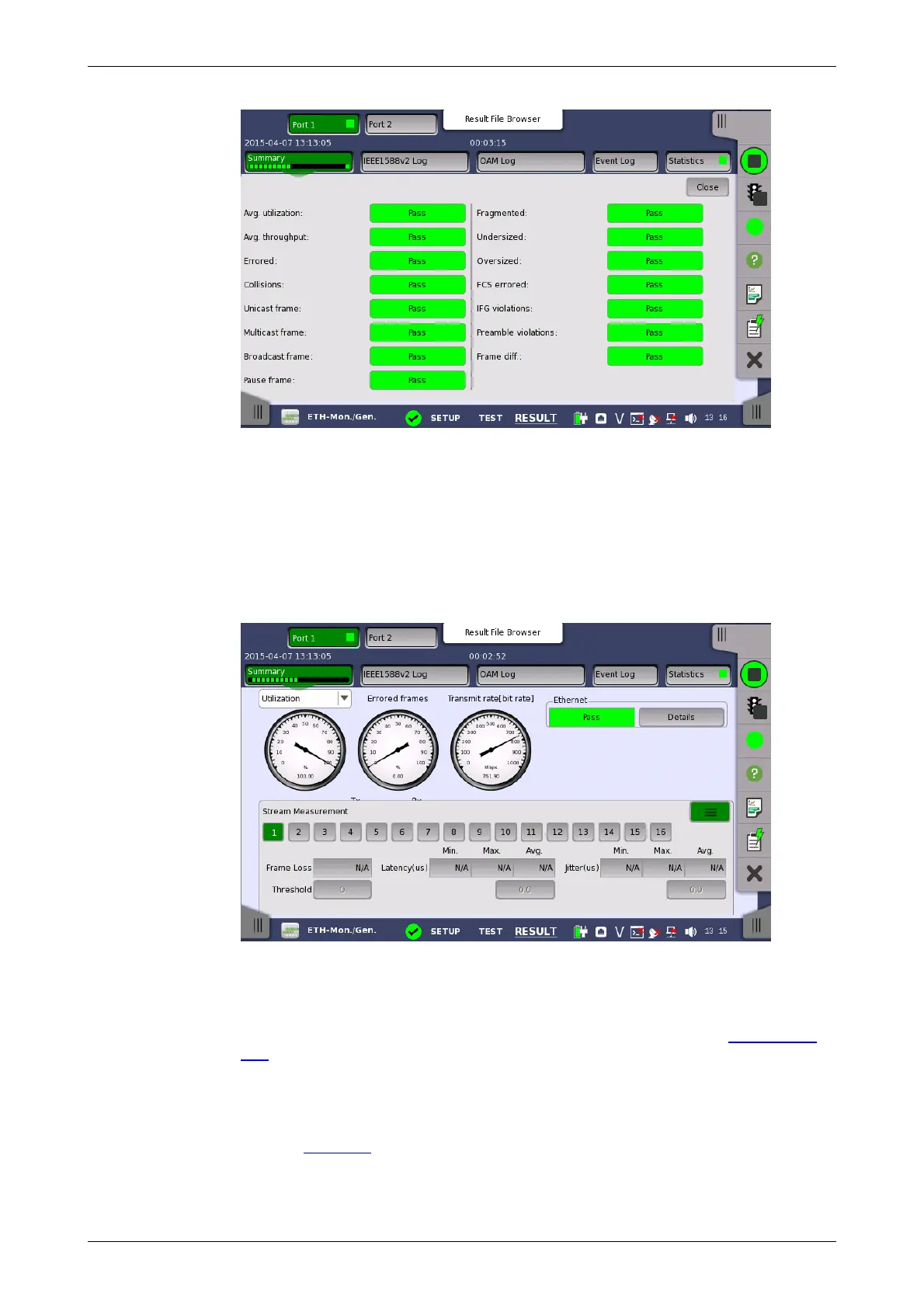
Transport
Displays the results of Transport test. This result appears if 'Transport' check
box is selected in the Test Setup screen.
The stream slide-up at the bottom of the screen allows you to configure and
inspect the measurements of each individual stream. Display/Hide the slide-
up by touching the handle icon. You can set up thresholds for frameloss,
latency and jitter for each stream as well as inspect the measurement
results.
6.5.3.2 IEEE1588v2 Log
If Ext. log is selected in IEEE1588v2 screen of Ethernet Frame Setup, the
IEEE1588v2 Log button appears in the navigation area. Refer to IEEE1588v2
Log in "BERT" for the operation.
6.5.3.3 OAM Log
The operation of OAM Log screen is the same as that of BERT application.
Refer to OAM Log in BERT for the operation.
6.5.3.4 Event Log














 To Next Page