6.12 Traceroute
The Traceroute test is used to determine the route taken by packets in an IP
network. The intermediate routers traversed are identified by the sending of a
sequence of ICMP Ping packets to the desired destination, each packet with a
too low Time-to-Live (TTL) or hop limit so that it terminates in one of the routers
and makes the router return an error message. Routers decrement the TTL and
discard a package when the TTL value has reached zero.
Traceroute works by gradually increasing the TTL value for each packet,
starting at "1". The first set of packets terminates at the first router, the
second set at the second router, and so on until a ping reply is received
from the destination. This is used to build a list of the hosts that the packets
must pass through to reach the intended destination.
The test will send regular ICMP type 11 Ping packets to each host that is
detected in this way, and display the resulting RTT (Round Trip Times).
6.12.1 Ports Setup and Status
The first step in running an application is to set up the port interfaces. This is
done on the Ports Setup screen, which also provides port status
information.
The setup options and status information related to the Ethernet interface are
described in a separate section:
Ethernet Setup and Status
6.12.2 Test Setup
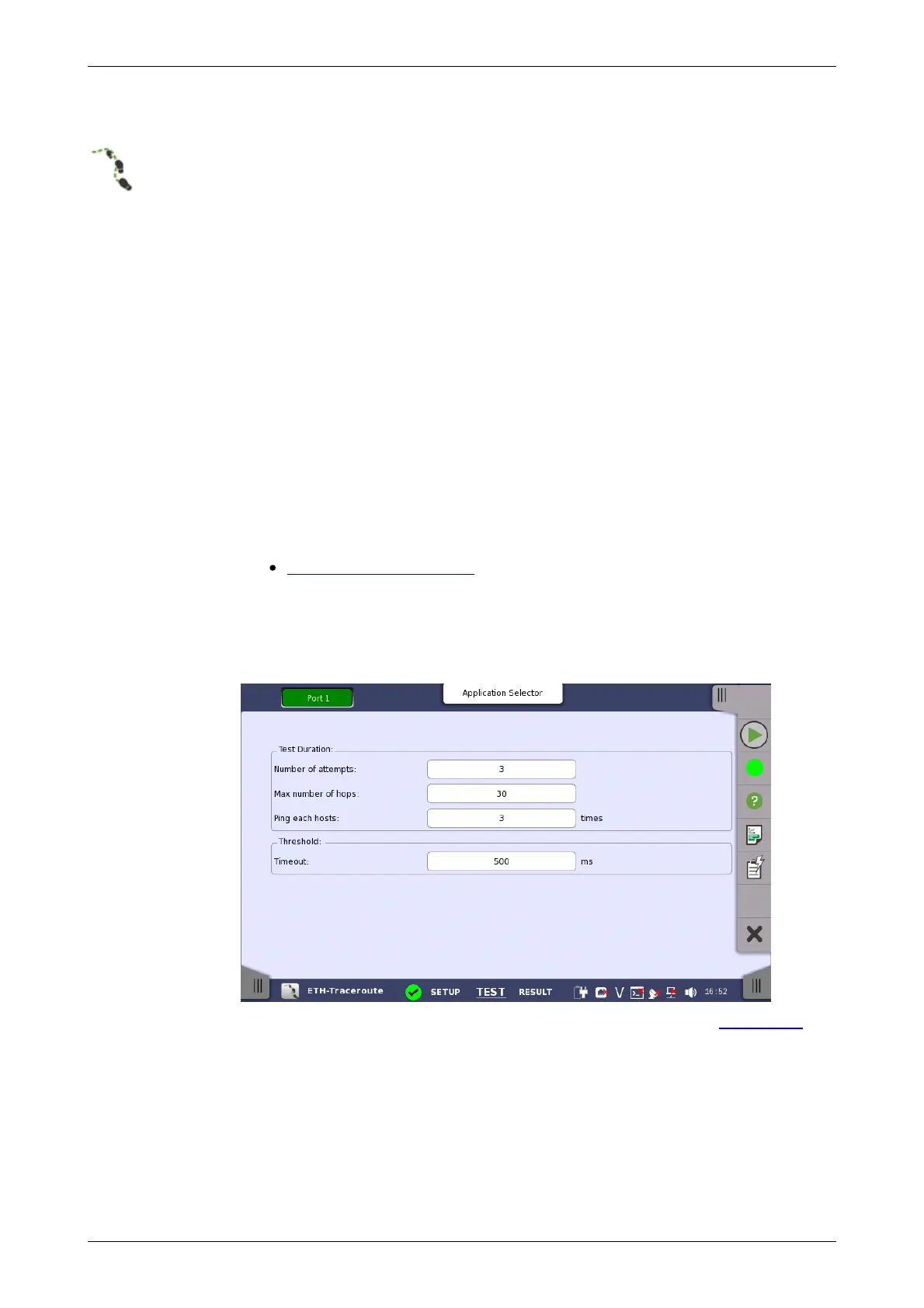
When you go to the test setup of the Ethernet Traceroute test, the following
screen is displayed.
This screen allows you to configure the parameters related to a Traceroute
test.














 To Next Page