Message type
Search
Select the message type from below.
Announce
DelayReq
DelayResp
FollowUp
Management
PDelayReq
PDelayResp
PDelayRespFollowUp
Signaling
Sync
Select the search method.
Filter
Previous
Next
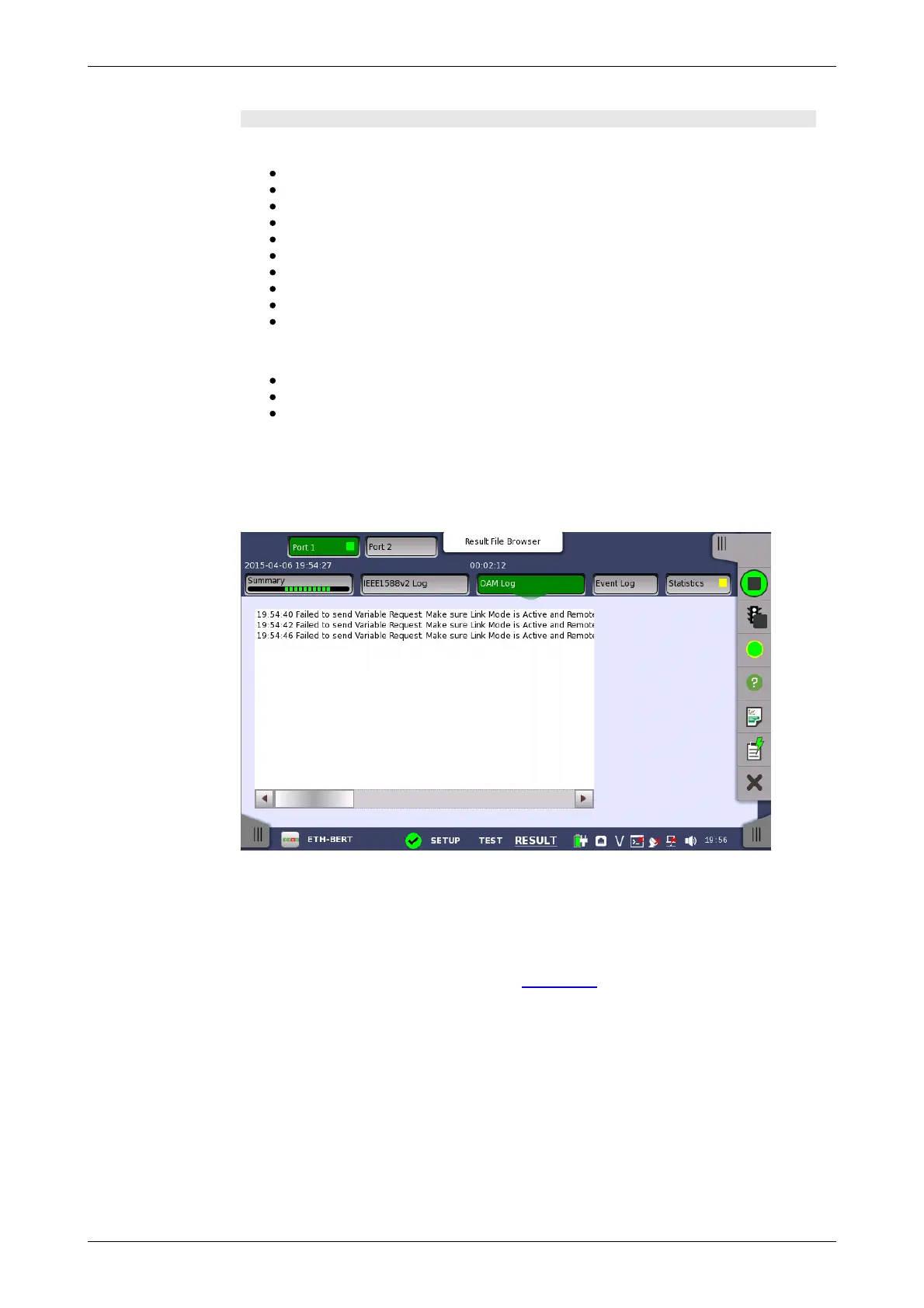
6.2.3.3 OAM Log
Touching the OAM Log button in the navigation area will display the screen
shown below.
This screen presents an OAM Log of the test results. Note that the layout of
the dialog box depends on the currently selected OAM protocol.
6.2.3.4 Event Log
Touching the Event Log button in the navigation area displays the screen
providing the event log data. Refer to Event Log of SDH/SONET/PDH/DSn
BERT application.
6.2.3.5 Statistics
Touching the Statistics button in the navigation area displays the screen
shown below.














 To Next Page