3.5 Remote Operation
With the MX100001A MT1000A/MT1100A Control Software (hereafter,
"Control Software") application installed, your PC is capable of supporting
remote access to the Network Master. Control Software simulates the panel
operation of the Network Master, allowing you to operate and view results on
a PC through a LAN or Internet connection. If more Network Masters are
linked to a network, they can be remotely controlled by the same PC, one at
a time.
3.5.1 Installation of Control Software
Operation Environment
OS Windows 7/8.1 English/Japanese
Interface Ethernet 100BASE-TX/1000BASE-T
Display 800 × 600 dots or more
1. Copy the installer stored in the Network Master to your PC, by USB
memory stick or the file sharing function.
File Name: MX100001A-Setup-x.xx-xxxxx.exe
"x"s in the file name mean numerics showing the version.
2. Double click the installer file.
3. If User Acount Control dialog box appears, click Yes.
4. After the installation finishes, click Close.
Click Start > All Programs > Anritsu > MX100001A folder. Confirm that
following programs appear. "V*.**" is replaced to the version name.
MX100001A-V*.**-Editor
MX100001A-V*.**-Remote
MX100001A-V*.**-Viewer
V*.**-Uninstall
When installing a new version of the Control Software, previous versions are not
automatically uninstalled. To manually uninstall a Control Software version,
execute "Uninstall" from the Control Software folder from the Start menu of
Windows.
3.5.2 Connection and Setup
To make Remote Operation application communicate with Network Master:
1. Connect an Ethernet network cable to the LAN connector on your
Network Master and link this to a Local Area Network.
2. Assign an IP address to the Network Master. This is done in the Ethernet
setting available from the Network screen as described in the Graphical
User Interface chapter.
3. Enable Allow remote PC in the Remote Control.
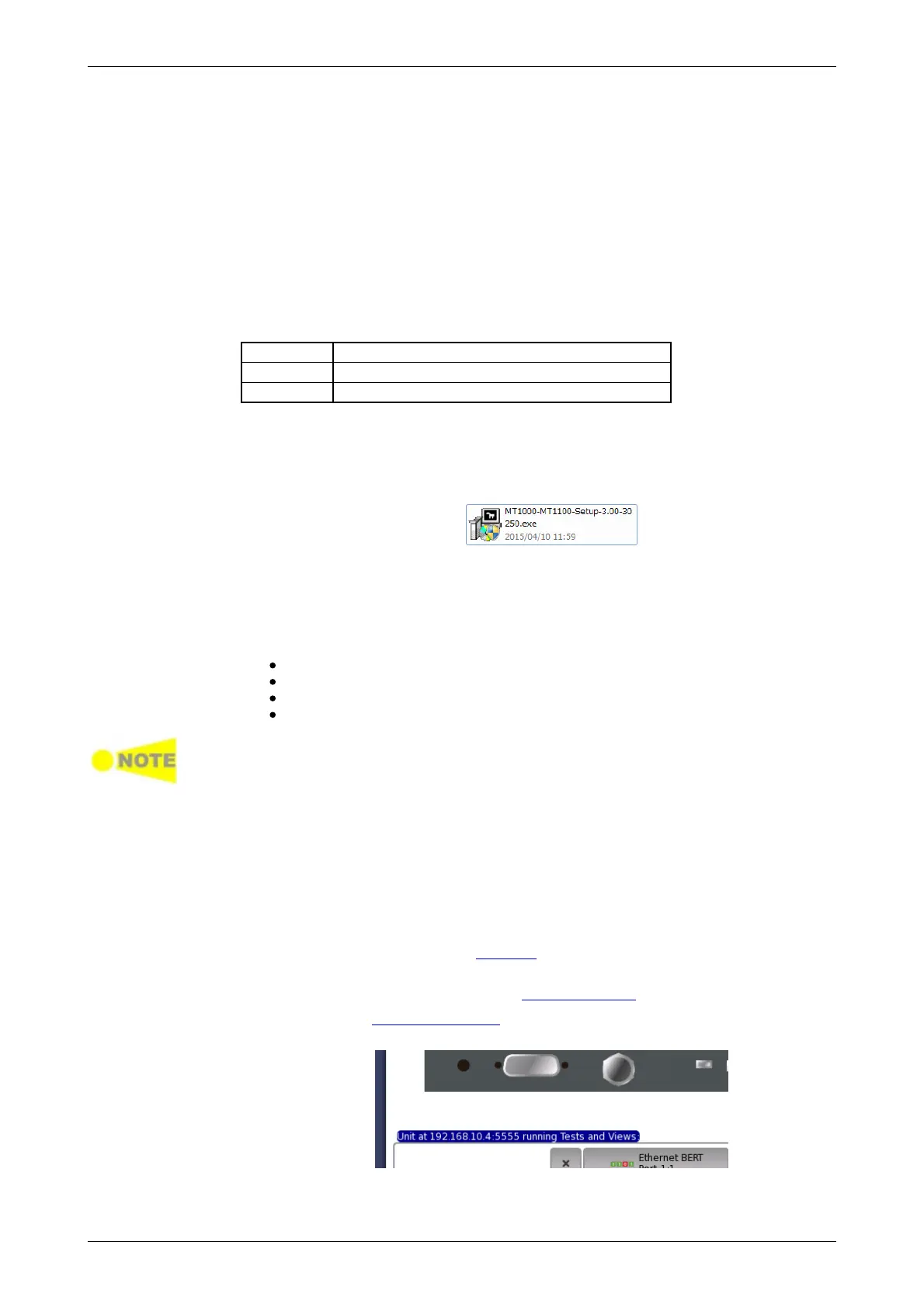
4. Display the Resource Monitor. Confirm that the IP address and "running
Tests and Views" appear.














 To Next Page