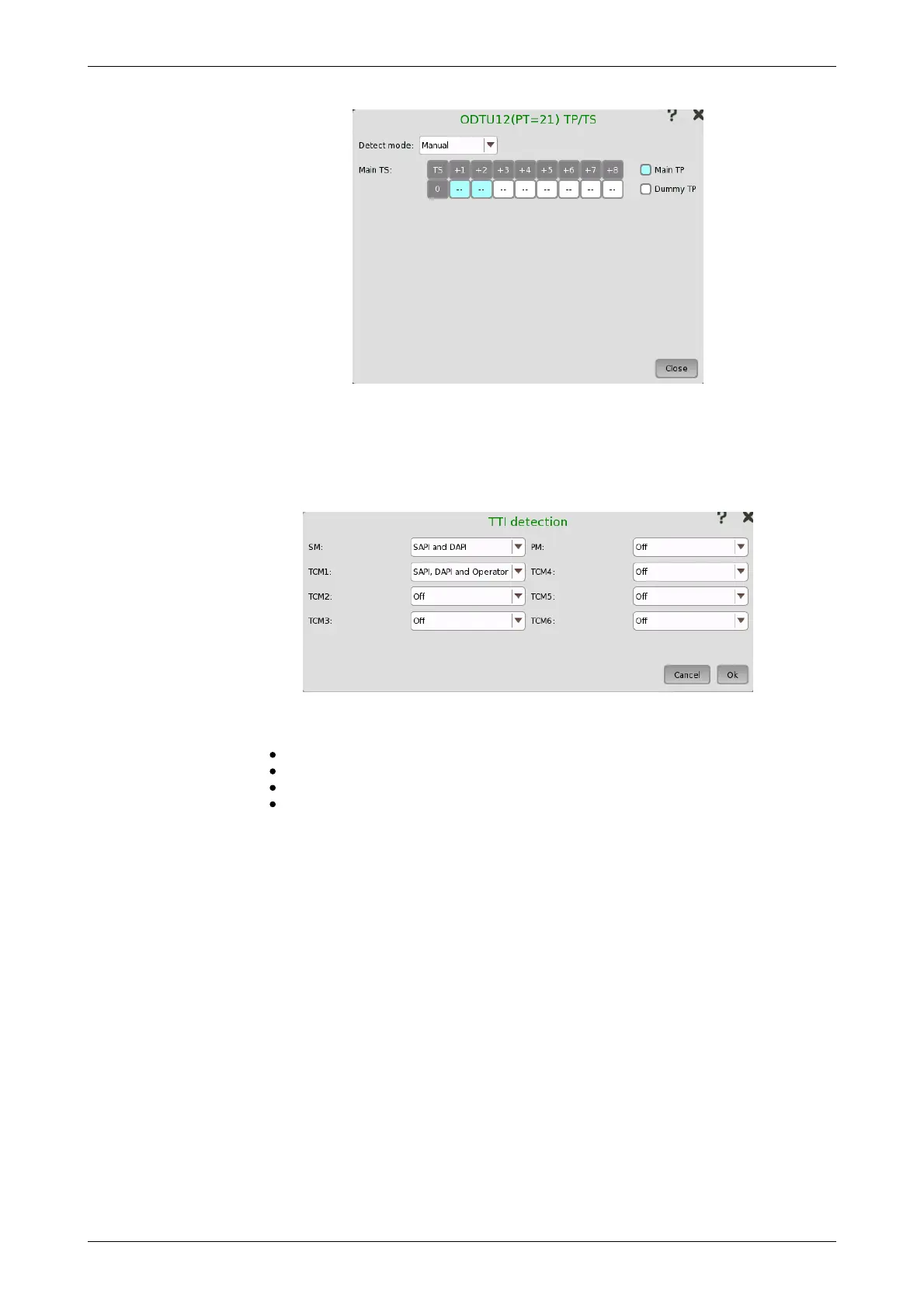
TP/TS dialog box has three screen depending on the Mode setting.
7.1.2.4 TTI detection
Touching the TTI detection button in the upper right-hand corner of the
Ports Setup screen launches the dialog box shown below.
This dialog box allows you to select the detection method for SM, PM, and
TCM1-6.
SAPI (Source Access Point Identifier)
DAPI (Destination Access Point Identifier)
SAPI and DAPI
SAPI, DAPI and Operator (32-Byte Operator specific)
7.1.2.5 MSIM detection
Touching an MSIM detection button on the Ports Setup screen launches
the MSIM Detection dialog box.














 To Next Page