Transmitter
Mode
7.1 OTN Setup and Status
An OTUk button in the navigation area of the Ports Setup screen gives you
access to the OTN setup for the transmitter and/or receiver of the currently
selected port.
OTN (Optical Transport Networking) provides support for optical networking
using wavelength-division multiplexing (WDM). OTN is defined in the ITU-T
Recommendation G.709 as a set of Optical Network Elements (ONE) connected
by optical fiber links, able to provide functionality of transport, multiplexing,
switching, management, supervision and survivability of optical channels
carrying client signals.
The OTUk interface uses the optical ports.
MU100010A Connector Panel
7.1.1 Transmitter Setup
7.1.1.1 Physical Setup
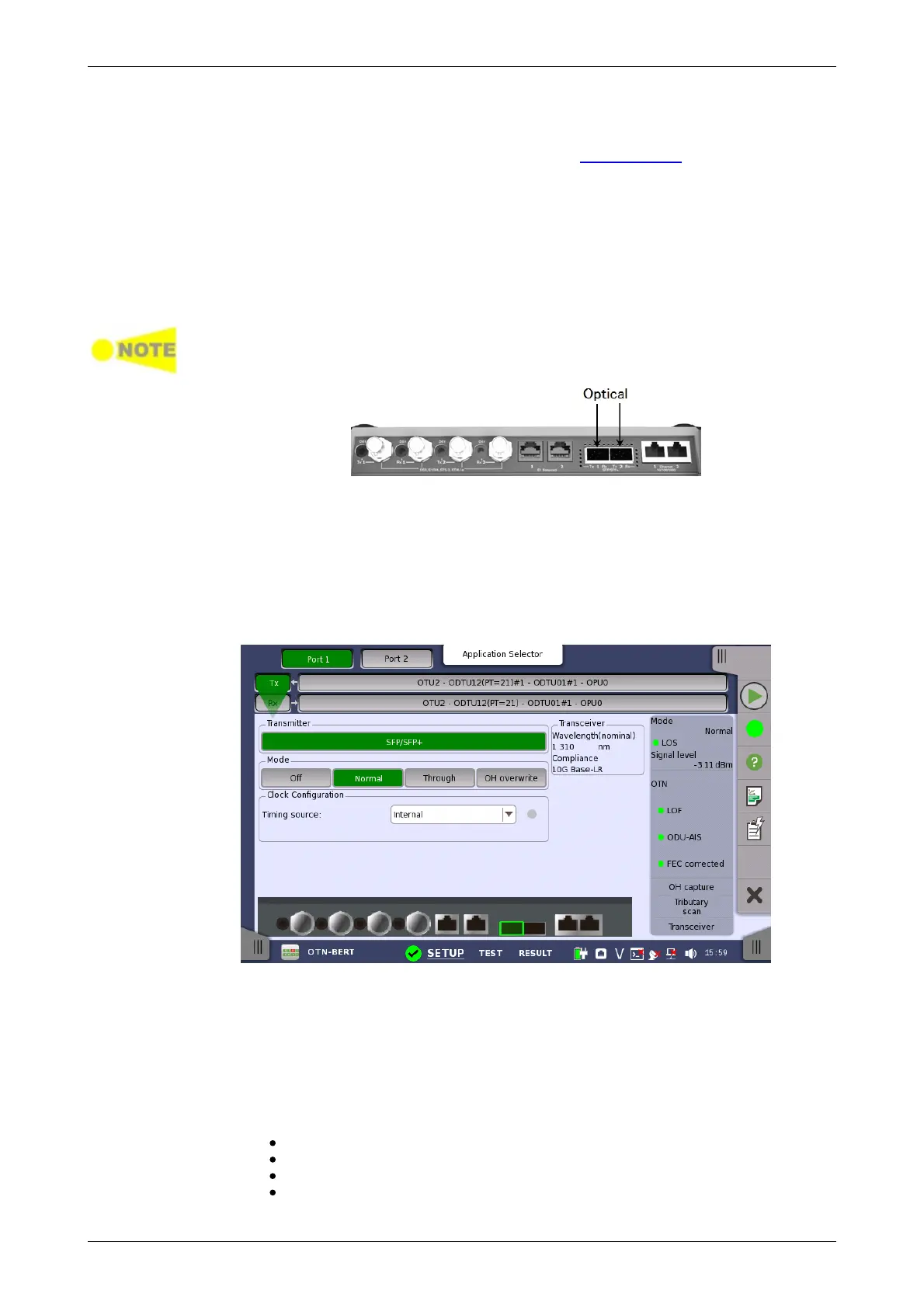
When the transmitter is set up with an OTUk interface, touching the Tx button
in the navigation area will launch the following screen.
This screen allows you to enable the optical interface of the OTN transmitter.
It can also be used to inspect the current status of the selected port by the
button in Navigation area.
The configuration options available in the setup area of the screen are
described below. The status information is described in a separate section.
SFP/SFP+ is displayed for MU100010A.
Select the transmission mode.
Off: OTUk frame is not transmitted.
Normal: Transmits OTUk frames generated in the Network Master.
Through (pass through mode):Transmits the received data.
OH overwrite (pass through mode with Overhead overwrite): Overwrite
the overhead of the received data to OH data generated in Transmit














 To Next Page