Initial charging
Temperature
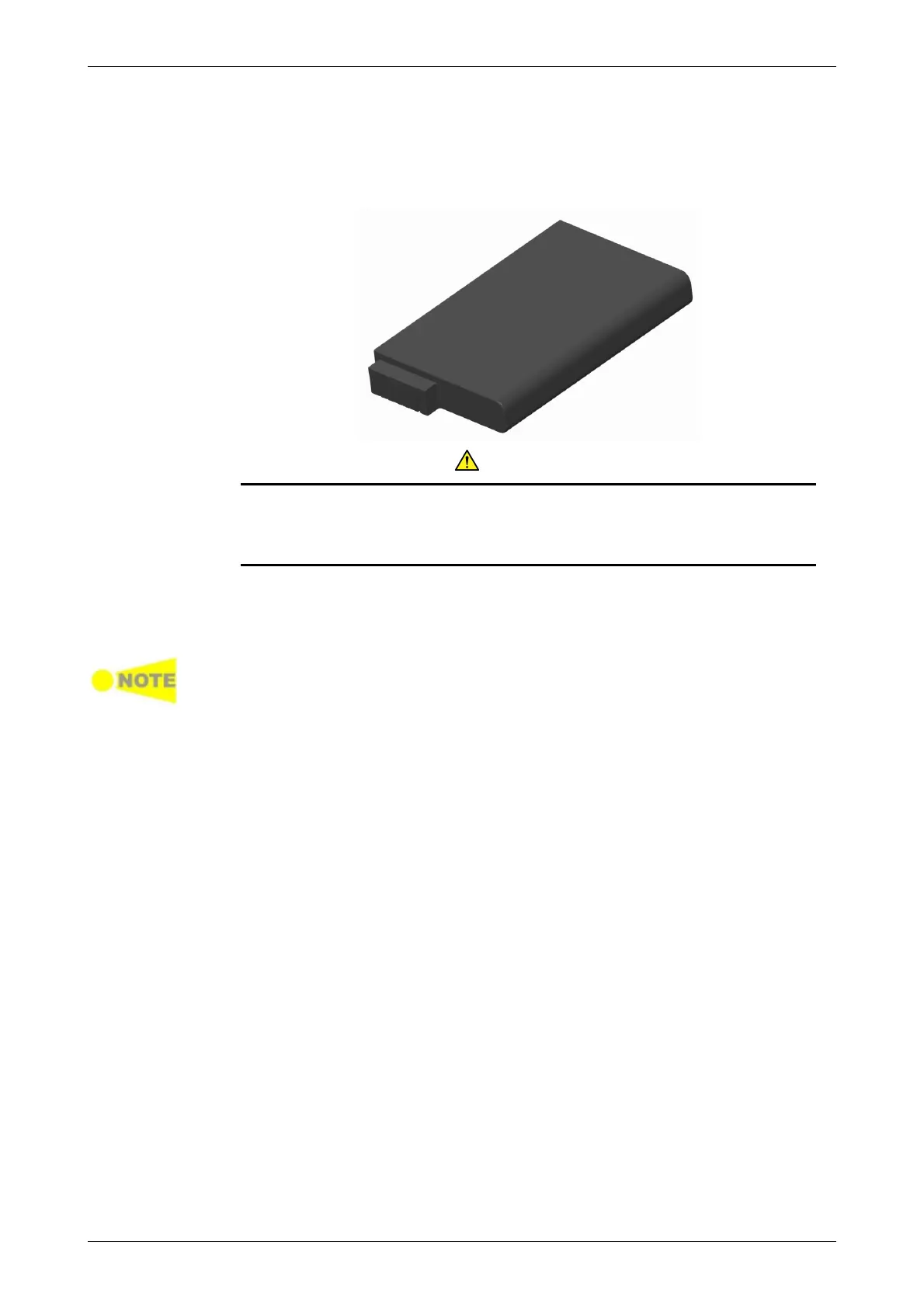
2.3 Rechargeable Battery
The Network Master is delivered with a 10.8 V Intelligent Li-Ion rechargeable
and replaceable battery. The typical operation capacity (with a fully charged
battery) will be approximately 4 hours.
CAUTION
Use only original batteries delivered from Anritsu, to prevent the
risk of instrument damage or personal injury.
Battery should only be charged at room temperature.
The battery will normally be partially or fully discharged on delivery. It is
recommended to charge the battery immediately after delivery and
unpacking. In Stand By Mode, the ON/OFF indicator will stop flashing when
the battery is fully charged.
If the battery will not to be used for a long period of time, it is recommended
that it contains at least 20% capacity. Charge the battery before storage, if
necessary.
When charging is in process, the temperature of the battery will increase.
The intelligence of the battery will ensure that the charging takes place at the
correct temperature.
2.3.1 Installing or Replacing Battery
To install or replace the battery in the Network Master, follow the procedure
below:
1. Disconnect the mains power adapter if it is connected.
2. Switch the Network Master OFF.
3. Place the instrument on its back on a plain surface and turn the lock
screw of the battery compartment to match the unlock mark.
4. Remove the lid of the battery compartment.
5. Pull out the battery from the compartment.














 To Next Page