Option Meaning
Cord
Word
FEAC Off -
DS3 EF DS3 Equipment Failure Service Affecting 011001
DS3 LOF DS3 Loss of Signal 001110
DS3 OOF DS3 Out of Frame 000000
DS3 AIS DS3 AIS Received 010110
DS3 Idle DS3 Idle Signal Received 011010
DS3 EF NSA DS3 Equipment Failure (Non-Service Affecting) 001111
DS3 CEF
NSA
DS3 Common Equipment Failure (Non-Service
Affecting)
011101
DS1 MLOS Multiple DS1 LOS 010101
DS1 EF DS1 Equipment Failure (Service Affecting) 000101
DS1 LOS Single DS1 LOS 011110
DS1 EF NSA DS1 Equipment Failure (Non Service Affecting) 000101
LL Active Line Loopback Activate 000111
LL Deactive Line Loopback De-activate 011100
User User defined -
USR FEAC code
When 'FEAC Code' is set to User, touch the USR FEAC code button and use
the launched dialog box to define the FEAC code.
5.6.2 Receiver Setup
5.6.2.1 Physical Setup
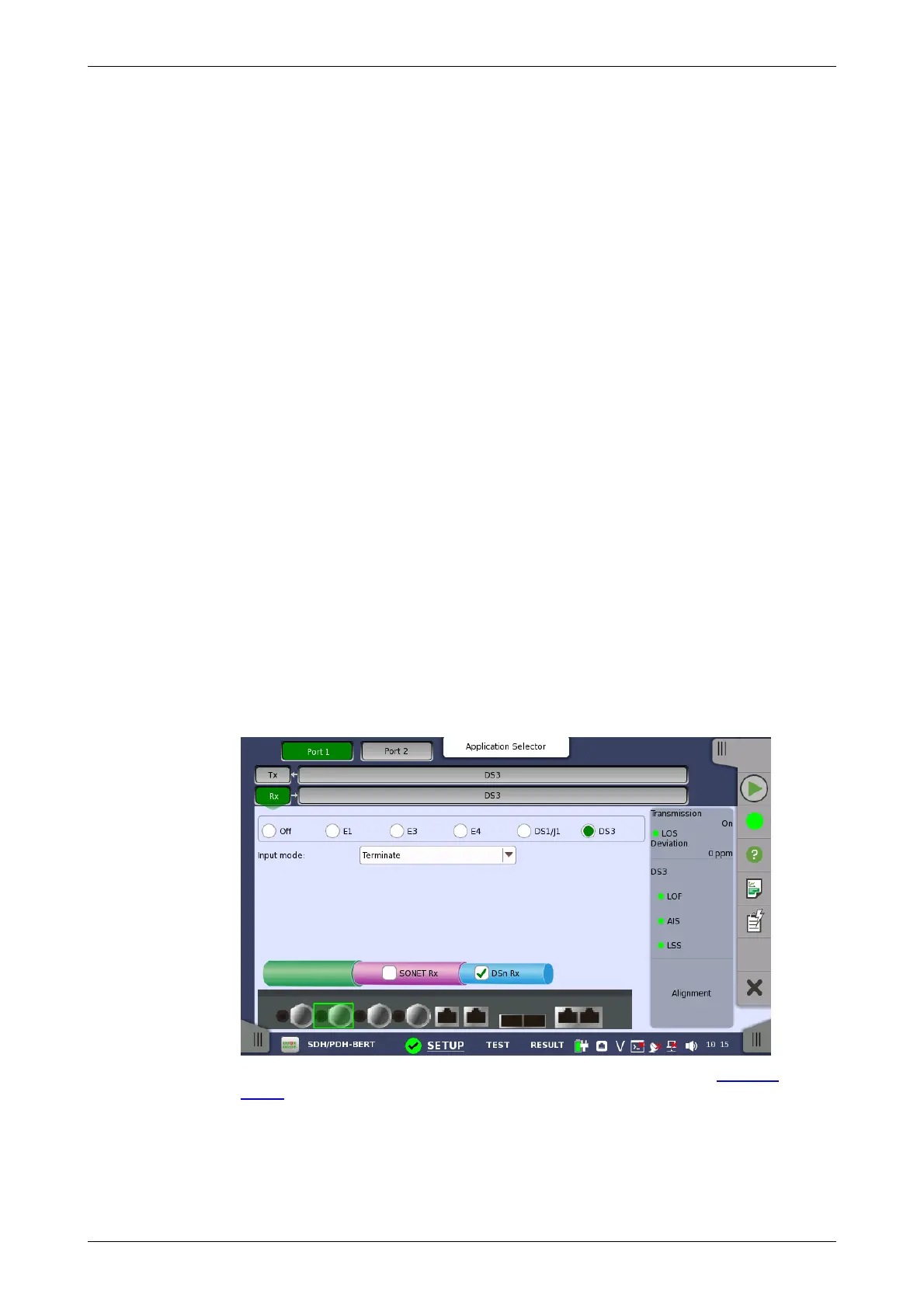
When the receiver is set up with only a DS3 interface, selecting the Rx
button in the navigation area will launch the following screen.
For the switching method between PDH Rx and DSn Rx, refer to Physical
Setup in "E1 Setup and Status". Touch DS3 radio button. Touching Off radio
button disables the receiver.
This screen allows you to make the physical setup of the PDH receiver in
DS3 mode. It can also be used to inspect the current status of the selected
port.














 To Next Page