5.7 E4 Setup and Status
E4 represents the 139.264 Mbit/s PDH layer. The Ports Setup screen gives
you access to the PDH layer setup for the transmitter and/or receiver of the
currently selected port.
E4 allows transmission of data streams that are nominally running at the same
rate, however allowing for some variation in the speed around a nominal rate
(+/-125 ppm variation around 139.264 Mbit/s).
E4 frame has 2988 bits consisted 6 sets of 488 bits. FAS (Frame Alignment
Signal) bits are located at top of E4 frame.
E4 Frame Structure
The E4 interface uses the electrical BNC connectors.
MU100010A Connector Panel
5.7.1 Transmitter Setup
5.7.1.1 Physical Setup
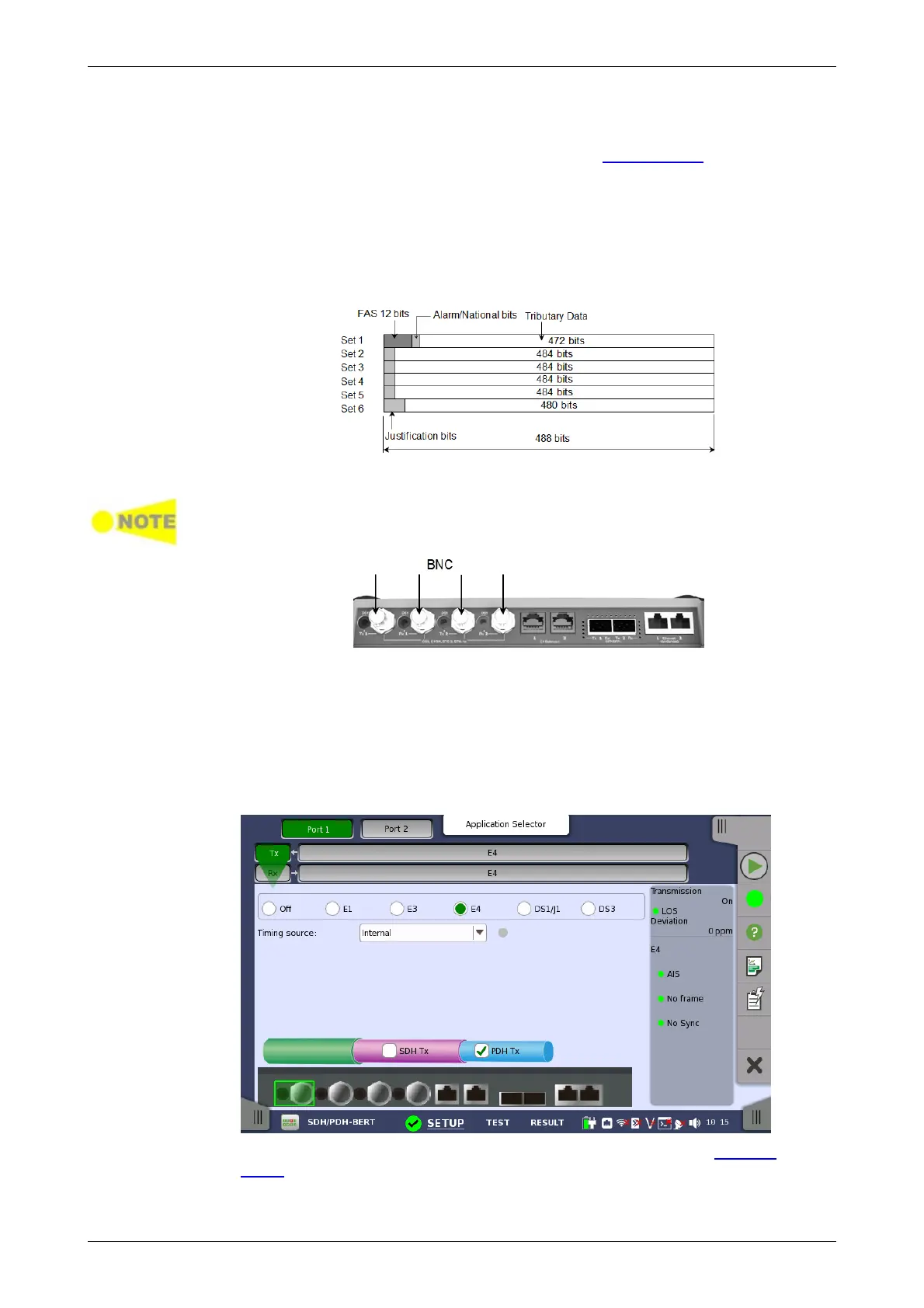
When the transmitter is set up with only an E4 interface, selecting the Tx
button in the navigation area will launch the following screen.
For the switching method between PDH Tx and DSn Tx, refer to Physical
Setup in "E1 Setup and Status". Touch E4 radio button. Touching Off radio
button disables the transmitter.














 To Next Page