Follows
TCM
SDH/SONET
switching
Physical Status
Alarm/Error
Status
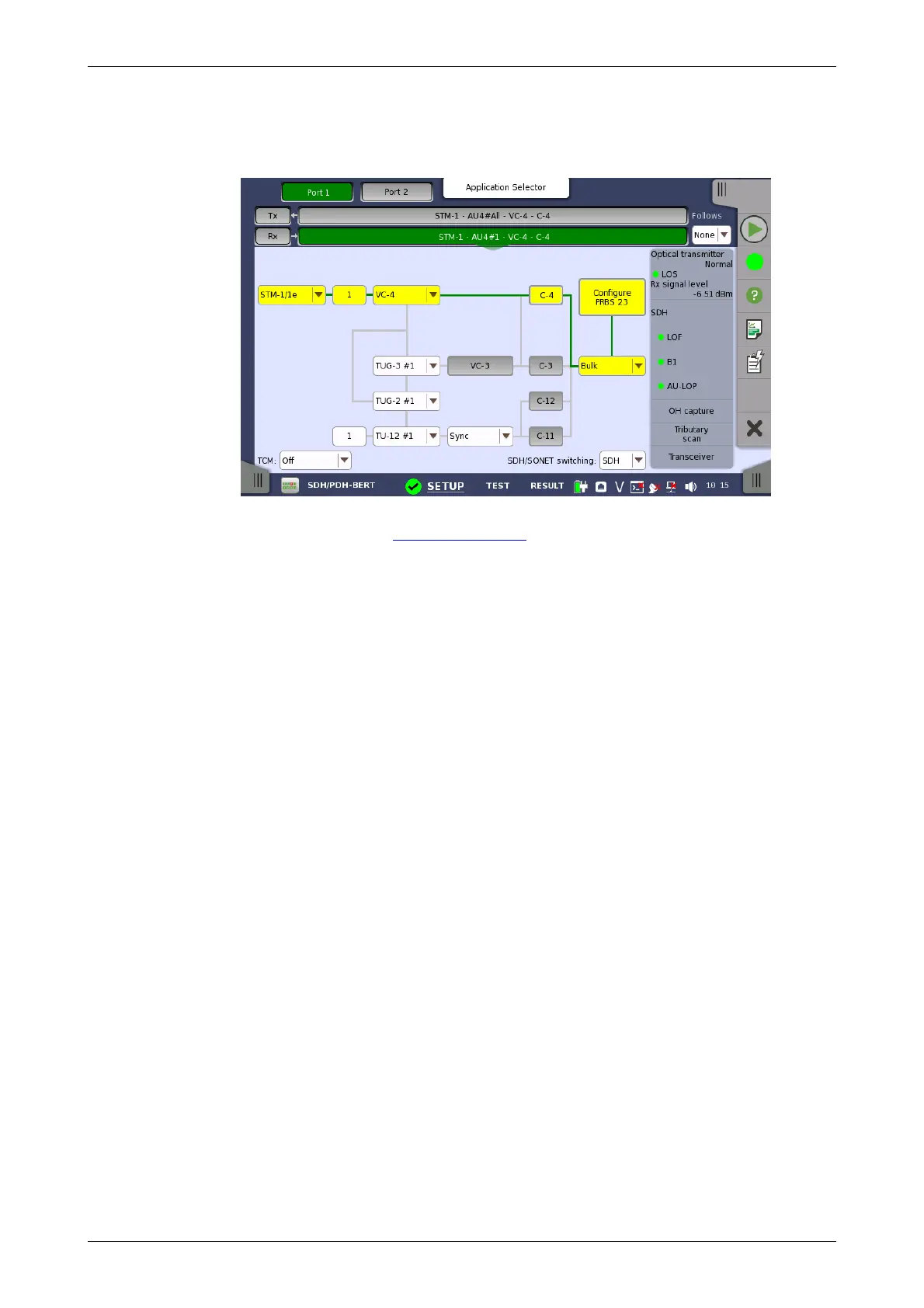
Touching the navigation area button which represents the receiver's SDH
layer will launch the following screen.
The manner of setting up the SDH interface of receiver is the same as that of
transmitter. Refer to SDH Frame Setup in "Transmitter Setup".
To make the currently selected receiver follow either the transmitter or Port
1 receiver (i.e. copy its settings), touch the right-most button in the
navigation area and select the relevant value in the drop-down menu. The
receiver settings continue to follow the change of either the transmitter or
Port 1 receiver. The default setting is None. Note that the Port 1 receiver
cannot follow the Port 2 receiver.
Select the TCM (Tandem Connection Monitoring). The available TCM is
decided by multiplex structure. If you select other TCM, the multiplex
structure on the setup area will be changed.
The possible settings are:
Off
N1 (VC-4)
N1 (VC-3)
N2 (VC-12/11)
Allows you to switch between SDH and SONET.
5.1.3 Status Information
This section describes the status information available for the SDH layer in
the status area of the Ports Setup screen.
5.1.3.1 Status Summary
The status summary displayed for the SDH layer consists of the following
information:
The topmost part of the status area gives you access to information about
the current physical status of the selected interface. A summary consisting
of the most relevant status indicators is displayed constantly. By touching
the summary, you can launch a display that contains the detailed status
information.
The middle part of the status area gives you access to alarm and error
information for the selected interface. The status is indicated by the lamp
color.














 To Next Page