The Network Master is using the battery as power source. The AC adapter is
not connected.
There is a delay of several seconds before the battery status is updated.
A more detailed battery status information is launched when touching the
battery icon. The example in the figure below shows the status screen of a
battery during charging.
2.4 Measurement Cables
When connecting the Network Master to the line to be tested or monitored, it
is recommended always to use shielded cables of good quality, to avoid the
possibility of corrupting the measuring results. For the same reason, the AC
adapter, if used, should be connected to the instrument and switched on
before starting the measurement.
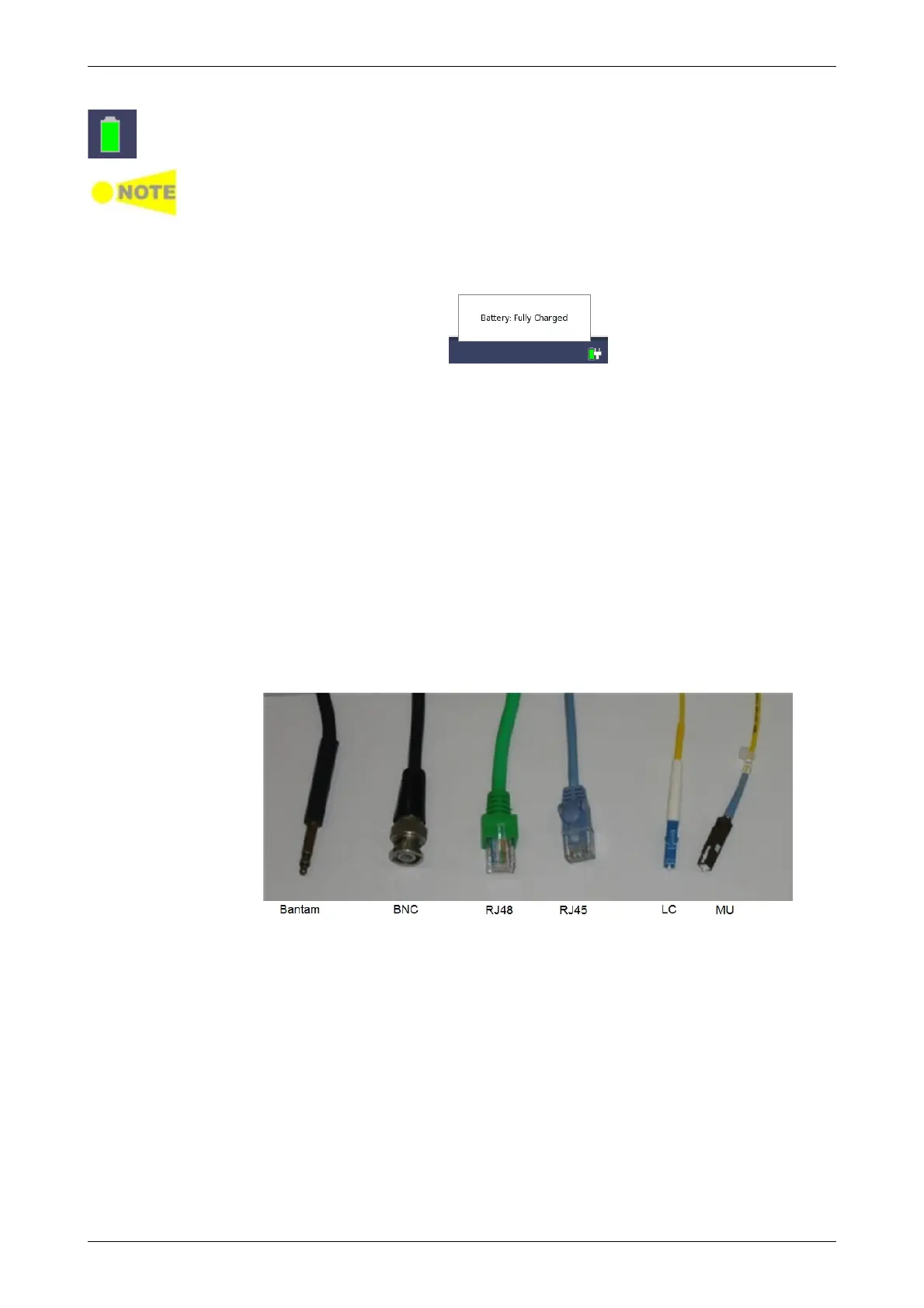
For connection of the Network Master to different types of equipment,
different cables are available. Please contact your Anritsu representative for
information.
2.4.1 Connecting Measurement Cables
Measurement cables are connected to the input and output connectors
located on the connector panel of the instrument. Various electrical and
optical connectors are available.
2.5 Support Stand and Carrying Strap














 To Next Page