Scanning
Details
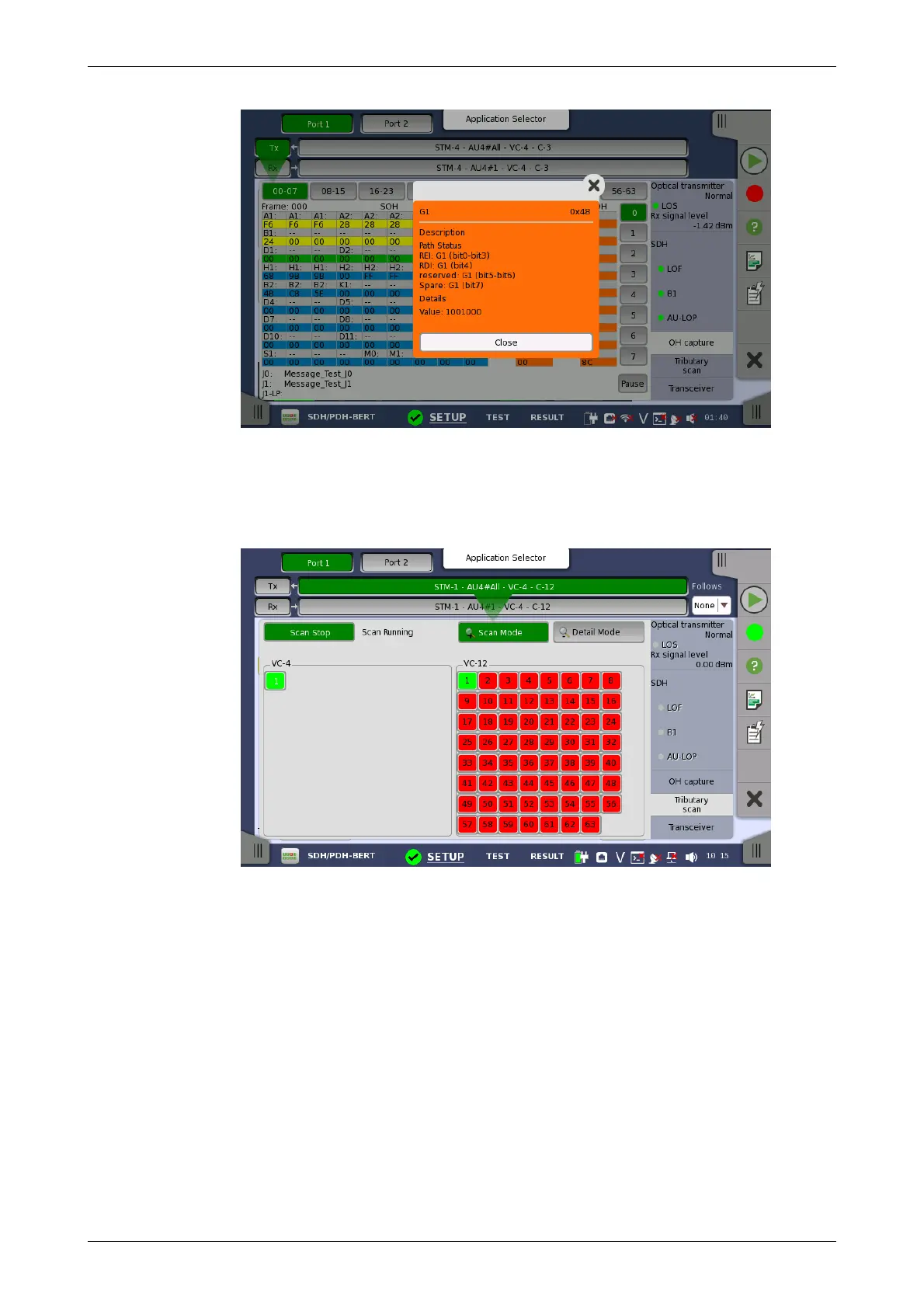
5.1.3.5 Tributary scan
Touching the Tributary scan button in the status area of the Ports Setup
screen displays the status shown below.
This screen allows to measure the alarms and errors of all VC-containers in
the High order or the Low order at the same time. Note that the Low order
scan is performed against the High order channel which you have selected.
This button appears when the Low order channel exists. In Scan Mode, touch
the Scan Start button to start the scanning. To stop the scanning touch the
Scan Stop button (same button, which toggles between the two functions).
To view detailed information for a specific channel, touch the Detail Mode
button and then touch the channel number.














 To Next Page