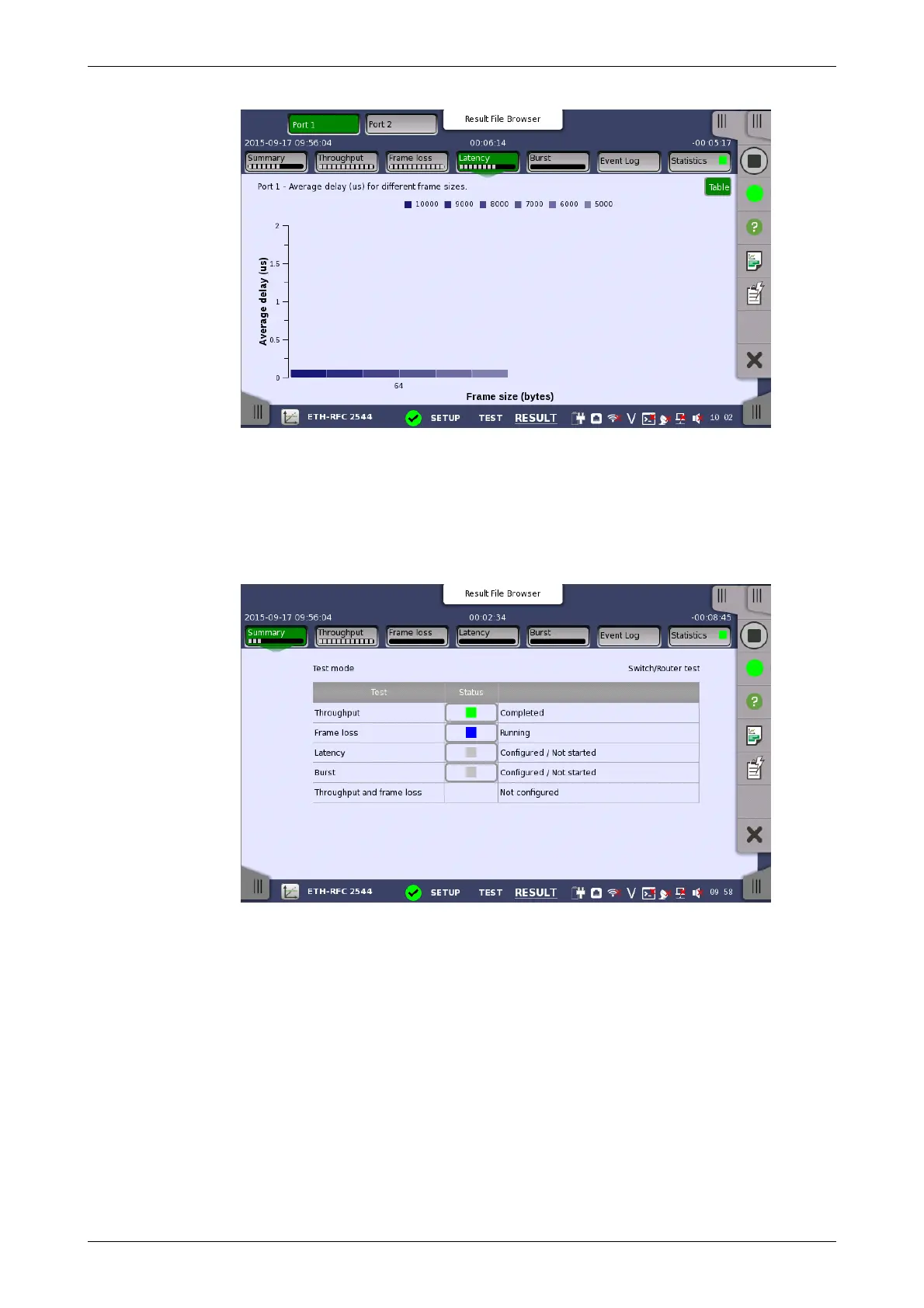
On the test-specific result screen, you switch between the two modes by
using the Graph and Table buttons.
6.9.3.1 Summary
When you go to the test results of the Ethernet RFC 2544 application, the
following screen is displayed.
This screen presents the current status of the test(s) (Configured / Not
Started, Running, Completed or Not Configured). Touching the status
button for a specific test will display the relevant screen with detailed results
information.
6.9.3.2 Throughput
Touching the Throughput button in the navigation area will display the
screen shown below.














 To Next Page