Tone
Touch the Frequency field and use the launched dialog box to key in the
frequency, using the numeric softkeys.
Touch the Level field and use the launched dialog box to key in the level.
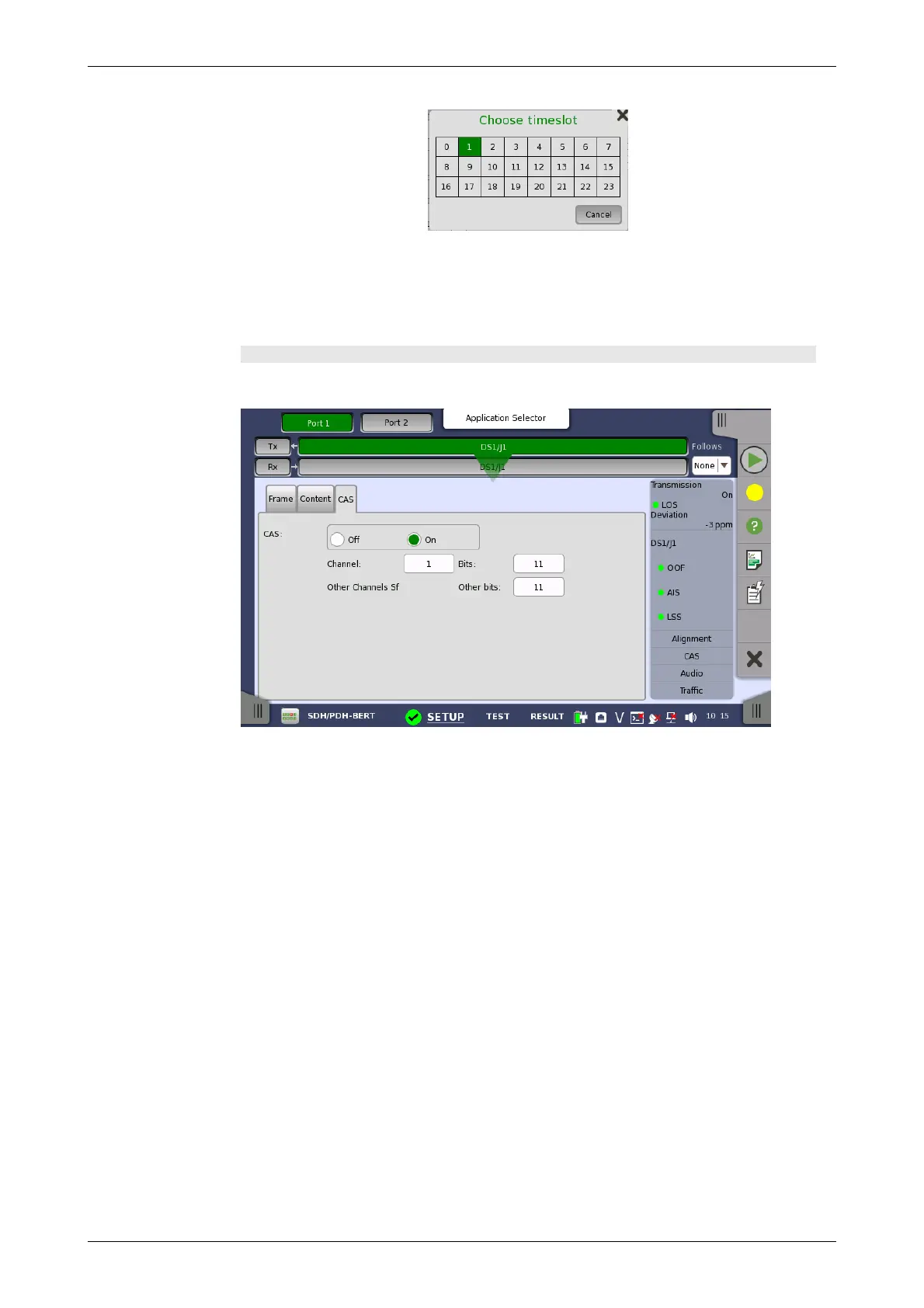
CAS tab page
The CAS tab page contains the following parameters:
CAS
Use the CAS radio buttons to enable (On) or disable (Off) the insertion of a
CAS (Channel Associated Signaling).
Touch the Channel, Bits and Other bits fields to define the contents of a
selectable CAS channel as well as the remaining channels.














 To Next Page