IPv6
Selecting the Renew lease when link is reestablished check box
enables the function that automatically renews the lease when the link is
reestablished.
Selecting the Get gateway servers through DHCP check box
enables the function that automatically assigns the gateway.
Selecting the Get DNS setup through DHCP check box enables the
function that automatically assigns the DNS server.
Primary DNS and Secondary DNS allow you to define these IPv4
addresses for the specific stream.
When allocating IP addresses using DHCP, it is 'leased' for a certain
period of time defined by the network. The time when the lease expires
is indicated as Current lease expire time.
Touching the Renew now button will renew the allocation of the IP
address.
Touching the Close button closes the dialog box.
Gateway/Network mask
Select the Gateway check box to enable the use of a gateway. When
gateway is enabled and the gateway/source address mask falls outside the
network mask, an ARP lookup for the gateway IP address will be made. The
resulting MAC address is used as destination. Gateway is usually used with
ARP enabled as well.
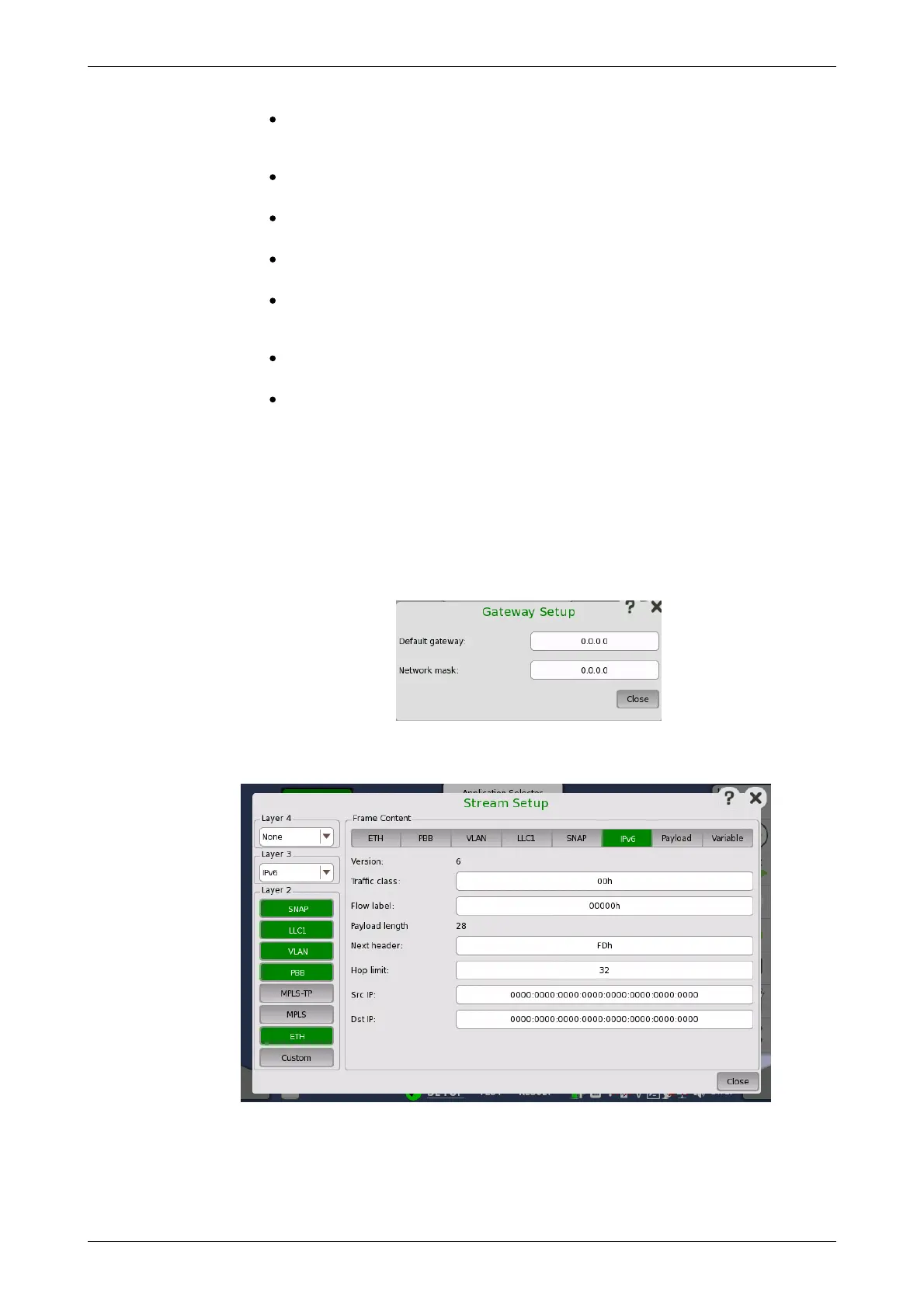
Touching the Setup button next to the Gateway check box will open the
Gateway Setup dialog box, in which you can set up the default gateway
and/or the network mask.
Touching the IPv6 layer button displays the parameters available for the
Internet Protocol version 6 layer.
IPv6 header is defined in RFC 791 as below.














 To Next Page