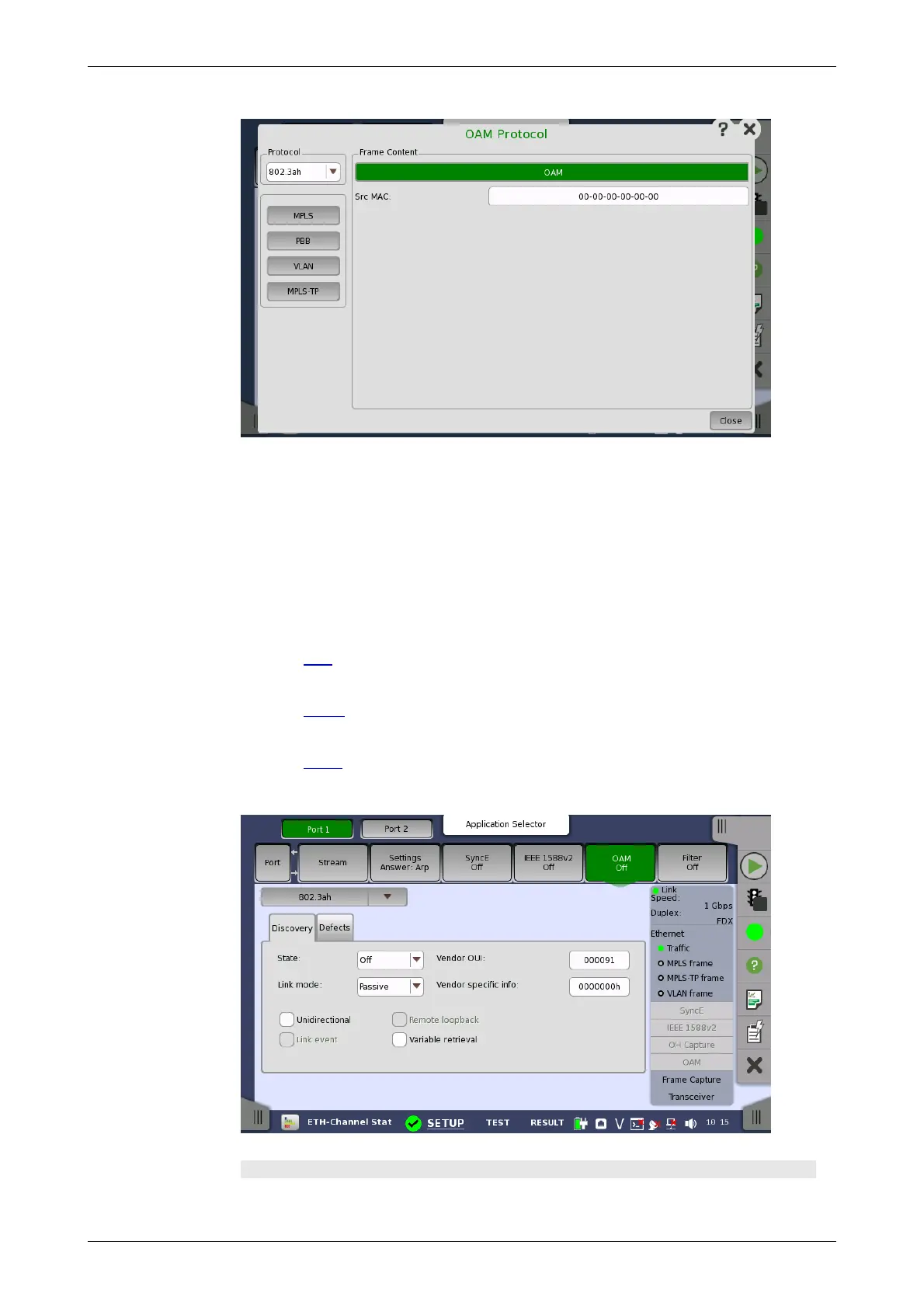
802.3ah protocol
setup
OAM Protocol
In the OAM Protocol dialog box the buttons on the left-hand side allow you
to select the relevant layers. The current selection is shown at the top of the
Frame Content area. Touching one of the layer buttons in the Frame
Content area will display the setup parameters for that layer.
The following layers and parameters are available:
OAM layer
Src MAC -The MAC address of the source that sends the OAM Protocol Data
Units, which is a unicast address.
PBB layer
Refer to PBB in "Stream" subsection.
VLAN layer
Refer to VLAN in "Stream" subsection.
MPLS, MPLS-TP layer
Refer to MPLS in "Stream" subsection.
Selecting the 802.3ah protocol will display the screen shown below.
Discovery tab page
The Discovery tab page contains the following parameters:














 To Next Page