Studying a
specific result
Selecting
notation
Performance
Frame
Burst
Size Distribution
Transmit
Latency
Jitter
WAN Alarms/Errors
WAN G.826
WAN G.826+G.829
WAN M.2101.1(M.2100)
SyncE
IEEE 1588v2
PCS
802.3ah
802.1ag/Y.1731
OTN options appear if the Ethernet signal is carried by OTN.
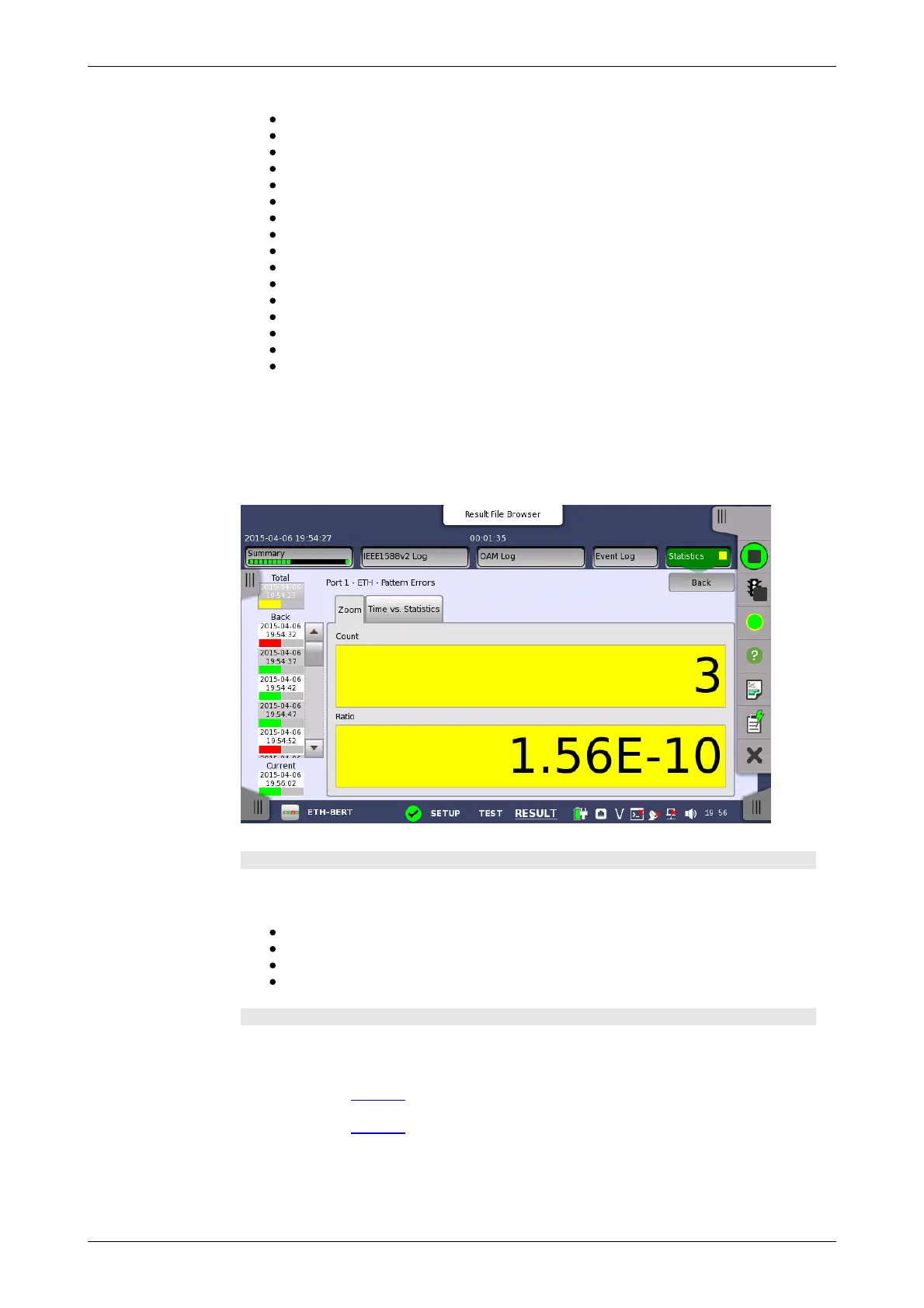
Touch a specific cell in a result table to zoom in on the corresponding result
item. The Count and Ratio fields are displayed on a Zoom tab page. A
Time vs. Statistics tab page is also available. Use the Back button or
touch the zoom filed to return to the statistics screen.
Selecting how results are displayed
Select the required notation for the results from the notation drop-down
menu.
Unformatted - e.g. 71892
SI prefix - e.g. 71.892 k (k means "kilo")
Engineering - e.g. 71.892E3
Scientific - e.g. 7.1892E4
Results
The result items varies depending on the configuration in Ports Setup screen.
OTN Alarms/Errors
Refer to Results in "OTN Application"
OTN Performance
Refer to Results in "OTN Application"
BERT Results
BERT
Service disruption
M.2100
Throughput














 To Next Page