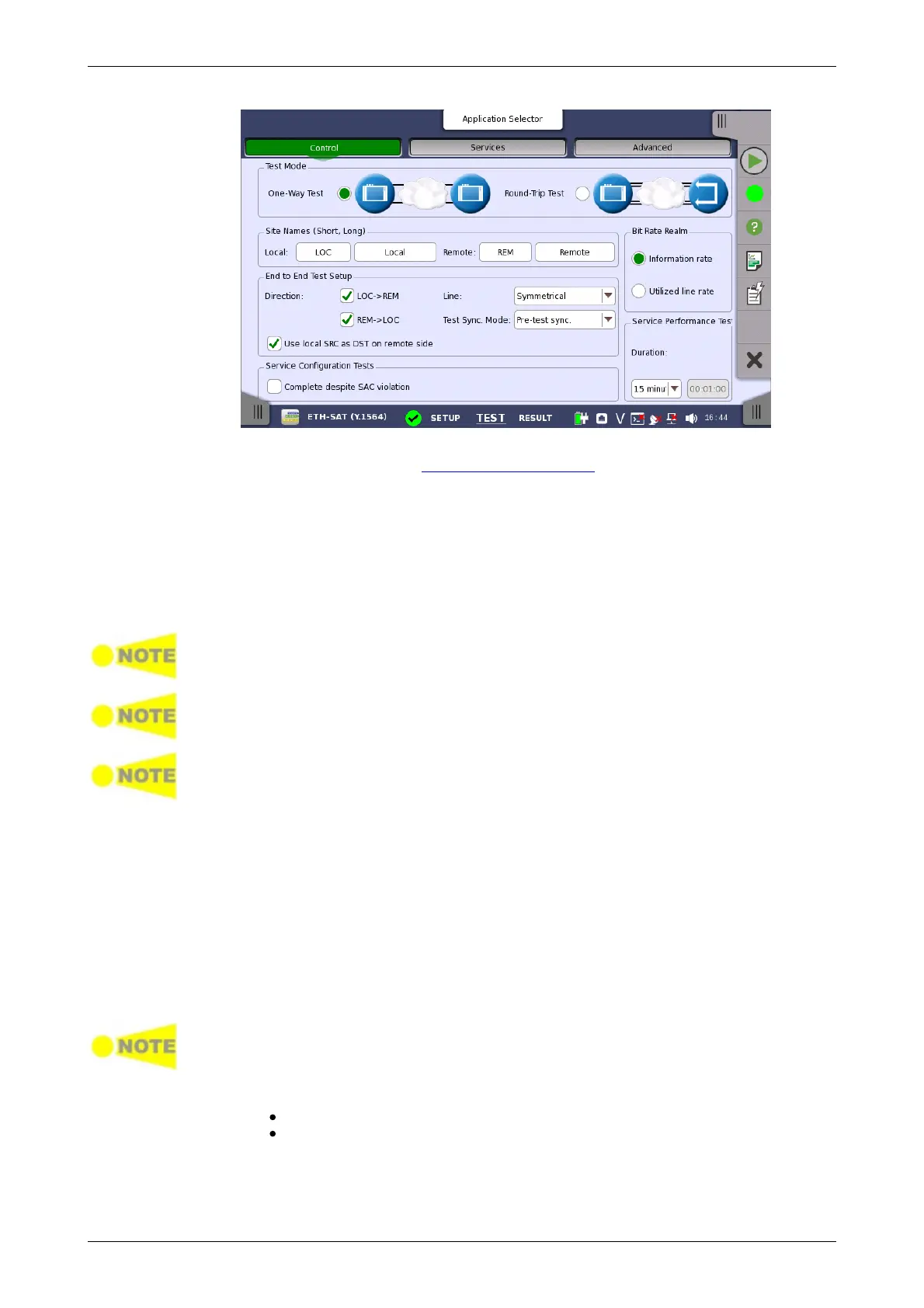
Test Mode
Site Names
(Short, Long)
End to End Test
Setup
This screen allows you to configure the test mode and other general
parameters related to a Service Activation Test.
Use the radio buttons to select the relevant test mode.
One-Way Test
In this test mode, two Network Master units will work together performing the
test. When the test is started on the local side, the unit will try to contact the
remote side, using the Destination IP and MAC address (or use ARP if
selected) for the first enabled service. If the remote side receives the
communication on a port with a matching Source address, the test will begin.
The remote side Network Master must have "Accept Network Master
Configuration frames" on the Test Setup screen enabled, in order to detect the
communication.
Enable "Compatible configuration frames with CMA3000 and V2.X or older" to
support communication with CMA3000 and Network Master V2.X or older. The
setting is locate under Ports Setup screen > Ethernet > Settings.
Frames from Service 1 on the local side must reach Service 1 on the remote side
and vice versa. This applies to all services.
When the End to End test is started, a popup will appear on the remote side,
telling that the unit is being remotely controlled and allowing the user to
break the connection, if required. The popup will disappear when the test is
completed or stopped on the local side.
When the End to End test is completed, the test results are transferred from
the remote side to the local side.
Round-Trip Test
This test mode is used when testing network by reflecting traffic back to the
instrument. This requires a device to reflect the traffic back, for instance a
second Network Master.
A remote side Network Master in Reflector mode must have Swap IP address and
Swap Ports on UDP and TCP frames enabled.
Touch the fields to set the Site Names :
Local: The site name for Network Master side.
Remote: The site name for the opposite instrument.
This setup is enabled when One-Way Test is selected.
Direction














 To Next Page