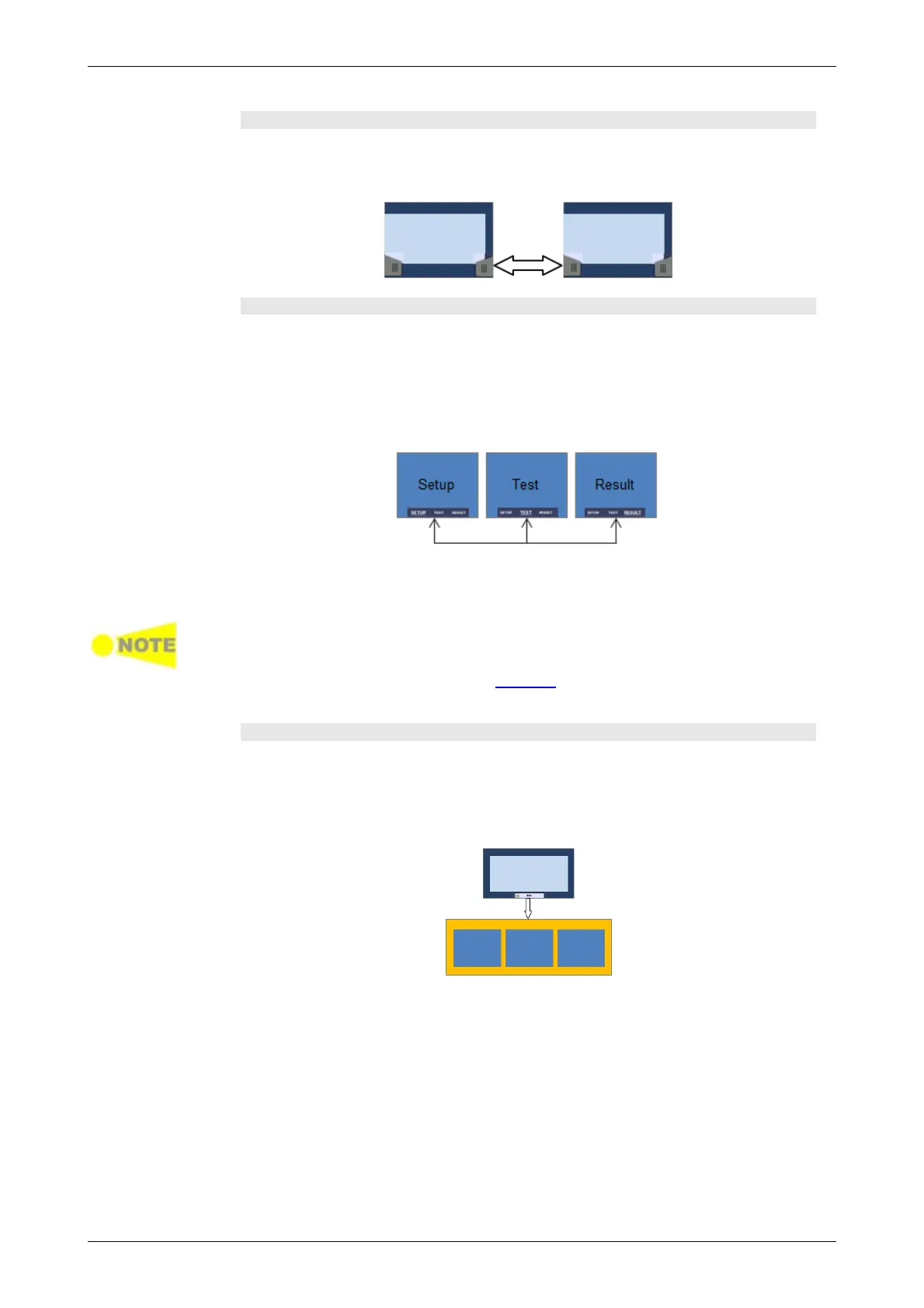
Horizontal navigation at desktop level
You can switch between the application selector and the result file browser
by touching the tab displayed in the bottom right-hand corner and the
bottom left-hand corner.
Horizontal navigation within a workspace
In the workspace you can step through the setup by touching the navigation
tabs displayed in the bottom corners of the screen. The right-hand tab brings
you to the next step in the setup, while the left-hand tab allows you to take a
step backwards.
Alternatively, you can use the screen indicator at the bottom of the screen
to switch between ports setup, test setup and test result.
It is also possible to loop back directly to the ports setup from the test result
screen if you need to rerun the test with different settings.
To get from the Test Setup to the Test Result screen during a new test, you
must run the test. This is done by touching the 'Start' icon in the Application
toolbar, which is the expandable toolbar shown on the right-hand side of the
screen. Please refer to the separate Toolbars section for information about the
toolbars.
Vertical navigation between desktop and workspace
When an application is currently running, the application selector screen will
contain a tab at the bottom which allows you to go directly to the screen last
displayed in the application's workspace. Similarly, the result file browser
screen will contain a tab at the bottom which brings you to the test result
screen of the running application.
From a setup screen you can return to the application selector using the tab
at the top of the screen. Test result screens contain a tab at the top which
returns you to the result file browser.














 To Next Page