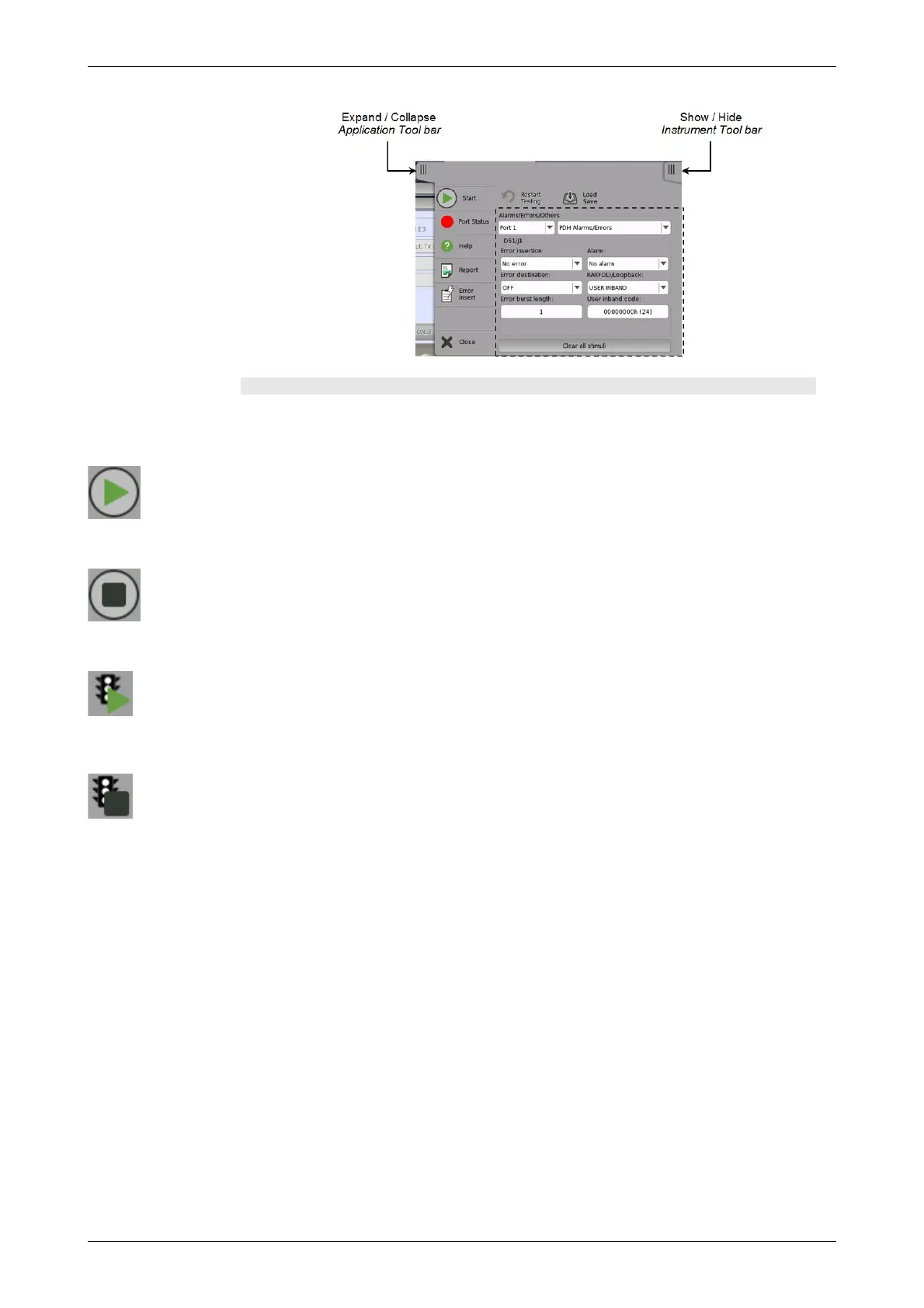
Left-most column
The left-most column contains the following functions and status indicators:
Start
Touch the Start icon to start the currently selected application/test. The icon
changes to the Stop icon shown below, which can then be used to stop the
test.
Stop
Touch the Stop icon to stop the currently running application/test. The back
color indicates the pass/fail status. When the test has stopped, the icon
changes to the Start icon shown above.
Traffic Start
This icon appears in case of applications having traffic generation. Touch the
Traffic Start icon to start sending traffic of all ports under test. The icon
changes to the Traffic Stop icon shown below.
Traffic Stop
This icon appears in case of applications having traffic generation. Touch the
Traffic Stop icon to stop the traffic of all ports under test. When the traffic has
stopped, the icon changes to the Traffic Start icon shown above.














 To Next Page