Configuring the ECN330-switch
212 1553-KDU 137 365 Uen D 2006-06-16
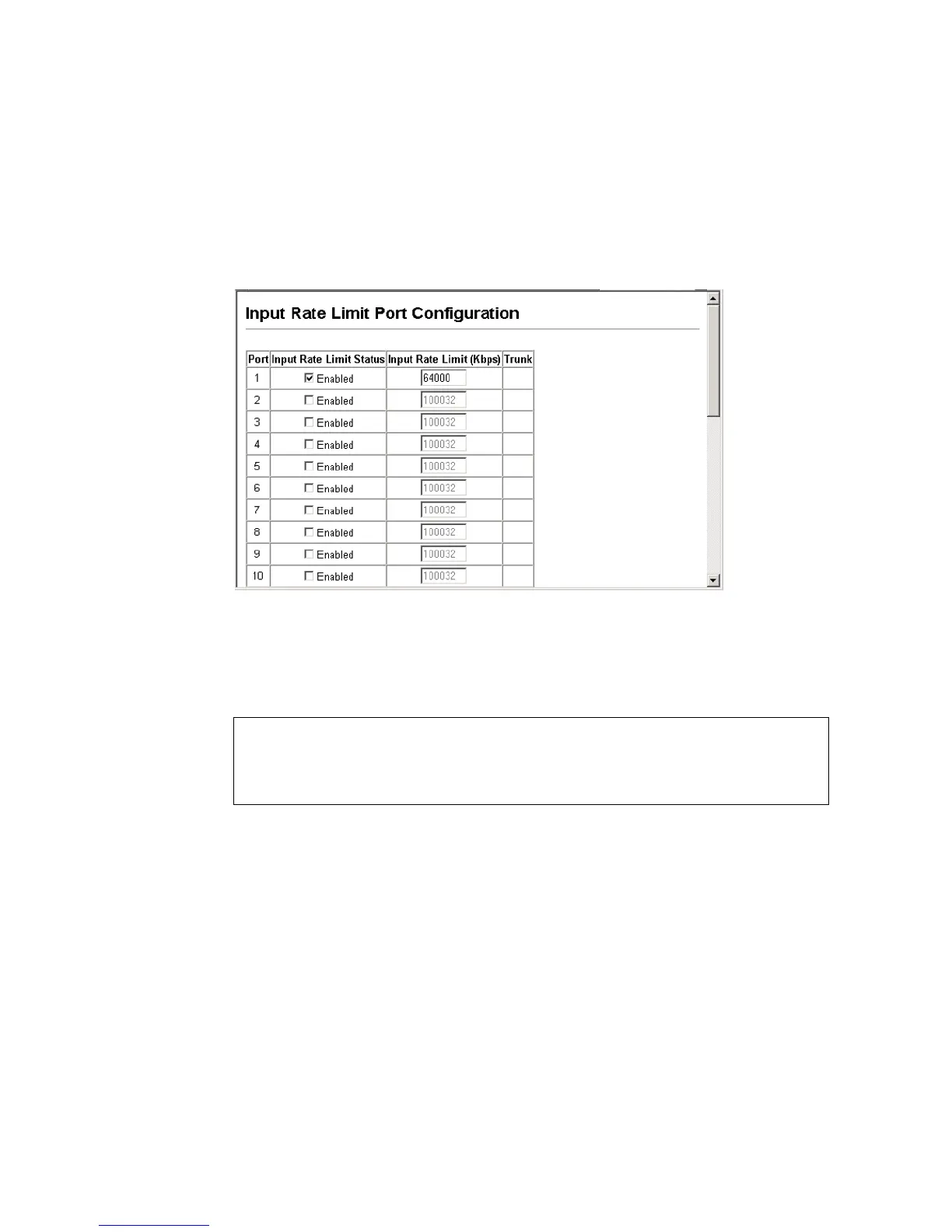
Web - Click Rate Limit, Input/Output Port/Trunk Configuration. Set the Input
Rate Limit Status or Output Rate Limit Status, then set the rate limit for the
individual interfaces, and click Apply.
Figure 81 Rate Limit Configuration for an Interface
CLI - This example sets the rate limit for input and output traffic passing through
port 1 to 64000 Kbps (640 Mbps).
6.7.6.2 Setting Rate Limits for Ports within Each VLAN
Command Attributes
• Port – Port number. (Range: 1-28)
• Rate Limit List – Rate limits applied to specified VLANs for each port.
• VLAN ID – ID of configured VLAN (1-4094).
Console(config)#interface ethernet 1/1
Console(config-if)#rate-limit input 64000
Console(config-if)#rate-limit output 64000
Console(config-if)#



 To Next Page