Configuring the ECN330-switch
402 1553-KDU 137 365 Uen D 2006-06-16
disabled, all packets are switched, with filtering and forwarding
decisions based strictly on MAC addresses.
• Default Gateway – The routing device to which the ECN330-switch will
pass packets for all unknown subnets; that is, packets that do not match
any routing table entry. (Valid IP addresses consist of four numbers, 0
to 255, separated by periods.)
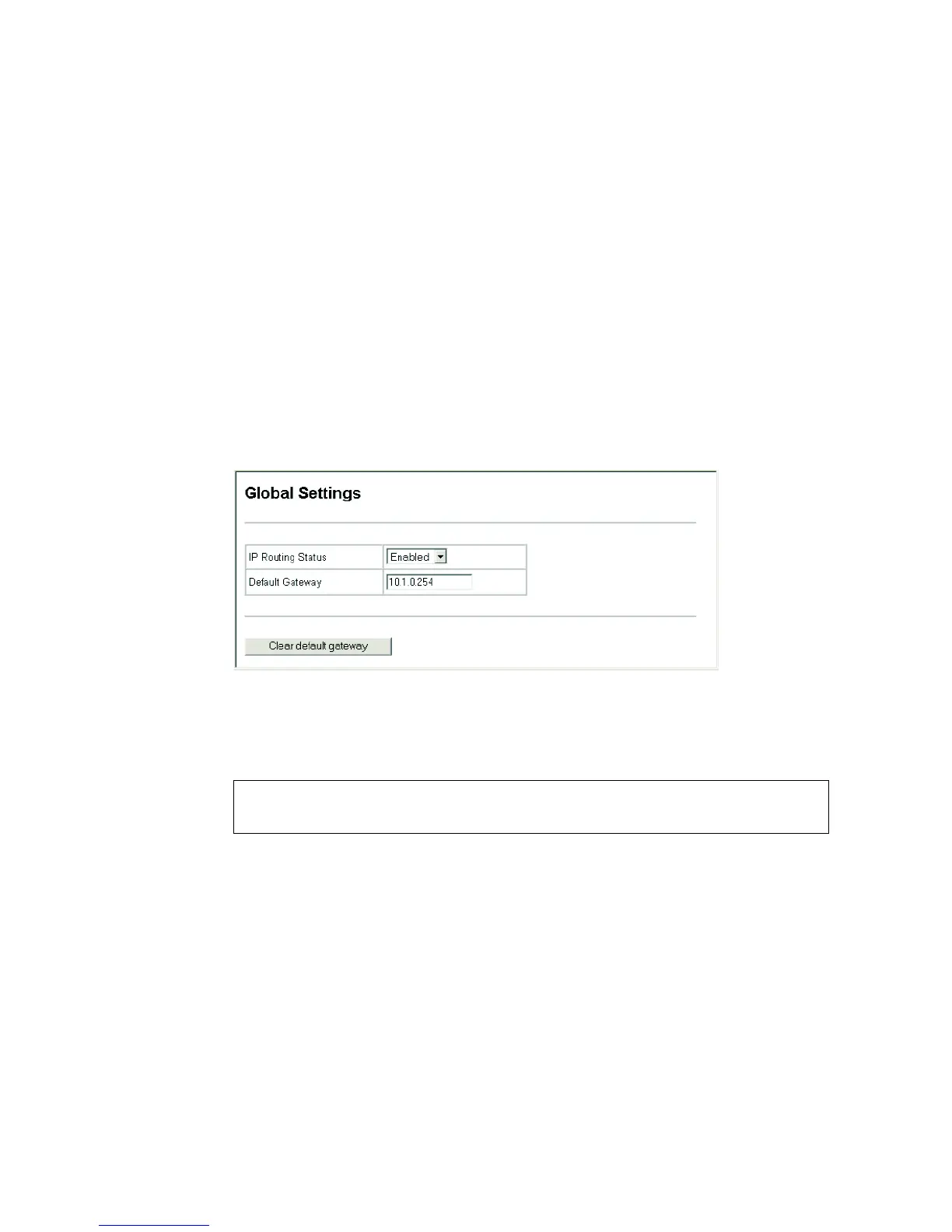
Web - Click IP, General, Global Settings. Set IP Routing Status to Disabled to
restrict operation to Layer 2, or Enabled to allow multilayer switching, specify the
default gateway which will be forwarded packets for all unknown subnets, and
click Apply.
Figure 173 IP Global Settings
CLI - This example enables IP routing, and sets the default gateway.
Console(config)#ip routing
Console(config)#ip route default 10.1.0.254



 To Next Page