111
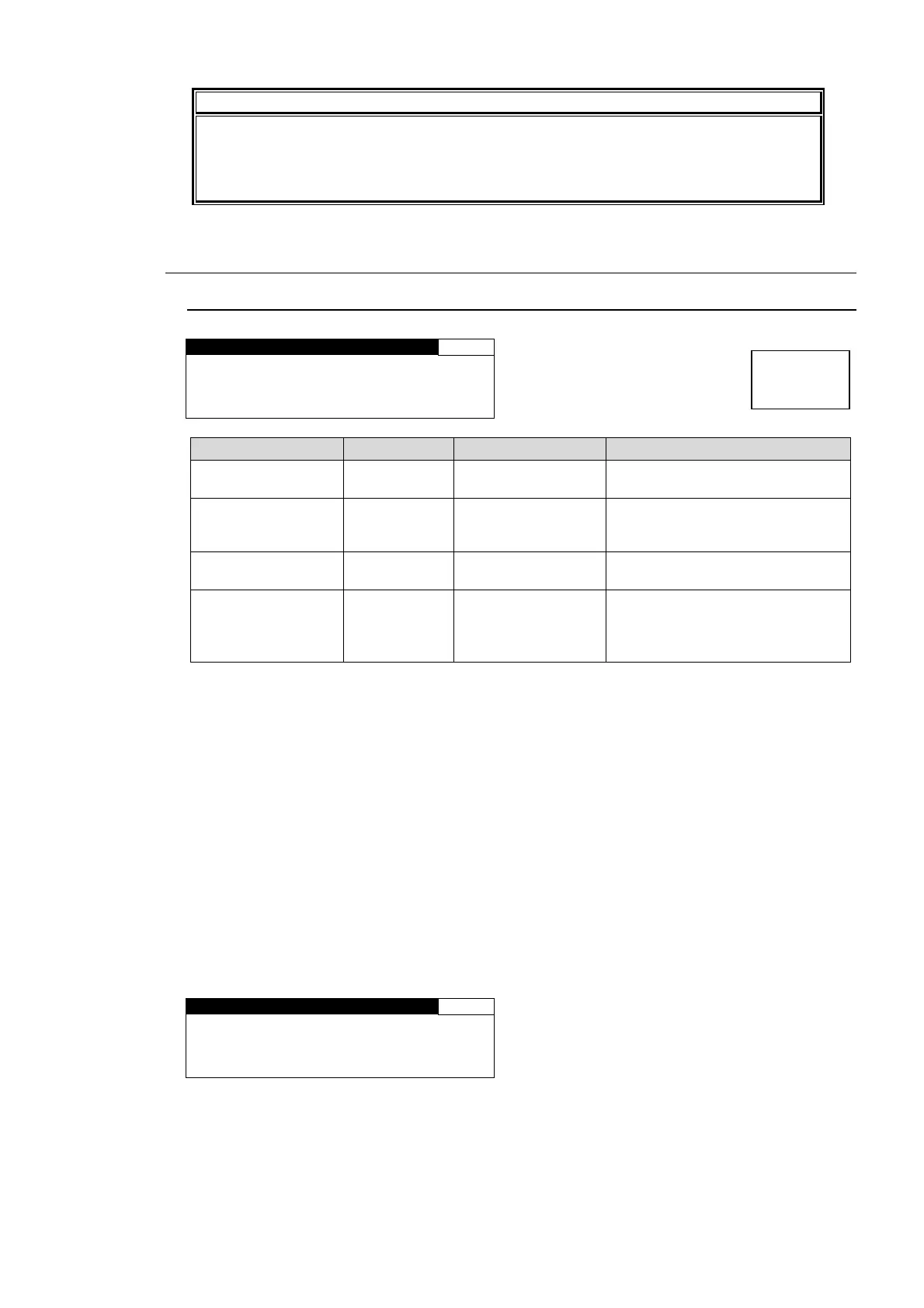
IMPORTANT
Changing the SOURCE SET settings may affect the phase alignment of the reference
and other channel pairs. If the alignment is turned off, set MASTER MUTE (see
section 6-4 “MASTER OUT GAIN Settings (MASTER)”) to on and off, or turn the unit
power off and on to regain the alignment.
6-6. AUDIO DELAY Settings
6-6-1. AUDIO DELAY
AUDIO DELAY 161
CH SEL:CH1
OFFSET: 0ms
MASTER: 16ms
TOTAL : 16ms
Parameter Default Setting range Description
CH SEL CH 1 CH1 - CH16
Selects a SOURCE channel for
which to set a delay.
OFFSET 0msec -998ms - 998ms
Sets the delay for the SOURCE
channel that is selected under CH
SEL.
*1
MASTER 16msec 2ms - 1000ms
Sets the offset to the delay for all
audio channels CH1 to 16.
*2
TOTAL - -
Displays the amount of delay set
under CH SEL for the SOURCE
audio channels.
*3
(OFFSET + MASTER)
*1 The OFFSET setting range varies depening on the MASTER setting.
*2 Enabling CONV DLY ADJ while CONV1 or CONV2 is in use adds a delay equivalant to 1
frame (2 frames for progressive signals) of the input video signal to the set value and the
menu displays the summed value. See sections 5-3 “CONV1 (UP/DOWN/CROSS
CONVERTER)”, 5-4 “CONV2 (UP / DOWN / CROSS CONVERTER)”, and 5-10-4 “VIDEO
SUB”.
*3 The total value of DELAY and MASTER should not exceed the setting range; between 2
and 1,000 msec. If the range is exceeded, the alert will be displayed as *1,000 msec or *2
msec. (if CONV DLY ADJ is disabled as described in section 5-10-4 “VIDEO SUB”.)
The amounts of delay in CONV1 and CONV2 will be displayed as shown below if CONV DLY
ADJ is enabled as described in section 5-10-4 “VIDEO SUB”. The displayed amount of total
delay will be the sum of delays in CONV1 and CONV2. The maximum delay is 1,000 msec+1
frame (2 frames for progressive signals) of the input video signal.
If a NON-PCM signal is assigned to a selected channel, the audio delay adjusted for the
channel will be applied to another channel of the stereo channel pair.
AUDIO DELAY 161
CH SEL:CH1
OFFSET: 0ms
MASTER: 16ms+20ms
TOTAL : 36ms
Menu button
CLIP
DELAY



 To Next Page