73
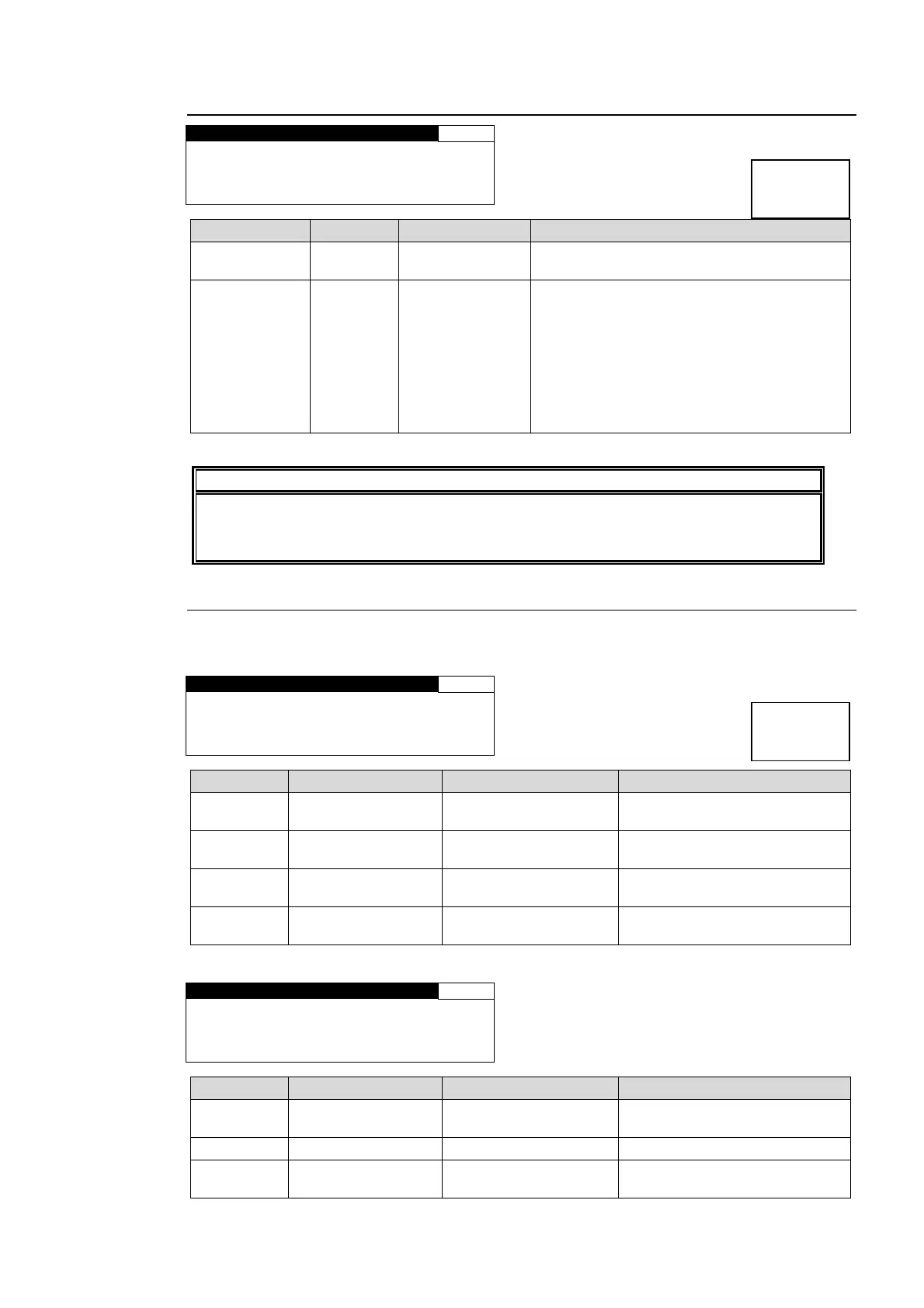
5-10-13. SD LINE MASK
SD LINE MASK 103
LINE SEL:LINE6
MASK SET:PASS
Parameter Default Setting range Description
LINE SEL LINE6 LINE6 - 23
Selects a line from lines 6 through 23 of an
SD-SDI or COMPOSITE output signal.
MASK SET PASS
PASS
BLANK
Sets the line selected in LINE SEL to PASS
or BLANK.
PASS: Outputs a line of the composite, Y/C
*1
, SD-SDI input signal that is the same
number as the selected output signal line to
a composite, Y/C
*1
, SD-SDI output signal
without processing.
BLANK: Masks the selected composite, Y/C
*1
, SD-SDI output signal line.
*1 Selectable only if FA-95AIO option is installed.
IMPORTANT
Ancillary data is embedded in signals at a later step of the process. Embedding will
occur if the line mask is set to the same line as that of the ancillary data to be
embedded.
5-10-14. ANC DETECT LINE
Allows you to select a line to detect ancillary RP186 VI or BT1119-2 WSS data in input signals.
For RP186 VI
ANC DETECT LINE 104
ANC : RP186 VI
FORMAT: 525/60
FIELD1: 14LINE
FIELD2: 277LINE
Parameter Default Setting range Description
ANC RP186 VI
RP186 VI
BT1119 WSS
Selects an ancillary data
standard.
FORMAT 525/60
525/60
625/50
Selects the input signal format.
FIELD1
14 LINE (525/60)
19 LINE (625/50)
12-19 LINE (525/60)
8-22 LINE (625/50)
Selects a line to detect ancillary
data in field 1.
FIELD2
277 LINE (525/60)
324 LINE (625/50)
275-282 LINE (525/60)
321-335 LINE (625/50)
Selects a line to detect ancillary
data in field 2.
For BT1119 WSS
ANC DETECT LINE 104
ANC : BT1119 WSS
FORMAT: 625/50
FIELD1: 23LINE
Parameter Default Setting range Description
ANC RP186 VI
RP186 VI
BT1119 WSS
Selects an ancillary data
standard.
FORMAT 625/60 625/50 Selects the input video format.
FIELD1 23LINE 8-23 LINE
Selects a line to detect ancillary
data in field 1.
Menu button
VIDEO SYS
AUDIO SYS
Menu button
VIDEO SYS
AUDIO SYS



 To Next Page